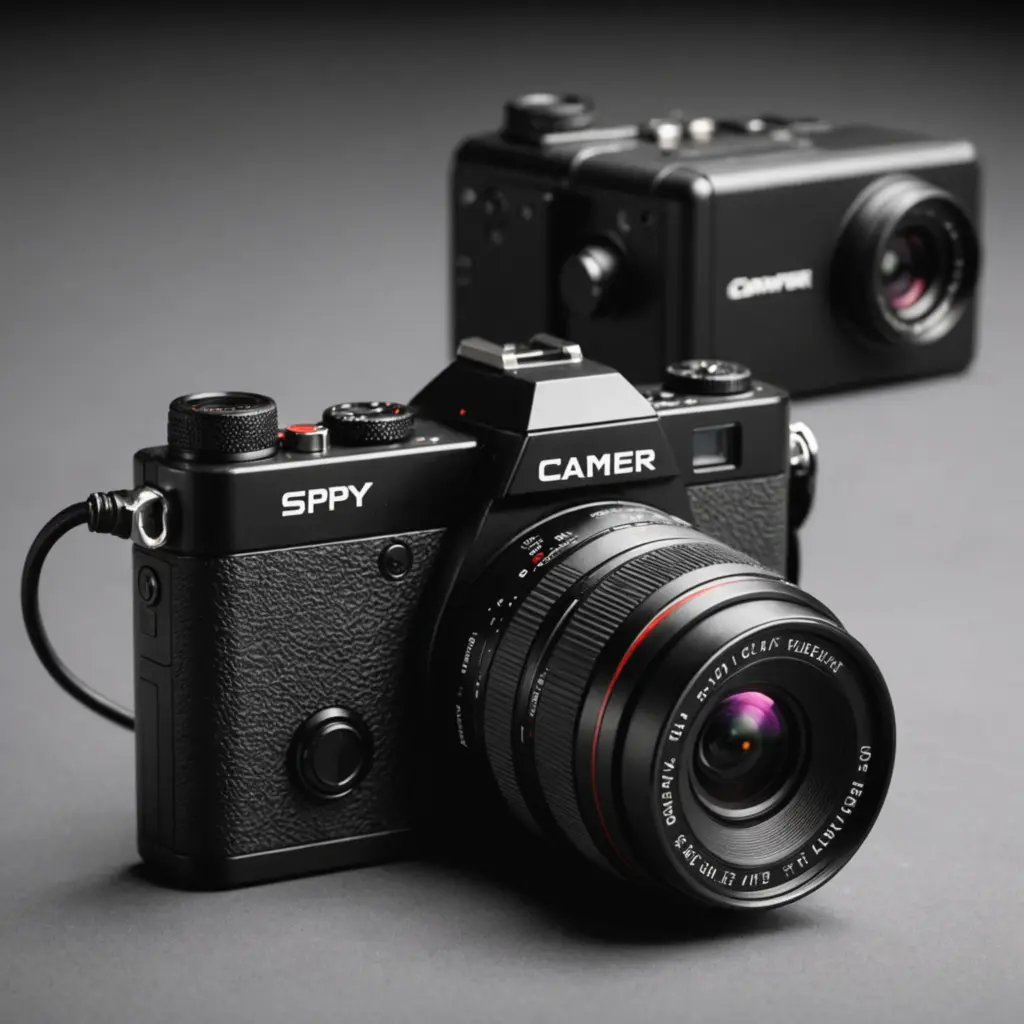

A spy camera with audio combines video recording with a built-in microphone in a compact device. Depending on the model, it may save footage to a microSD card, stream over Wi-Fi, send alerts to a phone, or connect to a wider surveillance system. These cameras can be useful for security and documentation, but audio recording introduces important privacy, consent, and legal considerations. Learn about recording quality in our audio capabilities overview to compare features and technologies effectively.
How cameras with audio work
Most compact audio-video cameras contain four basic components: an image sensor, a lens, a microphone, and a system for recording or transmitting data. The camera may record locally, connect to a home network, or upload clips to an app or cloud service.
Small models commonly use miniature electret or MEMS microphones. Their sound quality depends on microphone sensitivity, placement, background noise, and the camera’s audio-processing system. Video compression and low-light processing also affect storage requirements, battery life, and overall recording quality.
Common camera styles and applications
The right design depends on where the camera will be used and whether continuous recording is practical.
- Indoor compact cameras: Suitable for monitoring rooms, entrances, or other areas where a small footprint is useful. Motion detection can reduce unnecessary recording.
- Portable cameras: Pocket-sized video recorders can be convenient for fieldwork, inspections, or situations where a fixed installation is not appropriate.
- Vehicle cameras: Compact dash-style or interior cameras may record driving conditions and nearby sound, subject to applicable rules about recording inside or around a vehicle.
- Outdoor cameras: Models intended for outdoor use need suitable weather protection and a reliable power and network arrangement. Some rely on mains power, batteries, or solar charging.
- Pinhole-style cameras: These have a very small lens opening, but their discreet appearance does not remove the need to respect privacy and consent requirements.
Connecting a Wi-Fi camera to a phone
A wireless camera that connects to a phone normally uses a manufacturer’s mobile app. Initial setup often involves joining a temporary network created by the camera, selecting the intended home Wi-Fi network, and entering its password. Once configured, the app may provide live viewing, motion notifications, clip downloads, and settings for recording or storage.
Some cameras depend on cloud access, while others can store footage locally. More advanced models may offer a web interface or support standards such as RTSP or ONVIF, allowing integration with compatible recording software or a network video recorder. Check the documentation before buying if local storage or third-party integration is important.
Features worth comparing
Marketing descriptions do not always reveal how a small camera performs in real conditions. Compare the following features against the intended use: Compare audio recording options to understand how discreet devices capture sound alongside video.
- Audio quality: Look for clear speech capture and sensible noise handling rather than focusing only on microphone specifications.
- Low-light performance: Night vision may use infrared illumination and image processing. Confirm that the expected viewing area is suitable for the camera’s range.
- Motion detection: Adjustable sensitivity and motion-triggered recording can conserve storage and battery power.
- Storage: Determine whether the device uses a microSD card, cloud storage, or both. Cloud features may depend on an internet connection or service plan.
- Power: Continuous video and audio recording can drain a battery quickly. For long-term monitoring, a dependable wired supply may be more practical.
- Network security: Change default passwords, use strong account credentials, install available firmware updates, and secure the connected Wi-Fi network.
- Placement: A camera may be visually discreet, but walls, distance, and background noise can significantly reduce audio quality.
Privacy, consent, and responsible installation
Audio recording is often regulated more strictly than video. The applicable rules may depend on the location, the people being recorded, whether a conversation is private, and whether consent is required from one or all participants. Before recording, check the laws that apply where the camera will be installed and where the recorded people are located.
Do not use a hidden camera to record private conversations or personal spaces without proper authority and consent. In a home, discuss monitoring with household members where appropriate. In workplaces, rental properties, shared accommodation, or care settings, additional notice and permission may be required.
Outdoor placement also requires care. Aim the camera only at areas you are entitled to monitor, and avoid unnecessarily capturing neighbors’ property, private windows, or passersby. Keep recordings secure, limit access, and delete footage when it is no longer needed.
Choosing the right model
Start with the legitimate purpose of the camera rather than its smallest size. Decide whether you need local recording, remote access, night vision, long battery life, or clear speech capture. Then confirm how the device stores footage, how it connects to a phone, and whether its power and network requirements suit the installation.
A spy camera with audio can support security monitoring and useful documentation when selected carefully and used lawfully. Responsible placement, strong account security, and respect for consent are just as important as resolution, wireless connectivity, or the size of the camera.