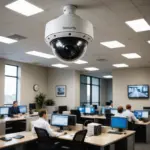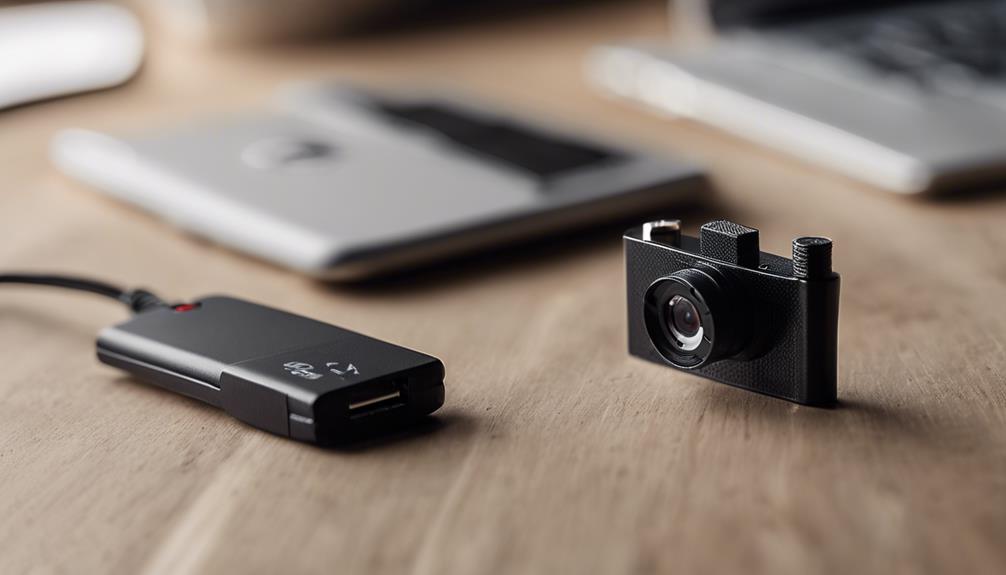

The best wireless home camera system is not necessarily the one with the most features. It is the system that provides dependable coverage, suitable image quality, practical power options, and clear control over how footage is stored and viewed. Before choosing a camera, consider which areas need monitoring, whether the camera will be indoors or outdoors, and whether you prefer a fully wire-free installation or a camera that uses mains power with Wi-Fi for video transmission. Explore discreet monitoring uses to understand how wireless home camera systems support privacy-conscious security in different settings.
Start with your coverage and power needs
Wireless cameras generally fall into two groups. Some connect to your home network over Wi-Fi but still use a wall outlet. Others are completely wire-free and rely on rechargeable batteries, replaceable batteries, or solar-assisted power. A plugged-in camera is usually better suited to locations that require continuous availability, such as a main entrance or a room with frequent activity. Battery-powered models are more flexible when there is no convenient outlet, but recording and live viewing can reduce battery life.
Make a simple coverage plan before buying:
- Identify entrances, driveways, paths, garages, and interior areas that need attention.
- Decide whether you need live viewing, motion-triggered clips, or continuous recording.
- Check whether each proposed camera location has a reliable Wi-Fi signal.
- Choose a power method that will remain practical after installation.
Indoor and outdoor camera requirements
Indoor cameras
Indoor wireless cameras can be useful for checking on children, pets, caregivers, or valuable areas of the home. Compact designs are easy to position, while two-way audio can allow communication through the camera. Motion detection and adjustable notification settings are also valuable because they can help reduce unnecessary alerts.
If privacy is important, look for features such as recording schedules, privacy modes, or a physical lens shutter. Place cameras only where monitoring is appropriate, and avoid bedrooms, bathrooms, or other areas where people reasonably expect privacy.
Outdoor cameras
Outdoor wireless cameras need more than a strong image sensor. Look for weather-resistant construction, secure mounting hardware, dependable night vision, and a power arrangement suited to the location. Infrared or color night vision can help capture activity after dark, but performance depends on placement, lighting, and the camera’s field of view.
For a driveway or yard, motion zones can help limit alerts caused by passing traffic or activity outside your property. If the camera is far from the router, a mesh Wi-Fi system or suitable extender may improve connectivity. In areas without convenient power or reliable Wi-Fi, a battery or solar-supported model may be worth considering, although its suitability depends on local conditions and usage.
Storage, alerts, and access
Storage is one of the most important differences between camera systems. Some cameras save footage to a cloud service, while others support a microSD card or local network video recorder. Cloud storage can make remote access and clip delivery straightforward, but may involve an ongoing service plan. Local storage can provide more direct control over recordings, though it requires managing the storage device and protecting access to it. For broader building surveillance planning, compare how wireless home camera systems support scalable monitoring strategies.
When comparing systems, check:
- Whether recordings are stored locally, remotely, or both.
- How long motion clips are retained.
- Whether the system supports multiple cameras in one app.
- How notifications are configured and whether activity zones are available.
- Whether two-way audio, account security, and encryption are provided.
Wireless reliability and installation
A wireless connection does not remove the need for careful installation. Test the network at the intended mounting point before fixing the camera in place. Walls, distance, and other sources of interference can affect performance. A camera with poor connectivity may miss events, delay notifications, or repeatedly disconnect.
Mount cameras high enough to reduce tampering, but keep them accessible for battery changes and maintenance. Aim them to cover the important approach or doorway without pointing unnecessarily into neighboring properties. After installation, test daytime and nighttime views, motion detection, notification delivery, and recorded playback.
Discreet monitoring and privacy
Small or discreet cameras may have legitimate uses, but hidden recording is a sensitive area. Laws concerning video surveillance, audio recording, employees, tenants, guests, and shared spaces vary by location. Audio can be subject to stricter rules than video. Do not use a concealed camera to invade someone’s privacy, and disclose monitoring whenever the law or circumstances require it.
For most homes, visible cameras provide a clearer and more responsible approach. If discreet placement is necessary for a legitimate reason, confirm the applicable rules first and avoid private areas. Privacy controls, recording schedules, and clear access permissions can help ensure that the system is used only for its intended purpose.
Build the system around your priorities
A practical wireless home camera system combines the right camera types rather than using identical models everywhere. You might choose a powered indoor camera for a frequently used room, battery-operated cameras for less accessible areas, and weather-resistant outdoor cameras for entrances and the perimeter. Prioritize reliable connectivity and an appropriate power plan before paying extra for features you may not use.
The strongest choice is the system that covers the areas that matter, records in a way you can manage, and continues working without constant adjustment. Careful placement, suitable storage, privacy-conscious settings, and regular checks will make more difference than a long list of specifications.