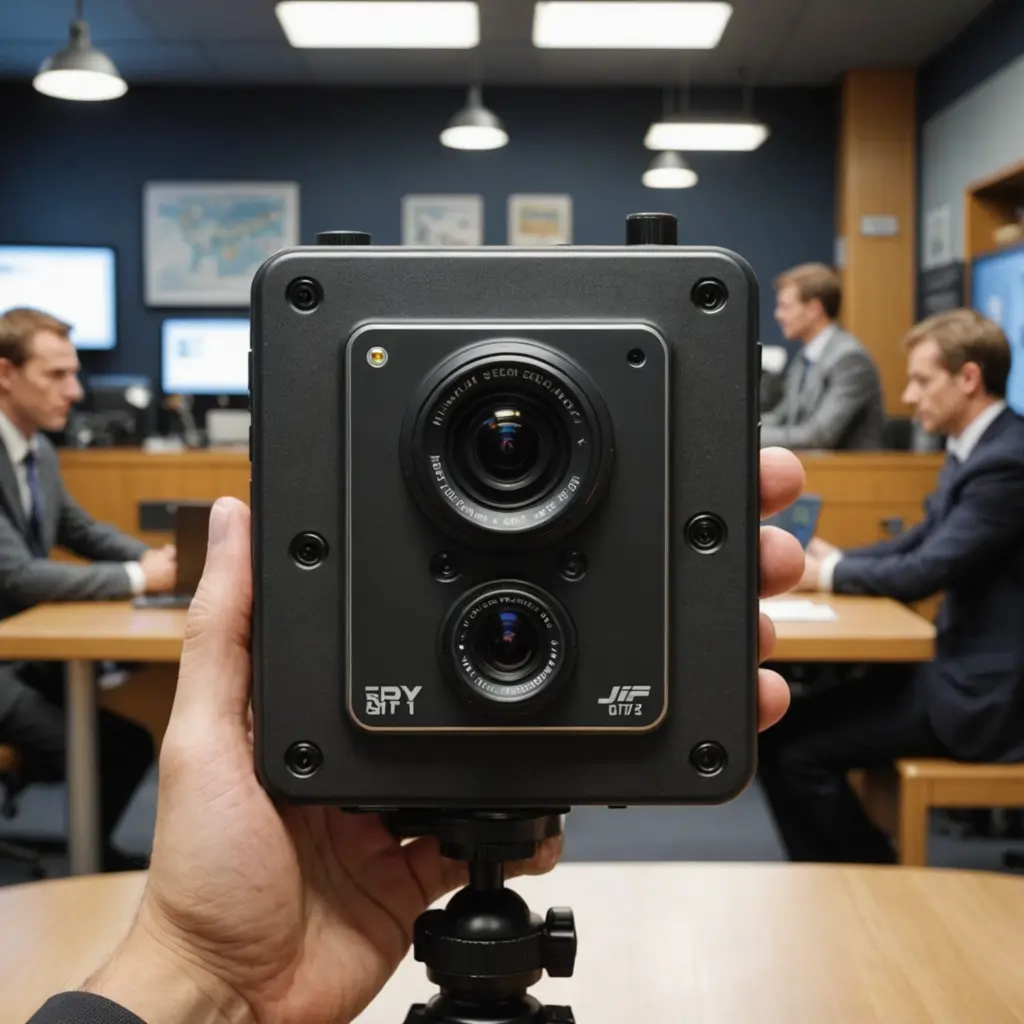

A Blink add-on camera is a practical way to extend an existing Blink security setup without replacing the cameras you already own. Instead of committing to a larger bundle, you can add coverage where it is actually needed—such as a side entrance, garage, driveway, home office, or delivery area. When evaluating Blink add-on cameras, consider compact wireless models to compare them with covert camera categories.
The best choice depends on your existing Blink equipment, the location you want to monitor, and whether you prefer battery power, wired operation, cloud storage, or local storage. Before buying, confirm that the camera model is compatible with your account and Sync Module configuration.
What a Blink add-on camera does
An add-on camera is an additional Blink camera designed to work within an existing Blink system. After it is connected, you can generally manage it through the same Blink app used for your other cameras. This allows you to view live footage, receive motion alerts, adjust settings, and organize multiple cameras from one account.
Depending on the model, features may include HD video, infrared night vision, motion detection, two-way audio, and weather-resistant construction for outdoor locations. Features and requirements vary between indoor and outdoor models, so check the specifications for the particular camera rather than assuming every Blink device offers the same options.
Why add one camera instead of buying a complete kit?
A single add-on camera is useful when your current system covers most of the property but leaves one important blind spot. For example, you may already monitor the front door and living room but still need visibility around the back gate. Buying one additional unit can be more economical and less disruptive than replacing the whole setup.
- Expand gradually: Add cameras as your security needs change.
- Match the camera to the location: Choose an indoor or outdoor model for the environment.
- Keep one control system: Manage compatible cameras through the Blink app.
- Avoid unnecessary equipment: Buy only the number of cameras required for your coverage plan.
On the other hand, a multi-camera package may offer better value if you are starting from scratch or need several viewpoints immediately. A Blink camera four-pack can simplify installation across a larger home, while a Blink Outdoor three-camera system may suit someone planning exterior coverage from the beginning. An add-on is most attractive when you already have a working system and need a targeted expansion.
Power, connection, and storage considerations
Battery-powered operation makes Blink cameras convenient for areas without an electrical outlet. Battery life depends on factors such as motion frequency, temperature, live-view use, and recording activity. A camera facing a busy street may require more frequent battery changes than one monitoring a quiet hallway. Some models also support wired power, which can be useful in high-traffic locations. For expanded coverage beyond Blink’s add-on options, consider this compact 1080p option for discreet placement.
Many Blink configurations use a Sync Module to connect cameras and coordinate the system. Place the add-on camera where it can communicate reliably with the module, and take walls, distance, and other obstructions into account. Storage options depend on the equipment and service plan involved. Some setups use cloud storage, while a Sync Module 2 with a compatible USB drive can support local storage. Review the requirements for your specific model before deciding how footage should be saved.
Placement and setup tips
Begin by identifying a specific security purpose for the camera. A clear goal makes placement and motion settings easier to manage. Entryways, gates, package drop-off points, garages, and approaches to outbuildings are common examples.
- Install or position the camera so the important approach is visible without pointing into unnecessary private areas.
- Keep it within a reliable range of the Sync Module or required network equipment.
- Test the image during both daylight and nighttime conditions.
- Adjust motion sensitivity and detection zones to reduce alerts caused by traffic, moving branches, or other routine activity.
- Check battery access or cable routing before finalizing the mount.
A camera should be unobtrusive enough to fit naturally into its surroundings, but discreet placement should not be confused with secret surveillance. Avoid positioning it where the image includes more of a neighbor’s property or a shared area than necessary.
Privacy and responsible use
Use an add-on camera for legitimate security and monitoring purposes, and follow the laws that apply where you live. Never place cameras in bathrooms, changing areas, bedrooms used by guests, or other locations where people reasonably expect privacy. If the camera records household members, visitors, workers, or shared spaces, provide appropriate notice and obtain consent where required.
These considerations are especially important when comparing ordinary security cameras with specialized or covert camera categories. A Blink add-on camera is intended to be part of a managed home-security system, not a tool for secretly recording people. Respecting privacy protects relationships as well as your legal position.
Is a Blink add-on camera right for you?
Choose an add-on camera when you already have compatible Blink equipment and want to fill a particular coverage gap. Consider a multi-camera kit when you need several cameras at once or are building a system from the beginning. In either case, plan the viewing angles, connection requirements, power source, storage method, and privacy boundaries before installation. A well-placed additional camera can make an existing system more useful without adding unnecessary complexity.