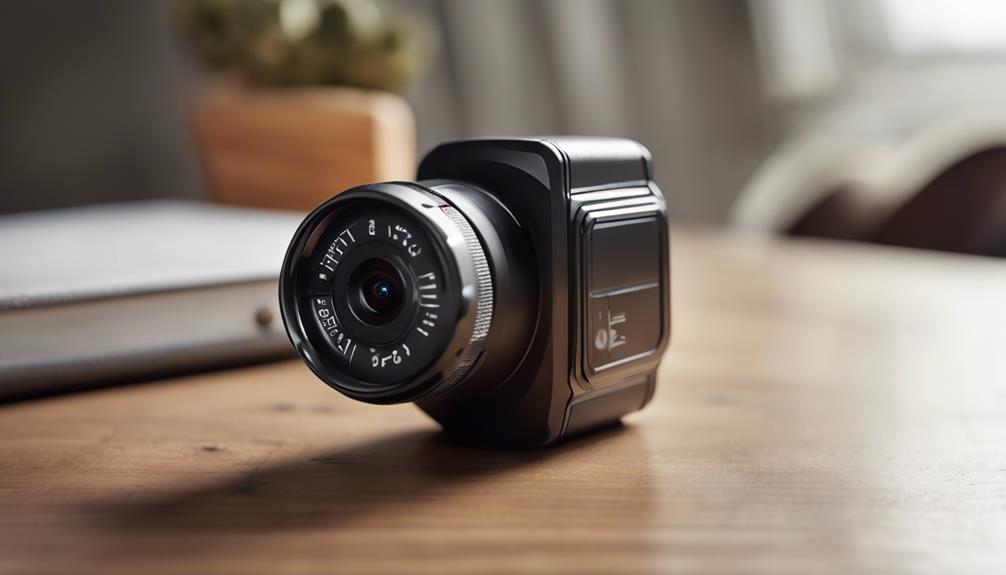

Bluetooth spy cameras are designed for situations where a small camera and short-range wireless connection are useful. Their appeal comes from a combination of compact hardware, phone-based control, motion-triggered recording, and discreet placement. However, these devices should be used responsibly: recording people in private spaces or capturing audio without the required permission may violate privacy laws and workplace or household policies.
Compact Design for Low-Profile Monitoring
One of the defining characteristics of a Bluetooth spy camera is its small, unobtrusive form. A compact camera can be easier to position in a room, vehicle, office, or other permitted monitoring area without taking up much space. Its size may also make installation less disruptive than setting up a larger security camera.
Discreet does not mean invisible or automatically lawful. The camera should be placed only where monitoring is permitted, and people who may be recorded should be informed when consent or notification is required. Avoid bedrooms, bathrooms, changing areas, and other places where individuals reasonably expect privacy.
Bluetooth Connectivity and Device Compatibility
Bluetooth provides a convenient way to connect a camera with a nearby smartphone or tablet. Depending on the device, this connection may be used for initial setup, changing settings, viewing a live feed, or transferring selected recordings.
Before choosing a camera, check which mobile operating systems and devices it supports. Bluetooth is generally intended for short-range communication, so it should not be treated as a replacement for an internet-connected camera. Walls, interference, and distance can affect reliability, and a phone may need to remain within range for certain functions to work.
Security also matters. Use a strong device passcode, protect the companion app with authentication when available, and avoid leaving the camera paired with unfamiliar phones. These basic steps help reduce the risk of unauthorized access to live views or stored footage.
Remote Viewing: Understand the Limits
Some Bluetooth camera systems allow users to view a live image or review recordings through a mobile app. This can be useful for checking a permitted area without standing beside the camera. It may also simplify camera adjustments during setup.
Bluetooth alone does not provide unlimited remote monitoring from any location. Its practical range is limited, and the exact experience depends on the camera, phone, app, and surrounding environment. If a product advertises access from far away, that feature may rely on another connection method rather than Bluetooth itself. Read the product documentation carefully instead of assuming that every wireless camera supports the same functions.
Motion Detection and Activity Alerts
Motion detection can make recordings easier to manage. Rather than recording continuously, the camera may begin recording when movement is detected. This can reduce unnecessary footage and make important events faster to review.
Some systems also provide alerts through a connected device. Before enabling notifications, adjust the sensitivity if the option is available. Excessive sensitivity can result in alerts caused by pets, changing light, curtains, or other harmless movement. Motion detection should be regarded as a convenience feature, not a guarantee that every event will be captured.
Video and Audio Recording
Clear video is important when footage must be reviewed later. Look for practical details such as image clarity, performance in the intended lighting conditions, recording controls, and how files are stored. A camera’s results will depend not only on its advertised resolution but also on placement, lighting, lens position, and available storage.
Audio requires particular care. Recording conversations can be subject to stricter consent rules than recording images, and laws differ by location. If audio is not necessary for the legitimate purpose of the camera, disabling it may reduce privacy risks. Never assume that a small camera’s ability to record sound makes that recording lawful.
Setup and Everyday Use
A well-designed camera should provide clear setup instructions and a straightforward mobile interface. Typical setup tasks may include charging the unit, installing the companion app, pairing the camera, selecting recording preferences, and checking the viewing angle.
- Test the connection before relying on the camera.
- Choose a stable position with an unobstructed view.
- Confirm how recordings are saved, exported, and deleted.
- Keep the camera and app software protected with secure credentials.
- Review local privacy, consent, and recording requirements.
Choosing a Bluetooth Spy Camera Responsibly
Bluetooth spy cameras can be convenient for authorized monitoring, equipment checks, property security, or other clearly permitted uses. Their most useful features are portability, nearby wireless control, motion-triggered recording, and app-based access. Their limitations include short Bluetooth range, dependence on battery and storage, and the need to manage privacy carefully.
Choose a model based on the environment, required recording quality, connection range, and lawful purpose—not simply on how hidden it can be. Used transparently and within applicable rules, a compact Bluetooth camera can provide practical monitoring without unnecessary complexity.