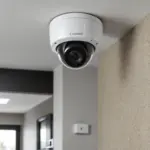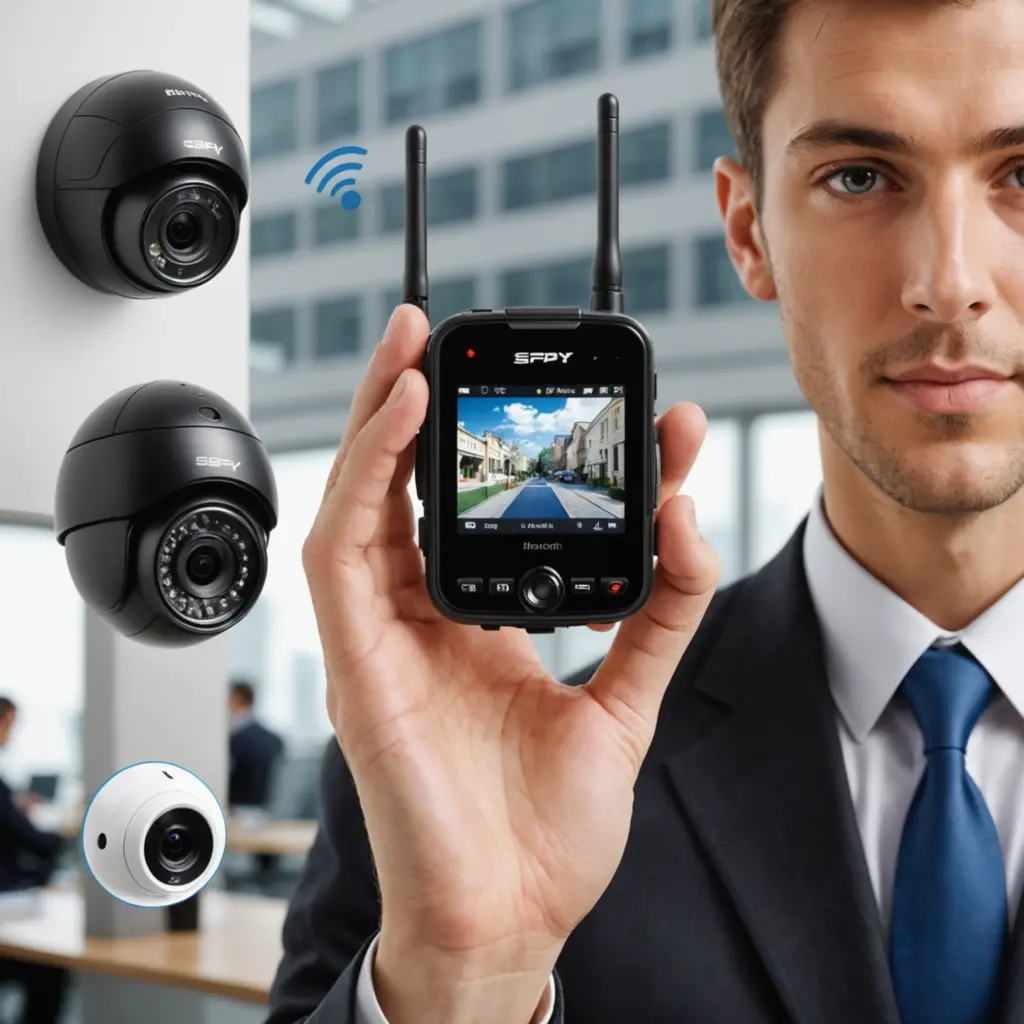

Bluetooth wireless cameras offer a compact way to capture or review video without relying on a permanent wired connection. Their main strengths are portability, relatively low power use, and simple short-range communication with a phone or nearby hub. They are not a universal replacement for Wi-Fi cameras, particularly when continuous remote viewing is required, but they can be useful for temporary monitoring, local recording, and lightweight video capture. Learn how Bluetooth-enabled recording and connectivity influence wireless surveillance features when choosing discreet monitoring options.
How Bluetooth wireless cameras work
A Bluetooth camera communicates with a paired smartphone, tablet, or gateway over a short distance. Bluetooth may handle setup, device control, status information, or a nearby live preview, while the camera records footage to local storage such as a microSD card. Some systems use a hub or bridge to forward locally captured footage through another network connection.
This arrangement can reduce the camera’s dependence on an internet connection. It also means that range and bandwidth need to be considered carefully. Bluetooth is intended for nearby communication, so a camera placed too far from its paired device or gateway may lose its connection. A Bluetooth-based system is therefore best suited to local access, short-term deployments, or installations where a nearby bridge can relay data.
Features worth evaluating
The right feature set depends on whether the camera is intended for home monitoring, portable recording, or outdoor use. Useful capabilities may include:
- Local recording: A memory card can provide storage without requiring continuous cloud access or a subscription.
- Motion detection: Recording only when activity is detected can conserve battery power and storage space.
- Scheduled and loop recording: These options help control when recording takes place and how limited storage is managed.
- Night vision: Infrared illumination can support recording in low-light conditions, although the usable range varies by device and environment.
- Battery performance: Battery capacity, recording settings, motion sensitivity, and wireless use all affect operating time.
- Mounting options: Magnetic or compact mounts can make temporary placement easier, provided the camera is positioned lawfully and openly where required.
- App quality: A reliable pairing process and clear playback controls are often more important than a long list of advertised features.
Common home and portable uses
Inside the home, a Bluetooth camera may be used to check on a pet, observe an entry area, monitor a nursery, or review activity in a room. Local storage can be attractive when the owner wants footage to remain on the device rather than being uploaded automatically. If remote access is important, confirm that the particular camera supports a compatible bridge or another method of relaying footage.
Portable models can be useful when a small, battery-powered camera is needed for short-term recording or nearby live review. Their compact design may suit field work, temporary documentation, or situations where running a cable is impractical. However, Bluetooth alone is generally less suitable for continuous long-distance surveillance. For that purpose, a camera designed for a broader network connection may be more appropriate.
Outdoor considerations
An outdoor installation requires more than wireless connectivity. Check the housing’s weather-resistance rating, mounting stability, expected temperatures, and access to power. A Bluetooth camera may work outdoors when its paired phone or gateway remains within range, but walls, distance, and other obstacles can weaken the connection. For sharper footage, compare Bluetooth 4K options when choosing a wireless camera for flexible monitoring.
Before relying on the system, test it in the exact intended location. Confirm that motion detection covers the necessary area, night vision produces usable footage, and recordings can be retrieved when the camera is separated from the phone or hub.
Security, privacy, and responsible use
Video footage can reveal sensitive information, so wireless convenience should not come at the expense of basic security. Use secure pairing when available, change default passwords in the camera or companion app, install firmware updates, and limit access to trusted devices. If footage is synchronized to a cloud service, review its storage and sharing settings before enabling that option.
Recording laws differ by location. Do not place a camera in areas where people reasonably expect privacy, and consider whether consent or notice is required before recording audio or video. A discreet form factor does not remove these responsibilities. Use the camera for legitimate, proportionate purposes and protect recorded material from unnecessary access.
Choosing and setting up a Bluetooth wireless camera
Start by identifying the main requirement: local indoor monitoring, portable recording, or outdoor use with a nearby gateway. Then compare battery life, storage options, night performance, motion controls, mounting, app reliability, and security features. During setup, pair the camera using the manufacturer’s instructions, update its software, set a strong unique password where supported, and test both recording and playback.
Bluetooth wireless cameras are most effective when their short range is treated as a design constraint rather than overlooked. Matched with the right environment and configured with sensible privacy and security controls, they can provide a convenient low-power option for nearby monitoring and portable video capture.