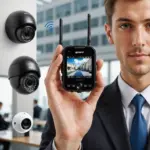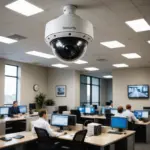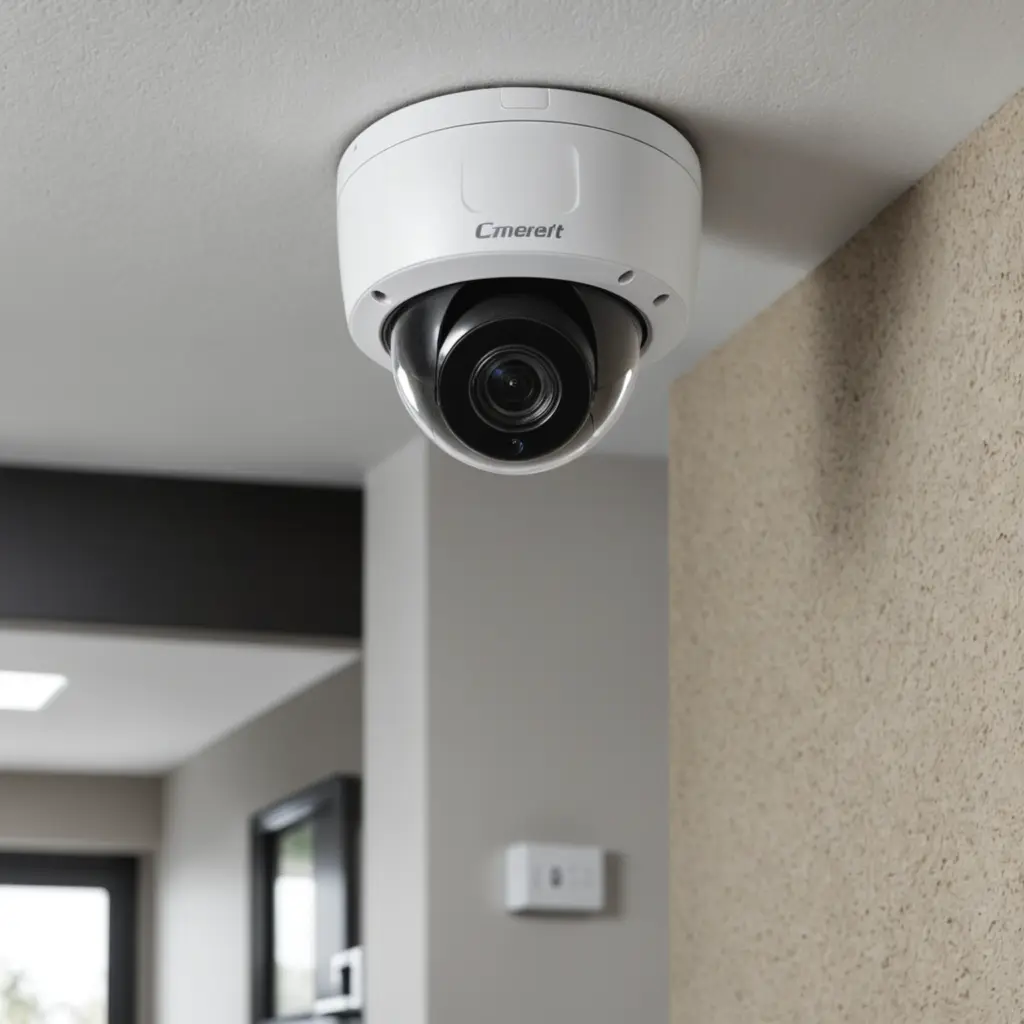

A smart security camera can help homeowners and small businesses monitor entrances, protect valuable areas, and review activity remotely. The quality of the result depends on more than the camera itself. Placement, lighting, connectivity, power, storage, and privacy practices all affect whether a system provides useful and dependable footage. Understanding discreet monitoring options can help homeowners choose appropriate placements during smart security camera installation.
A successful installation begins with a clear monitoring goal. Decide which areas need coverage, how alerts should work, where recordings will be stored, and who should be allowed to access them. Planning these details before mounting equipment helps reduce blind spots, false alarms, and avoidable maintenance problems.
Plan the coverage before installing cameras
Walk around the property during both daylight and low-light conditions. Note entrances, driveways, hallways, storage areas, and other locations where activity needs to be observed. Check for obstructions such as walls, foliage, vehicles, furniture, or strong light sources that could interfere with the view.
Camera height involves a trade-off. A higher position can make tampering more difficult and provide a broader view, but an overly steep angle may make faces or other details harder to identify. Aim each camera so that important areas remain visible without pointing directly at bright windows, lamps, or reflective surfaces.
- Cover primary entrances and other access points.
- Reduce blind spots around the property rather than relying on one camera to view everything.
- Keep the lens clear of shelves, decorations, branches, and other obstructions.
- Test the view from the camera’s actual mounting position before permanently securing it.
Choose the right installation type
Wired, wireless, and hybrid systems each have practical advantages. Wired cameras generally provide consistent power and may connect to a network video recorder or another local recording device. Wireless cameras are easier to reposition, but their reliability depends on Wi-Fi strength and, for battery models, available battery life. A hybrid setup can combine wireless devices with wired or Power over Ethernet connections where stable performance is especially important.
Before drilling or routing cable, test the network connection at every proposed location. A camera that works well beside the router may perform poorly at the edge of a building or behind dense construction materials. For wired installations, use suitable anchors or attach mounts to solid structural material. Keep cables protected and arranged so they do not place strain on the camera or create a hazard.
Set up the camera securely
Update the camera’s firmware before putting it into regular use. Create a strong, unique account password and enable two-factor authentication when the device supports it. Limit access to people who genuinely need it, and review account permissions periodically.
Configure motion detection after the camera is mounted. Activity zones can focus alerts on a doorway, gate, or walkway while excluding roads, neighboring property, trees, or other sources of irrelevant movement. Adjust sensitivity gradually and test the results at different times of day. For business properties, office surveillance planning helps tailor smart camera installation to workplace layouts and privacy requirements.
Confirm how recordings will be stored. Depending on the equipment, footage may be saved locally, on a network video recorder, or through a cloud service. Set a retention period that matches the monitoring purpose and available storage. Make sure the system’s clock is correct so recordings have useful timestamps.
Discreet monitoring and responsible use
Some owners want cameras to blend into their surroundings rather than draw attention. A discreet installation can be appropriate for protecting an entrance or monitoring a permitted area, but concealment does not remove privacy responsibilities. Do not install cameras in places where people reasonably expect privacy, such as bathrooms or bedrooms, and do not use equipment to record people without understanding the consent and recording rules that apply in your location.
In shared homes, workplaces, rental properties, or care settings, transparency may be required and is often the most responsible approach. Inform occupants, workers, visitors, or service providers when appropriate, and use visible notices where local requirements call for them. Avoid recording more space or audio than is necessary for the stated security purpose. If footage may be used after an incident, preserve the original file, note when it was collected, and restrict access to protect its integrity.
Maintain and improve the system
Inspect the installation regularly rather than waiting for a missed event to reveal a problem. Clean the lens, check the camera angle, test motion alerts, and verify that recordings are being saved correctly. Review battery levels on portable cameras and confirm that firmware and account security settings remain up to date.
Wireless dropouts, excessive alerts, and dark or washed-out footage are signs that the system needs adjustment. Repositioning a camera, changing motion zones, improving the network connection, or moving a device to a more suitable power source may resolve the issue. Periodic reviews also help identify new obstructions, damaged cables, or areas that need additional coverage.
With careful planning, secure configuration, and respect for privacy, smart security camera installation can provide useful monitoring without creating unnecessary risks. The best system is one that covers the areas that matter, records reliably, and remains manageable over time.