
Digital cameras now range from everyday compact models to very small modules designed for security, documentation, and specialist projects. A camera’s physical size is only one part of the decision. Image quality, power requirements, storage, connectivity, placement, and lawful use all affect whether a device is suitable for a particular setting. Transitioning from Camera Digital Camera basics, learn covert imaging features powering modern spy devices.
What makes a compact digital camera useful?
Small cameras are valuable when equipment needs to be portable, unobtrusive, or easy to install. A compact body can fit into a tight space, attach to a vehicle or piece of equipment, or provide a less distracting way to document an environment. However, reducing the size can also limit battery capacity, lens performance, controls, and cooling. The best choice depends on whether convenience or image quality is the main priority.
For general photography, a compact camera may offer better controls and optics than a phone while remaining easy to carry. For monitoring a property or recording a fixed area, a small security camera may be more appropriate because it can support motion-triggered recording, continuous power, and remote access.
Important features to compare
Resolution, sensor, and lens quality
Resolution describes the amount of image detail a camera can record, but a higher pixel count does not automatically produce better footage. Sensor size, lens quality, focus accuracy, exposure control, and image processing all influence the result. In low light, a camera with a well-designed sensor and lens may produce more useful footage than a smaller model promoted mainly by its megapixel rating.
Before buying, consider the distance between the camera and the subject, the required viewing angle, and whether fine details such as faces, labels, or vehicle plates need to be visible. A wide-angle lens covers more space but can make distant subjects appear smaller.
Low-light performance and infrared
Daylight performance does not indicate how a camera will work at night. Some models use infrared illumination for dark scenes, while others rely on visible lighting or a nearby light source. Check how the camera handles changing light, glare, shadows, and movement. Night footage should be tested in the actual location rather than judged from specifications alone.
Recording, storage, and alerts
Digital cameras may save files to removable storage, internal memory, a network device, or an online service. Local storage can reduce dependence on an internet connection, while remote storage can help preserve footage if the camera is damaged or removed. Cloud services may also add recurring costs, so compare the full operating expense with the purchase price. Explore front screen features to compare how digital cameras improve framing, selfies, and everyday shooting.
- Motion detection: Helps reduce unnecessary recordings and conserve storage.
- Scheduled recording: Allows recording only during selected hours.
- Loop recording: Reuses storage by replacing the oldest files when space runs out.
- Remote viewing: Lets an authorised user check the camera through a connected device.
- File export: Makes it easier to save important clips in a standard format.
Power and connectivity
Battery-powered mini cameras are convenient but require charging or replacement batteries. Continuous recording can shorten runtime considerably, especially when wireless communication and night illumination are active. A mains-powered or wired installation may be more dependable for a fixed location, provided the cable can be installed safely and discreetly.
Wi-Fi can simplify setup, but signal strength should be checked where the camera will operate. Use strong account credentials, update the device according to the manufacturer’s instructions, and restrict access to authorised users. Avoid placing a camera on an unsecured network, particularly when it records inside a home or business.
Choosing the right form factor
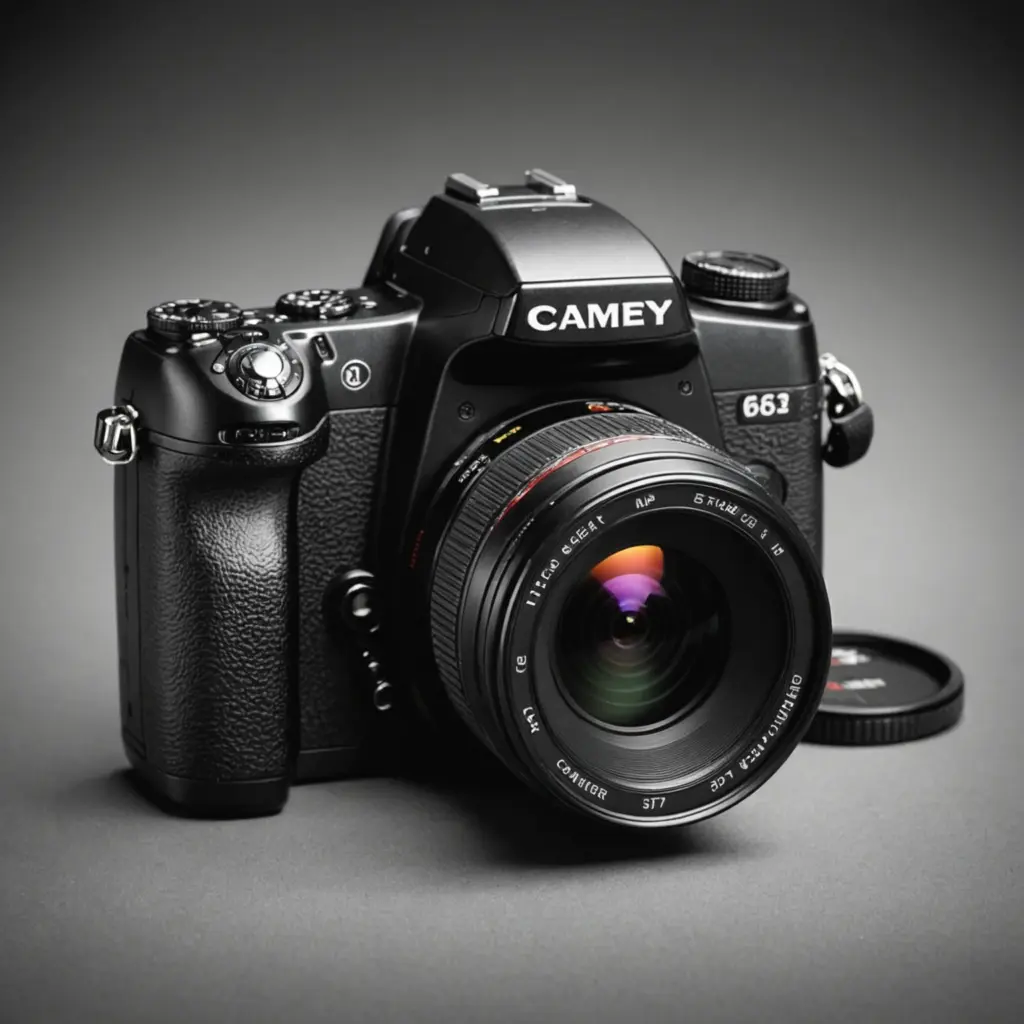
A thin camera can suit narrow mounting locations, while a compact camera with a conventional body may be easier to adjust and maintain. Larger digital cameras, including models with more advanced lenses, generally provide greater control over composition and image quality but are less suitable where minimal equipment is important. A finish that matches the surrounding furniture or equipment may help a camera blend into its environment, but concealment should never be used to bypass privacy rights or consent requirements.
Responsible and lawful use
Recording rules vary by location and may distinguish between video and audio. Before installing any camera, determine whether consent, notices, workplace policies, or other permissions are required. Do not record in places where people reasonably expect privacy, such as bathrooms, changing areas, or private sleeping spaces. For homes and businesses, limit monitoring to a clearly defined security or documentation purpose and inform affected people when the law requires it.
Good installation practice is as important as the camera itself. Test the viewing angle, motion sensitivity, night performance, storage capacity, and remote access before relying on the system. Plan for battery changes, firmware maintenance, secure footage handling, and regular deletion of recordings that are no longer needed.
Making the decision
When comparing digital cameras and compact monitoring devices, assess the complete system rather than focusing only on cameras prices or headline resolution. Match the lens and sensor to the scene, choose storage that fits the recording schedule, confirm that power is practical, and include subscriptions and maintenance in the budget. A well-chosen camera should provide useful images reliably while respecting the privacy, safety, and legal rights of the people within its view.