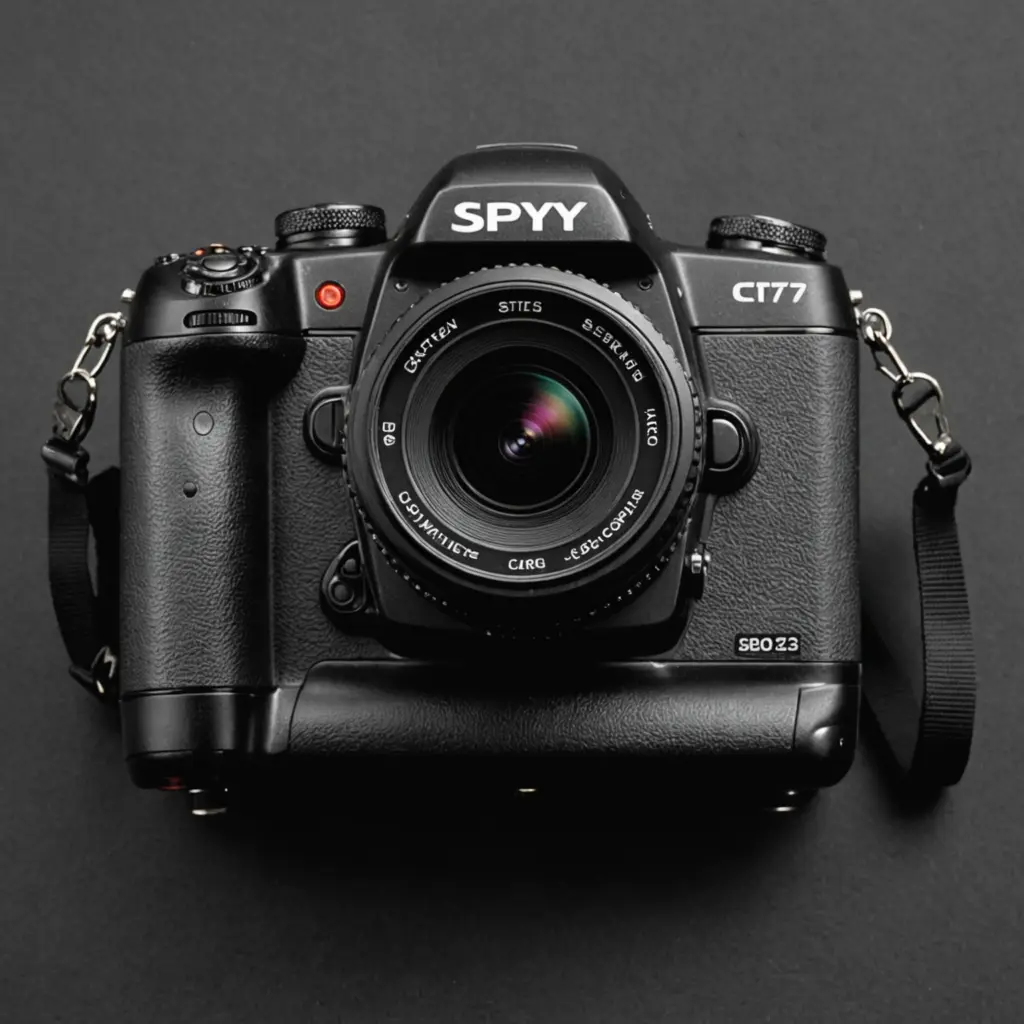

A front-facing screen can change the way a digital camera is used. It helps solo creators frame themselves, makes unusual shooting angles easier to manage, and provides a quick way to check composition without relying on a phone or external monitor. For cameras used in security or inspection settings, the same display can help confirm lens coverage and review clips on site. Understanding front screen monitoring helps evaluate spy camera features and technology for discreet surveillance.
What is a front-facing camera screen?
A front-facing screen is a display that can be turned, tilted or positioned so the person operating the camera can see it from in front of the lens. Depending on the design, it may be a fully articulating panel, a screen that flips upward, or a smaller built-in monitor intended mainly for status information and preview.
This feature is different from a camera with a front-facing lens alone. A front screen shows the image being recorded, allowing the operator to check framing, focus and general exposure while remaining in front of the camera.
Important features to compare
Screen movement and visibility
A fully articulating display offers the greatest flexibility. It can face forward for selfies and video, fold inward for protection, or tilt to help with low- and high-angle photography. A simpler flip-up design may be smaller and lighter, but it can provide fewer positioning options.
Brightness and viewing angle are especially important outdoors. A screen that is difficult to see in direct sunlight can make a camera’s front-facing capability much less useful. Anti-glare treatment, adjustable brightness and a clear preview all improve usability.
Resolution, colour and controls
A higher-resolution display makes it easier to judge whether a subject is sharply focused. Reasonable colour accuracy also helps when checking exposure and the overall appearance of a scene, although the screen should not be treated as a substitute for reviewing the final file on a larger display.
Touch controls can speed up menu navigation and focus selection. Physical buttons remain valuable when operating the camera in cold conditions, low light or situations where the user does not want to look away from the subject.
Power consumption and durability
Larger, brighter displays can use more battery power. Look for automatic screen-off settings, adjustable brightness and a battery capacity that suits the intended recording time. A display that folds inward when not in use may also be better protected during transport. Comparing front-screen viewing options can also clarify what to expect from front-screen audio monitoring in home systems.
For regular field use, consider the hinge, screen surface, weather protection and availability of service or replacement support. A technically impressive display is less useful if it is fragile or difficult to operate reliably.
When a front screen is most useful
- Self-recording: Vloggers, presenters and casual users can check their position and framing without another person behind the camera.
- Tripod work: A forward-facing display makes it easier to compose a shot when the camera is placed several steps away.
- Unusual angles: Tilting the screen can help when photographing above a crowd, close to the ground or around an obstacle.
- Quick verification: Operators can confirm that a lens is pointed at the intended area and review a short recording without immediately transferring files.
For security, inspection or monitoring equipment, a built-in display can reduce setup time. However, the screen should be viewed as a convenience rather than proof that a camera is suitable for every surveillance task. Image quality, storage, low-light performance, recording controls and data security remain important.
Front screens and discreet camera technology
In devices marketed around spy camera features and technology, a display can be helpful during setup but may be undesirable during operation. A bright screen or visible status light can draw attention, so a suitable model should offer screen timeout, display-off controls or a way to fold the panel away.
Other features may include motion-triggered recording, night capture, local storage and remote access. Network-connected cameras should be assessed carefully for password controls, encryption, firmware support and secure storage of recorded footage. Remote viewing is convenient, but it also creates another path through which private recordings could be exposed.
Legal and ethical use
Any camera can affect other people’s privacy, especially when it is small or designed to operate discreetly. Recording laws differ by location and may cover video, audio, consent, notification and the use of footage. Obtain permission where required, follow workplace or property rules, and never place a camera in areas where people reasonably expect privacy, such as bathrooms or changing rooms.
Protect recordings after they are made. Use strong account credentials, limit access, store files securely and delete footage that is no longer needed. Responsible use matters as much as the camera’s screen, resolution or smart features.
Making the final choice
For self-recording and creative work, prioritise a clear articulating screen, dependable autofocus, battery life and straightforward controls. For legitimate inspection or security tasks, also consider low-light performance, storage, recording reliability, screen-off options, software security and support. Testing the camera in the environment where it will be used is the best way to determine whether its front-facing display is genuinely helpful rather than simply an attractive specification.