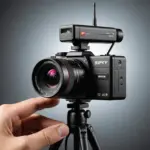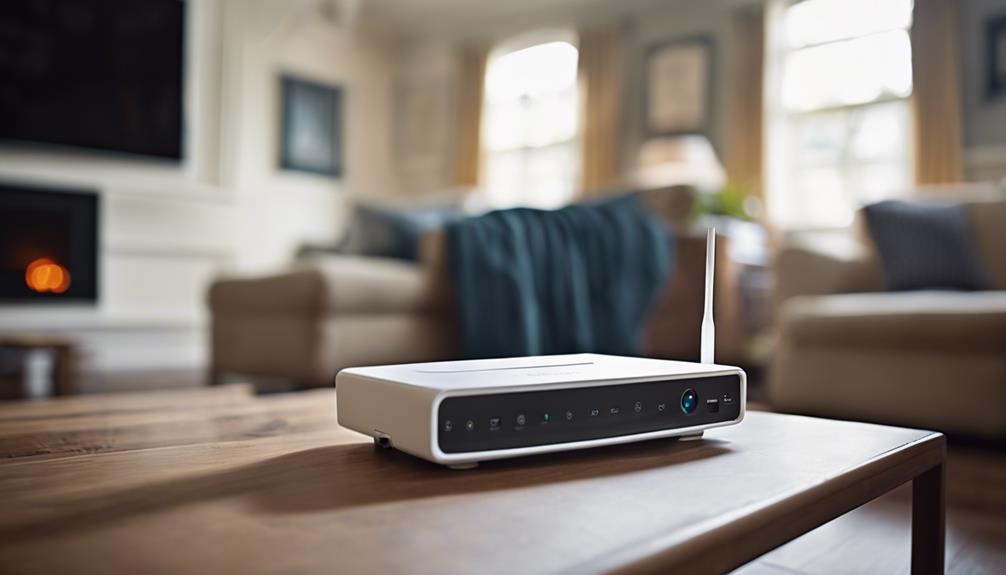

A remote view camera lets you check live or recorded video from somewhere else, usually through a smartphone app, web portal, or compatible monitoring software. These systems are used for homes, businesses, caregiving, property checks, and other approved security purposes. Some are conventional security cameras, while others are compact devices intended to be less noticeable. Regardless of their design, the most important factors are dependable connectivity, useful image quality, secure access, and responsible placement. Explore how remote viewing functionality enhances surveillance features and underlying technology in modern covert cameras.
What is a remote view camera?
A remote view camera connects to a network or cellular service so an authorized user can access its video without being physically present. Depending on the model, footage may be viewed live, saved for later review, or both.
Most systems include several related components:
- A camera and lens for capturing video
- Wi-Fi, wired network, or cellular connectivity
- A mobile app, browser portal, or third-party viewing platform
- Local, network-based, or cloud storage
- Motion alerts or other event notifications
Wireless models are often easier to install because they do not require a network cable at the camera location. They still need a reliable Wi-Fi signal and, in many cases, a continuous power source.
Features that affect real-world performance
Image quality and low-light performance
Resolution is only one part of video quality. Lens quality, field of view, image processing, and lighting all influence whether footage contains useful detail. A wide-angle lens can cover more space, while a narrower view may show greater detail at a distance. For nighttime monitoring, infrared capability or strong low-light performance is essential.
Motion detection and alerts
Motion detection can trigger recording, send a notification, or both. Adjustable sensitivity helps reduce false alerts caused by changing light, moving branches, or other routine activity. Some systems allow users to define activity zones, such as a doorway or driveway, rather than monitoring the entire frame.
Audio and communication
Two-way audio allows an authorized viewer to listen and speak through the camera. This can be useful for communicating with someone at a monitored property or responding to an event. Because audio recording may be subject to additional legal restrictions, it should be enabled only when appropriate.
Storage options
Cloud storage makes recordings accessible from outside the property and may provide event search or automatic backup. It can also involve subscription charges and provider-specific retention rules. MicroSD cards and network video recorders offer greater local control, although local equipment can be damaged, stolen, or become inaccessible if the site loses power or connectivity. Review storage capacity, overwrite behavior, export options, and deletion controls before choosing a system.
How remote access works
Many cameras connect to a home or business network and communicate with a manufacturer-operated cloud service. The user signs in through an app or browser, and the service helps deliver live video and alerts remotely. This approach is generally simpler to configure than direct network access. Understanding sensor-triggered imaging helps explain whether motion-activated devices can transmit live views like a remote view camera.
Other systems can provide streams to compatible recording or monitoring software. RTSP may be used to access a video stream, while ONVIF can improve compatibility between certain cameras, recorders, and management systems. Support and implementation vary, so compatibility should be confirmed before purchase.
Cellular cameras use a mobile network instead of Wi-Fi. They can suit locations without fixed internet service, but users should account for signal strength, data limits, recurring charges, and possible delays in live viewing.
Choosing a camera for its environment
Start with the location and purpose rather than with the camera’s feature list. Indoor cameras may prioritize compact dimensions, a broad viewing angle, and clear performance in changing light. Outdoor installations need suitable weather protection, secure mounting, and an operating range appropriate to local conditions.
For battery-powered devices, compare expected battery life under typical motion activity rather than relying only on standby figures. Check whether the camera can use a permanent power connection, solar charging, or a replaceable battery if long-term operation is important. Also evaluate the app, notification controls, recording playback, firmware support, and the total cost of subscriptions or cellular data.
Installation and account security
Position the camera to provide a clear view while limiting unnecessary capture of neighboring properties, public areas, or private spaces. Avoid placing it behind dirty or reflective glass, and test the view during both daylight and darkness. Confirm that the wireless signal remains stable at the final mounting location.
- Change the default password before using the camera.
- Use a unique, strong password and enable two-factor authentication when available.
- Keep the camera, router, and viewing app updated.
- Review account permissions and remove users who no longer need access.
- Use encrypted connections and consider a separate network for connected devices.
- Understand how recordings are retained, shared, exported, and deleted.
Disable services you do not need, such as automatic router port forwarding, unless you understand the security implications and require that configuration.
Legal and ethical use
Remote access does not remove privacy obligations. Laws may regulate video recording, audio capture, workplace monitoring, and the use of hidden cameras. Private areas such as bathrooms and bedrooms require particular care, and audio rules can differ from video rules. Obtain consent or provide notice where required, follow applicable local requirements, and use cameras only for legitimate, authorized purposes.
A well-chosen remote view camera combines dependable access with sensible storage, secure accounts, and an installation that respects other people’s privacy. Treat connectivity and security as equally important as resolution, and the system is more likely to provide useful monitoring without creating avoidable risks.