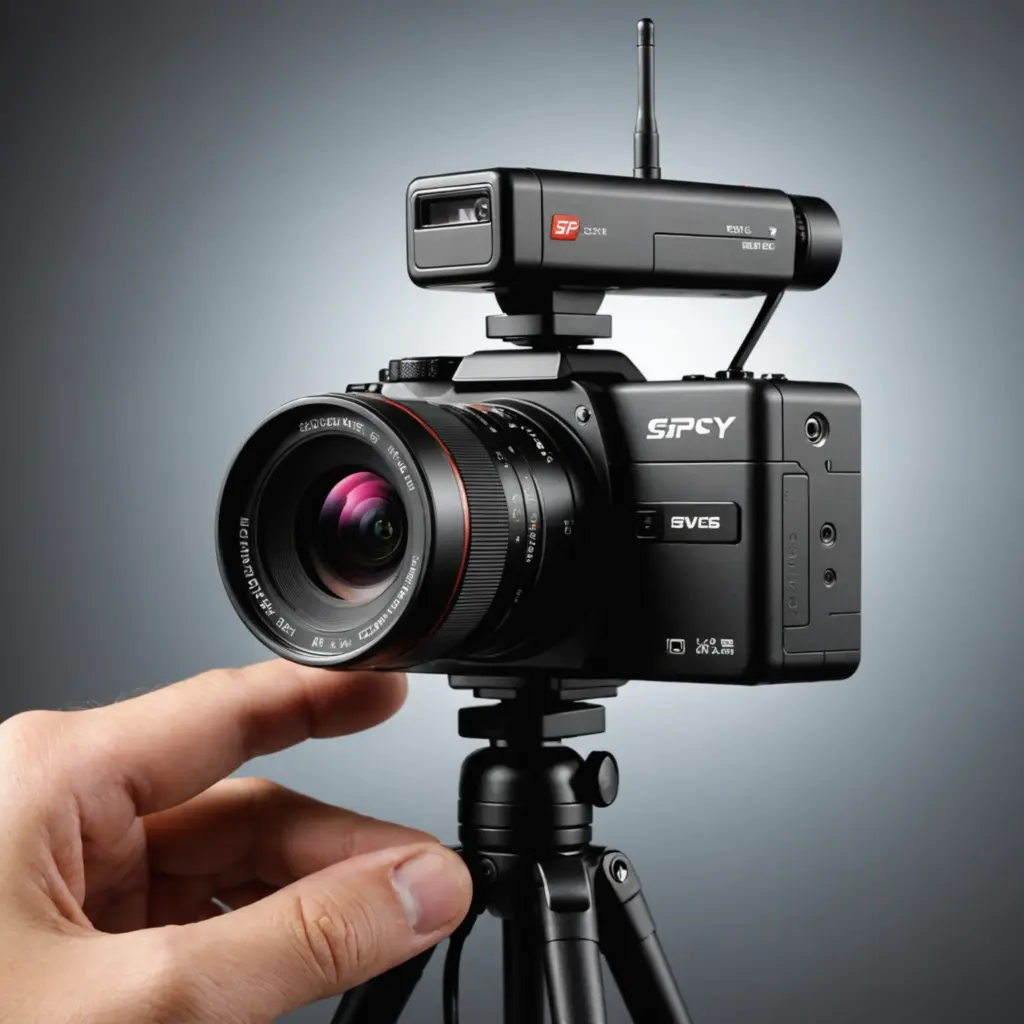

Video recording devices now range from visible home-security cameras and dash cams to compact personal recorders. Although their designs differ, most devices combine the same essential elements: a lens, image sensor, processor, storage, and power source. The best choice depends less on size or novelty than on where the camera will be used, how long it must operate, and how recordings will be stored and protected. Explore how video recording devices integrate compact lens systems to enable discreet monitoring and advanced feature sets.
How modern video recording devices work
A camera’s image sensor converts light into video, while the lens determines the field of view and how much detail can be captured. The processor handles tasks such as image enhancement, motion detection, file compression, and, in some models, wireless transmission.
High-definition recording can provide useful detail, but resolution is only one part of image quality. Low-light performance, lens placement, exposure control, and image stabilization may matter just as much. Common compression formats, including H.264 and H.265, reduce file sizes so more footage can fit on a memory card or be transferred over a network.
Features worth comparing
Image quality and viewing conditions
- Resolution: Full HD can be suitable for general security and documentation, while 4K may provide extra detail when footage needs to be examined closely.
- Low-light performance: Important for entrances, vehicles, and rooms that are not consistently well lit.
- Night vision: Infrared illumination can help a camera record in darkness, although range and image detail vary between models.
- Field of view: A wide-angle lens covers more space but may make distant subjects appear smaller.
- Audio: Microphones and two-way audio can add context, but audio recording may be subject to stricter consent rules than video.
Recording and detection modes
Motion detection can reduce empty footage by starting a recording when movement is identified. Some devices use a passive infrared sensor to detect changes in heat, while others analyze the video image. These systems can conserve storage and battery power, but they may miss events or trigger unnecessarily depending on placement, lighting, and sensitivity settings.
Continuous recording is useful for dash cams and fixed security systems. Loop recording automatically replaces the oldest files when storage is full. For important incidents, look for event-locking features that prevent selected clips from being overwritten.
Choosing a form factor
Different designs suit different recording tasks:
- Home-security cameras: Usually visible and designed for monitoring entrances, rooms, or other property areas. They may offer motion alerts, night vision, and remote viewing.
- Personal camera recorders: Portable devices can document work activities, incidents, or journeys. Compact size is convenient, but smaller batteries may limit recording time.
- Body-worn cameras: Useful for authorized professional documentation when users and affected individuals are informed as required.
- Dash cams: Built for vehicle use, often with loop recording, incident detection, and a wide field of view.
- Fixed or wired cameras: Suitable for longer operating periods because they do not rely solely on a small internal battery.
Disguised or concealed cameras carry additional privacy risks and should never be used to record people in places where they reasonably expect privacy. In many situations, a visible camera with clear notice is the safer and more appropriate option. Some video recording devices also capture instant snapshots, preserving memorable moments without interrupting the main recording.
Storage, power, and connectivity
Recording devices may save footage to a microSD card, internal memory, a network video system, or a cloud service. Removable storage avoids a recurring service charge, but cards have limited capacity and should be checked for compatibility and reliability. Cloud storage can provide off-site backup and remote access, yet it depends on an internet connection and may involve subscription costs.
Battery-powered cameras are easier to install but require regular charging. Motion activation, scheduled recording, and lower-power settings can extend runtime. Wired cameras are more suitable for continuous operation, provided the installation is safe and appropriate for the location.
Wi-Fi enables remote viewing and configuration, while some devices use Bluetooth for local setup. Network-connected cameras should be protected with strong, unique passwords, updated firmware, and secure wireless settings. Limit account access to people who genuinely need to view or manage the footage.
Privacy, legal, and ethical responsibilities
Recording laws differ by location, and the rules for video may differ from those for audio. Before installing or using a camera, check the requirements that apply to your property, workplace, vehicle, or intended activity. Consent may be required for recording conversations or identifiable people, particularly in private or shared spaces.
Do not place cameras in bathrooms, changing areas, bedrooms used by others, or similar locations where privacy is expected. Use recording only for a legitimate purpose, provide notice when required, restrict who can access the files, and establish a reasonable retention period. Protect exported footage so it cannot be altered or shared unnecessarily.
A practical buying checklist
- Define the area, subject, and duration you need to record.
- Match resolution and low-light capability to the viewing conditions.
- Compare battery life, power options, and continuous versus motion-triggered recording.
- Check storage capacity, loop recording, backup options, and file retrieval.
- Review network security, software support, and account controls.
- Confirm that the planned use complies with privacy and recording laws.
- Test the camera’s placement, timestamps, alerts, and playback before relying on it.
A well-chosen video recording device should provide the necessary coverage without collecting more information than needed. Balancing image quality, reliability, storage, power, security, and privacy will lead to a more useful and responsible setup than choosing a camera based on specifications alone.