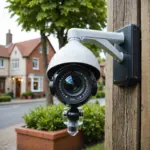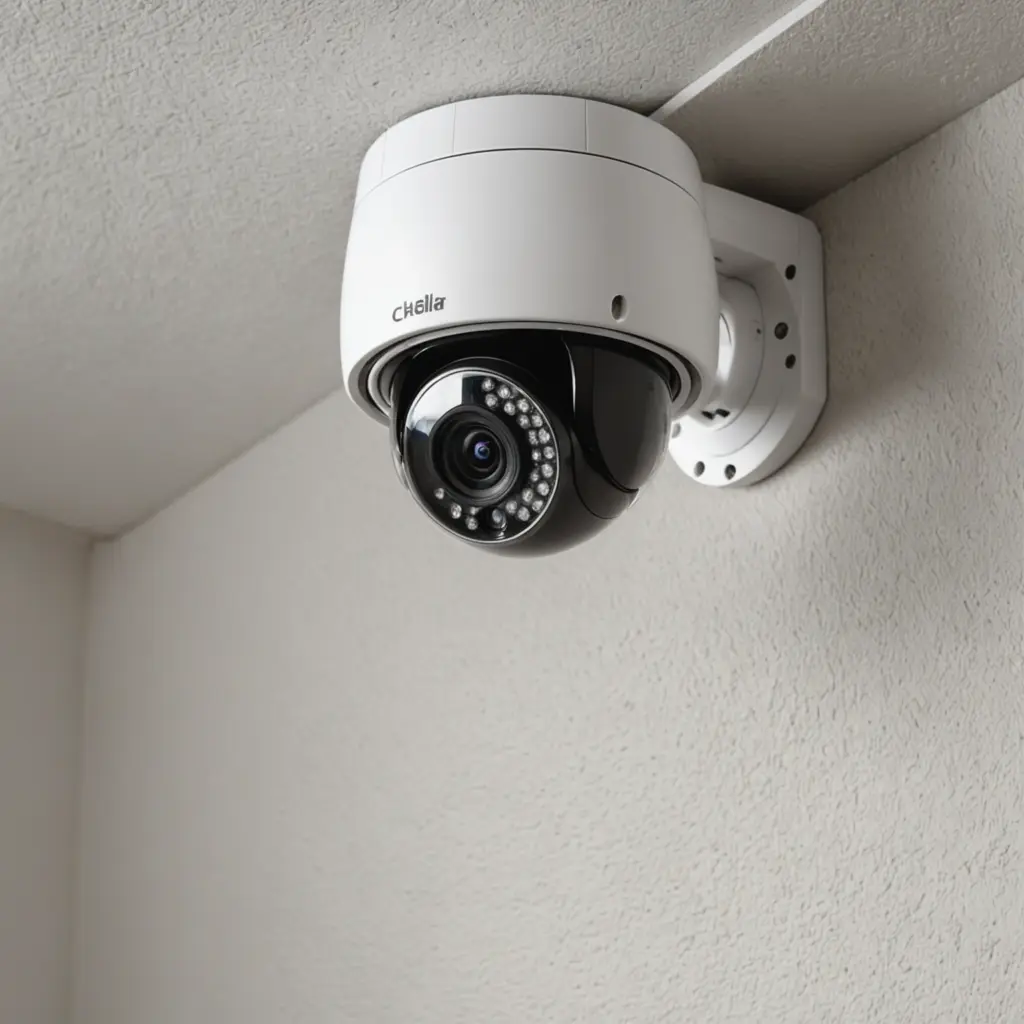

Cellular security cameras provide video monitoring in places where wired internet or local Wi-Fi is unavailable. Instead of connecting through a home router, these cameras use a mobile network—commonly 4G LTE—to send video, motion alerts, and device updates to a phone app or cloud service. For remote installations, review covert monitoring options that leverage cellular security cameras for discreet surveillance.
This makes them useful for rural properties, construction sites, cabins, outbuildings, temporary work areas, and other locations that need independent connectivity. They can also support discreet monitoring, but any concealed deployment must respect privacy laws, consent requirements, and reasonable expectations of privacy.
How cellular security cameras work
A cellular camera contains a mobile modem and uses a SIM card or, on some models, an onboard eSIM. After the device is activated with a compatible mobile service, it connects to the available cellular network and transfers footage or alerts without relying on a nearby broadband connection.
Depending on the model and service plan, the camera may offer live viewing, motion-triggered clips, cloud recording, image notifications, and remote configuration through a smartphone app. Motion-based recording is often preferable at remote sites because it can reduce battery use and mobile data consumption compared with continuous streaming.
Where cellular cameras are useful
The main advantage of a cellular system is flexibility. It can be installed in locations where running cable, installing broadband, or extending Wi-Fi would be difficult or expensive.
- Remote buildings: Monitor cabins, sheds, detached garages, storage areas, and rural properties.
- Construction and temporary sites: Observe equipment, materials, access points, and changing site conditions without installing a permanent network.
- Outdoor areas: Cover driveways, gates, yards, loading areas, and other locations beyond the range of a home router.
- Wildlife observation: Capture activity in places where a wired connection could disturb the environment or is not available.
- Mobile or temporary operations: Provide monitoring for vehicles, pop-up facilities, events, and other setups that may move or change regularly.
Choosing the right cellular camera
The best model depends on the location, expected recording frequency, available power, and level of remote access required. Before buying, consider the following features:
- Network compatibility: Confirm that the camera works with a mobile carrier and network service available at the installation site.
- Live view and alerts: Check whether the app supports live video, motion notifications, and remote access in the way you need.
- Recording options: Determine whether footage is stored in the cloud, on a memory card, or through another supported method.
- Power requirements: Choose between mains power, rechargeable batteries, or a solar panel and battery combination.
- Outdoor protection: For exposed installations, select a model designed for outdoor conditions and place it where the lens and power system remain protected.
- Data efficiency: Motion-triggered recording and adjustable video quality can help control mobile data usage.
- Security features: Look for encrypted connections, account protections, secure cloud access, and a manufacturer-supported app.
Installation and power planning
Installation generally involves mounting the camera, activating its SIM or eSIM service, configuring network settings, and testing the mobile signal from the intended position. A strong signal at the installation point is important; a location that works well for a phone may not provide the same results once the camera is mounted behind walls, vegetation, or other obstructions. For remote pet monitoring, consider how cellular connectivity keeps treat-dispensing cameras useful even where household Wi-Fi is unreliable.
Power planning is equally important. Mains-powered units may be suitable near a building, while battery-powered cameras offer more flexibility but require periodic charging or replacement. For long-term deployments away from electrical service, a solar-powered cellular camera can combine a solar panel with a rechargeable battery. Its performance will still depend on panel placement, available sunlight, recording frequency, and local conditions.
Discreet monitoring and responsible use
A small or unobtrusive camera may be appropriate when a large visible device would be impractical—for example, when observing wildlife or protecting an exposed access point. Discreet placement should not be treated as permission to record people secretly in private circumstances.
Rules vary by jurisdiction, particularly for audio recording, employee monitoring, tenants, visitors, and cameras placed on property shared with others. Avoid bathrooms, changing areas, bedrooms, and other locations where people reasonably expect privacy. Where notice or consent is required, provide it. Limit the field of view to the area that needs protection, disable audio when it is unnecessary, restrict account access, and retain recordings only as long as there is a legitimate reason to keep them.
Making a practical choice
Cellular security cameras are most valuable when independence from local internet service is more important than uninterrupted high-bandwidth recording. A motion-activated 4G camera may suit a remote gate or shed, while a solar-powered model can support longer deployments away from electrical power. For larger sites, a system that supports multiple cameras may make monitoring easier to manage.
Before installation, verify network coverage, service costs, storage options, power availability, and local privacy requirements. With those factors addressed, a cellular camera can provide flexible remote monitoring without the need to run network cables or install a separate broadband connection.