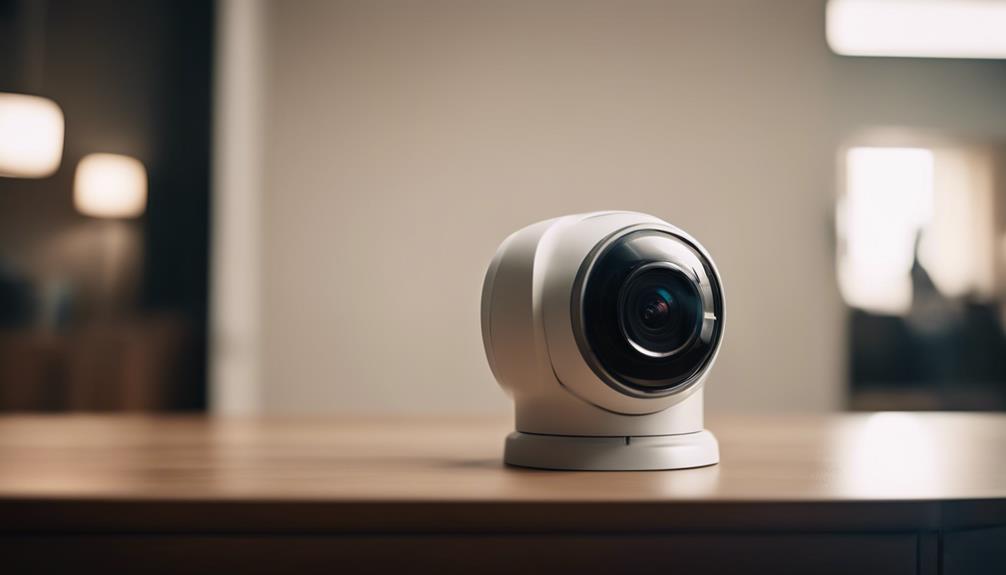

A driveway security camera can help you monitor vehicle access, deliveries, visitors, and activity around the front of your property. It may also provide useful footage after incidents such as vehicle damage, theft from a car, trespassing, or suspicious activity. The best setup depends on your driveway’s size, lighting, available power, internet connection, and the type of footage you need to capture. A driveway security camera can be complemented by discreet camera options for different surveillance situations.
Why monitor your driveway?
Driveways are often the first point of access to a home or business. A camera can provide alerts when motion is detected and allow you to check what is happening without being physically present. Recorded video may also help when documenting an incident for an insurance claim or police report.
A visible camera can act as a deterrent, while remote access makes it easier to check deliveries, visitors, or vehicles arriving at unusual times. For larger properties, a driveway camera can complement cameras covering entrances, walkways, garages, and other vulnerable areas.
Features that matter most
Video quality and viewing angle
Choose a camera that can show enough detail to identify people, vehicles, and activity at the end of the driveway. Higher-definition video generally provides more useful detail, but resolution alone is not enough. Check the camera’s field of view and consider whether one unit can cover the entire driveway or whether overlapping views are needed.
If identifying license plates is important, placement and lighting are especially significant. A very wide angle may cover more area but make distant details appear smaller. Test the intended viewing area whenever possible before permanently mounting the camera.
Night performance
Driveway activity does not stop after dark, so look for clear information about low-light performance and infrared night vision. Position the camera to avoid direct glare from headlights, streetlights, or reflective surfaces. Some cameras may produce less useful footage when headlights point directly toward the lens, making careful placement essential.
Motion detection and alerts
Motion alerts can notify you when someone enters the driveway, but poorly configured detection may create repeated alerts from animals, moving branches, or passing traffic. Look for adjustable motion zones and sensitivity controls. More advanced detection settings can help distinguish relevant movement from activity outside the area you want to monitor.
Power, connection, and storage
Battery-powered cameras are usually simpler to install, especially where running cable is difficult. They may require regular charging, and frequent motion events can shorten the time between charges. Solar accessories may help in suitable locations, but they do not remove the need to consider weather, shade, and battery performance. For covered entryways, compact indoor monitoring can complement a driveway setup with flexible placement and motion alerts.
Wired cameras provide a consistent power supply and may be preferable for continuous recording. Wireless cameras offer installation flexibility, but test Wi-Fi strength at the planned mounting point before installation. A weak connection can lead to delayed alerts or interrupted video. Secure cables against weather and tampering, and choose a camera with storage that suits your needs. Options may include cloud recording, a memory card, or local network storage.
Where to place the camera
- Mount it high enough to discourage tampering while still capturing faces and vehicle details.
- Point it along the driveway rather than directly toward a strong light source.
- Cover the main approach, parking area, and any side path that could be used to reach the property.
- Check the view during both daytime and nighttime conditions.
- Use weather-resistant equipment and protect exposed connections from moisture.
A camera mounted too high may provide a broad overview but fail to capture useful facial or plate detail. A camera mounted too low may be easier to damage or obstruct. If the driveway is wide, curved, or unusually long, multiple cameras may provide more reliable coverage than one unit with an extreme wide-angle view.
Useful integrations
Many driveway cameras support mobile viewing, two-way audio, or built-in sirens. These features can make it easier to communicate with a delivery driver or respond to activity from a distance. Integration with lighting may also help illuminate a detected person or vehicle.
Before choosing a system, check whether it requires a subscription for alerts, cloud storage, or advanced detection. Local storage can provide an alternative place to keep recordings, while cloud storage may make remote review more convenient. Consider how footage will remain available if the internet connection fails.
Privacy and legal considerations
Recording rules differ by location. Before installation, check applicable requirements concerning video, audio, neighbors’ property, shared driveways, and public areas. Audio recording can be subject to different restrictions from video recording, so disabling audio may be appropriate where the rules are unclear.
Visible cameras are generally easier to explain to visitors and neighbors and can provide a clear deterrent. Avoid aiming the camera into private areas that do not need to be monitored. Hidden or disguised cameras may create additional legal and privacy concerns and are rarely necessary for ordinary driveway security.
Make the choice fit your property
The right driveway security camera balances coverage, nighttime clarity, dependable alerts, power requirements, connectivity, and storage costs. Decide first what you need to see and when you need to see it. Then evaluate camera placement, network strength, and privacy boundaries before purchasing. A thoughtfully positioned, properly configured camera is usually more valuable than a feature-heavy model aimed at the wrong area.