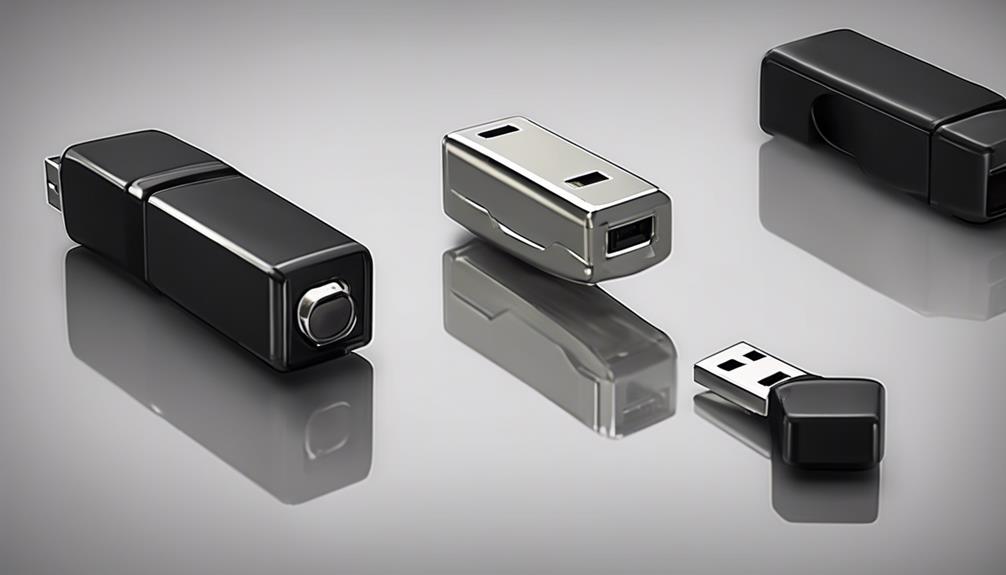

A live recording device captures audio, video, or both for immediate viewing or later review. Depending on the design, it may stream footage over a network, save files to local storage, or do both. Compact cameras, dedicated audio recorders, and hybrid systems all fall into this category. Explore covert recording features in live recording devices to understand advanced surveillance technologies.
The right choice depends on what you need to document, how long the device must operate, whether remote access is important, and how much visual or audio detail the situation requires. A discreet form factor can be useful, but reliability, data security, and lawful use are equally important.
What a Live Recording Device Can Do
Live recording equipment is generally built around one or more of three functions:
- Audio capture: Records conversations, environmental sounds, interviews, or other events for later playback.
- Video recording: Captures visual evidence, often with an integrated microphone.
- Live monitoring: Sends audio or video to an approved phone, computer, or other connected device while recording may continue locally.
Some systems use a microSD card or internal memory, while others provide optional network or cloud storage. A hybrid device can provide both a visual record and accompanying sound, but it may require more power and storage than an audio-only recorder.
Features Worth Comparing
Recording quality
For cameras, image resolution is only part of the result. Lens quality, field of view, exposure handling, and low-light performance affect whether important details can be recognised. For audio, microphone sensitivity and noise reduction influence speech clarity. A device that performs well in a quiet room may produce very different results near traffic, ventilation equipment, or other continuous noise.
Battery and power
Battery capacity, recording settings, and wireless connectivity all affect operating time. A device intended for extended recording may need a high-capacity battery or a continuous power source. Before relying on it, test the actual runtime under the settings you plan to use rather than relying only on a stated maximum.
Storage and file handling
Check the supported storage capacity, file format, and method for transferring recordings. Loop recording can automatically replace older files when storage is full, which may be useful for ongoing observation but can also delete material that has not been backed up. If the system uses cloud storage, review how access is protected and whether local recording remains available if the network connection fails.
Connectivity
Wi-Fi or cellular connectivity can support remote viewing, while USB or removable storage may be simpler for local retrieval. Wireless features can increase convenience but may also shorten battery life and create additional account-security responsibilities. Use strong, unique credentials and restrict access to people who are authorised to view the recordings. For compact live recording, explore GoPro’s first model to compare portable design and practical shooting features.
Choosing Audio, Video, or a Hybrid Device
A dedicated 24-hour voice recorder is usually the more focused option when sound is the main requirement. Its smaller design, voice-activation options, and storage efficiency may make it suitable for long audio sessions. It will not, however, show what happened or identify visual context.
A camera-based recorder is preferable when location, movement, identity, or physical events matter. It may consume more power and storage, especially when recording continuously or transmitting a live feed. A hybrid unit combines both types of evidence, but the extra capabilities can increase cost, setup complexity, and privacy considerations.
Make the decision by identifying the minimum evidence you need. If audio alone answers the question, a dedicated recorder may be sufficient. If visual context is essential, choose a camera system. If both are necessary, confirm that the device records synchronised audio and video rather than treating them as unrelated files.
Practical Setup Guidance
- Run a short test and review the file before beginning an extended recording session.
- Place microphones away from fans, vents, machinery, and surfaces that create vibration.
- For cameras, select a position that covers the relevant area without unnecessary intrusion into private spaces.
- Set the date and time correctly so files can be organised and understood later.
- Use motion or sound activation when appropriate to conserve storage and battery power.
- Check remaining storage, battery level, and recording status at suitable intervals.
- Back up important files promptly and preserve the originals without editing them.
Legal, Ethical, and Privacy Responsibilities
Recording laws differ by location and may treat audio and video differently. Consent requirements can depend on where people are, whether they have a reasonable expectation of privacy, and how the recording will be used. Workplace, care, investigative, and residential situations may involve additional rules or policies.
Before deploying a device, confirm the requirements that apply in your area and obtain professional legal guidance when the situation is unclear. Avoid recording private spaces without proper authority, protect files from unauthorised access, and disclose monitoring where required. Responsible use is not only a legal issue: limiting collection to what is necessary helps reduce unnecessary exposure of personal information.
Final Selection Checklist
Compare each device against the intended environment and recording period. Consider audio or image quality, battery options, storage capacity, remote access, data protection, ease of retrieval, and the consequences of a failed connection or depleted battery. A well-tested device used within appropriate legal and ethical boundaries will generally be more valuable than one with the longest feature list.