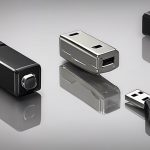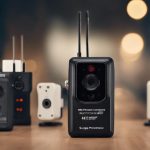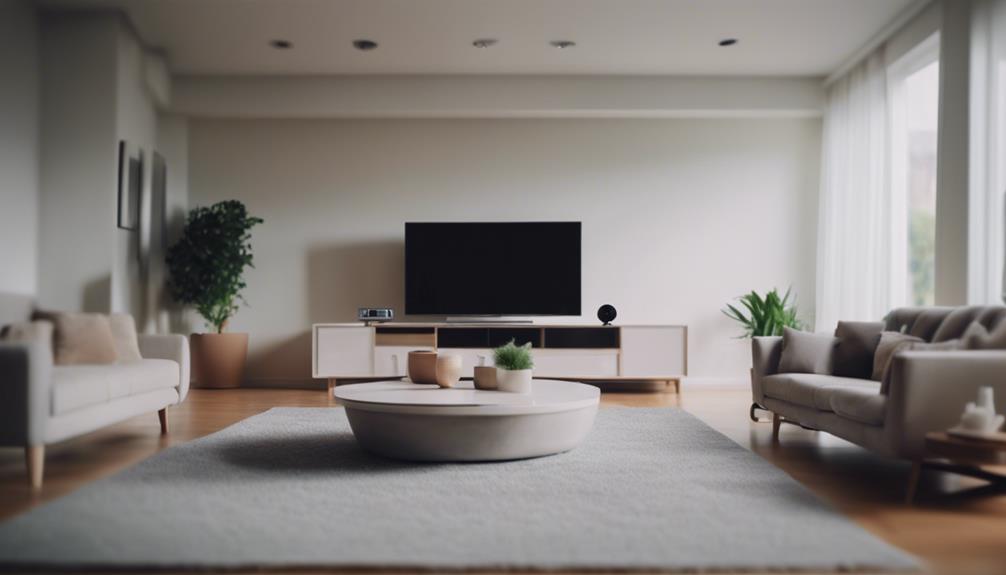

A security camera with phone access lets you check a room, entrance, driveway, or other property without being on site. Depending on the model, you may be able to watch a live feed, receive motion alerts, review saved clips, speak through the camera, or record footage locally. The best choice depends on where the camera will be installed, how often you need remote access, and how much control you want over storage and privacy. Learn how phone-connected surveillance expands remote viewing, motion alerts, and compact recording capabilities for covert setups.
How phone-connected security cameras work
Most home cameras connect to a wireless network and communicate with a mobile app. The app may use the manufacturer’s cloud service or a direct connection to provide remote viewing. During setup, the camera is linked to your account, allowing an authorised phone to access live video and alerts.
For locations without a dependable Wi-Fi connection, some outdoor and remote-monitoring cameras use a cellular SIM card. Other models can connect directly to a nearby device or support standards such as RTSP or ONVIF for use with compatible recording equipment. Before buying, confirm that the camera’s connection method suits the location and that your phone is compatible with the required app.
Features worth comparing
Video and night performance
Choose a resolution that provides enough detail for the area being monitored. A camera covering a doorway or driveway needs a different field of view from one watching a small indoor room. Infrared night vision can help produce usable footage in darkness, while a spotlight may provide colour video when there is movement. Check sample footage if available, since image quality also depends on lighting, lens design, and placement.
Motion detection and alerts
Phone notifications are most useful when they provide meaningful information rather than constant false alarms. Look for adjustable sensitivity, activity zones, and scheduling options. Some cameras distinguish between people, vehicles, packages, or general movement. These features can reduce unnecessary alerts, but they should be treated as convenience tools rather than a guarantee that every event will be identified correctly.
Storage and recording
Common storage choices include a subscription-based cloud service, a microSD card, or a separate recorder. Cloud storage can make clips available when the camera is damaged or removed, while local recording may reduce ongoing fees and keep more control in your hands. Review how long recordings are retained, whether important clips can be downloaded, and what happens if the camera loses its internet connection.
Audio and additional controls
Two-way audio can let you speak with someone at the door or check in on a pet. Other useful options may include scheduled recording, geofencing based on your phone’s location, smart-home integration, and shared access for household members. Only enable features that you understand and need, particularly those involving voice recordings, facial recognition, or automated identification. For broader photography options, compare phone-connected surveillance features with Fujifilm digital models designed for everyday shooting.
Indoor, outdoor, and portable options
Indoor cameras are generally designed for rooms, nurseries, home offices, or pet areas. They may offer compact designs and features such as sound or temperature alerts. An indoor camera should not be used outside unless its specifications explicitly allow it.
Outdoor cameras need protection from rain, dust, temperature changes, and glare. Consider weather resistance, mounting options, viewing angle, night range, and the availability of a dependable power source. A camera positioned near a gate or driveway may also need a wider view than one aimed at a front door.
Battery-powered cameras are easier to move and install, making them useful for temporary monitoring or locations without a convenient outlet. However, frequent motion events, live viewing, and cold conditions can increase the need for recharging. Wired models are usually better suited to continuous coverage, provided the cable and outlet can be protected.
Installation and phone setup
- Place the camera to cover entrances and important activity areas without pointing unnecessarily into private spaces.
- Check the wireless signal at the intended mounting location before completing installation.
- Change any default password and use a unique password for the camera account.
- Enable two-factor authentication when the app supports it.
- Keep the camera firmware and mobile app updated.
- Test live viewing, notifications, recording, and night vision before relying on the system.
- Confirm who has access to the camera and remove old or unused shared accounts.
Privacy and legal considerations
A phone-connected camera should be installed with the privacy of household members, visitors, neighbours, and workers in mind. Avoid bedrooms, bathrooms, and other areas where people reasonably expect privacy. Audio recording may be subject to different rules from video recording, especially when conversations involve other people. Before recording shared or public areas, review the laws and consent requirements that apply where you live.
Remote access is convenient, but it also makes account security important. Use encrypted connections where offered, review cloud retention settings, and consider whether local storage better suits your needs. A camera can improve awareness of activity, but it works best as one part of a broader security plan that includes strong entry points, lighting, and sensible privacy practices.
Making the final choice
Start with the location, power supply, network connection, and recording requirements rather than choosing based on a long feature list. Then compare image quality, alert controls, app reliability, storage costs, and security settings. Whether you need an indoor room monitor, an outdoor camera for a driveway, or a portable wireless model, a well-matched camera and properly secured phone app will provide more dependable remote visibility.