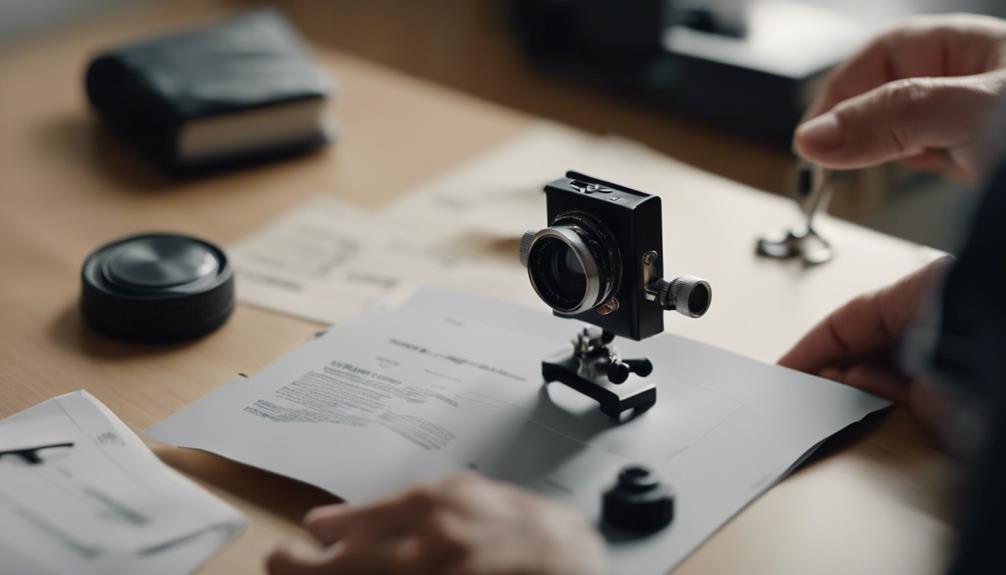

A mini camera is easier to use when you understand its controls, power requirements, storage options, and connectivity features before recording important footage. Use the device only in lawful, ethical situations, and respect privacy rules. Do not record people in private spaces without the permission required by local law.
1. Check the camera and included accessories
Inspect the camera as soon as you open the package. Look for visible damage, loose parts, or signs that the lens, buttons, charging port, or memory-card slot may have been affected. Compare the contents with the supplied checklist or manual so you know whether the required cable, mount, battery, memory card, or accessories are included.
2. Read the manual before changing settings
Mini cameras differ in button combinations, indicator lights, file formats, charging methods, and storage requirements. Read the sections covering startup, recording, playback, charging, resetting, and file transfer. Keep the manual available, since the correct procedure for one model may not work on another.
3. Charge the camera and prepare storage
Charge the battery fully according to the instructions before your first extended test. If the camera uses a removable memory card, confirm that the card type and capacity are supported by the device. Format the card using the camera’s recommended method when instructed, and copy any important files elsewhere before formatting.
4. Complete the initial setup
Set the date, time, language, and other basic preferences if your model provides those options. Accurate time settings make recorded files easier to organise. If the camera connects to an app or computer, install only the software identified in the supplied documentation and follow the pairing steps carefully.
5. Learn the essential controls
Practise turning the camera on and off, starting and stopping a recording, taking a still image, and opening playback. Test each action without relying on memory. Some compact cameras use a short press, long press, or a particular sequence of button presses for different functions.
6. Choose suitable image settings
Explore the available options for resolution, frame rate, exposure, white balance, and focus. Higher-quality video may produce clearer detail but can use more storage and battery power. Test the camera in the lighting conditions where it will normally be used, then choose settings that provide a practical balance between clarity, recording time, and file size.
7. Make a lawful, stable placement
Place the camera only where recording is permitted and where everyone who needs to know has been informed or has given the required consent. For legitimate uses such as documenting a permitted activity or monitoring your own property, select a stable position with an unobstructed view. Secure the camera so it cannot fall, shift, or create a trip hazard, and avoid positioning it where it could capture private areas or unrelated people.
8. Test recording modes and connectivity
Try the standard recording mode first. If available, test motion detection, scheduled recording, remote viewing, and wireless connection features separately. Motion detection may help reduce unnecessary recordings, while remote access can introduce additional privacy and security concerns. Use a strong password, limit access to authorised users, and avoid sharing live feeds unnecessarily.
9. Review, transfer, and manage footage
Play back a short test file and check focus, sound if supported, lighting, date and time, and viewing angle. Transfer important recordings to a secure location and confirm that the copied files open correctly before deleting them from the camera. Monitor remaining storage and remove footage only when it is no longer needed or when retention rules allow it.
10. Troubleshoot and maintain the device
If the camera will not start, charge it fully and check the power button and cable. For recording problems, confirm that storage is available and that the memory card is supported. If wireless features fail, recheck the network name and password, move closer to the router during setup, and consult the manual’s reset instructions. Check for official firmware updates only when the manufacturer’s instructions support them.
Good operating habits
- Keep the lens clean with an appropriate soft cloth.
- Protect the camera from moisture, excessive heat, and impacts unless it is specifically designed for those conditions.
- Review battery and storage levels before every recording session.
- Handle recorded files securely and restrict access to people who are authorised to view them.
- Stop recording when the lawful purpose has ended and follow applicable retention and deletion requirements.
Working through these steps turns the manual into a practical setup and testing plan. Once the basic controls are familiar, you can adjust the camera for your permitted use while maintaining reliable operation, secure footage, and respect for other people’s privacy.