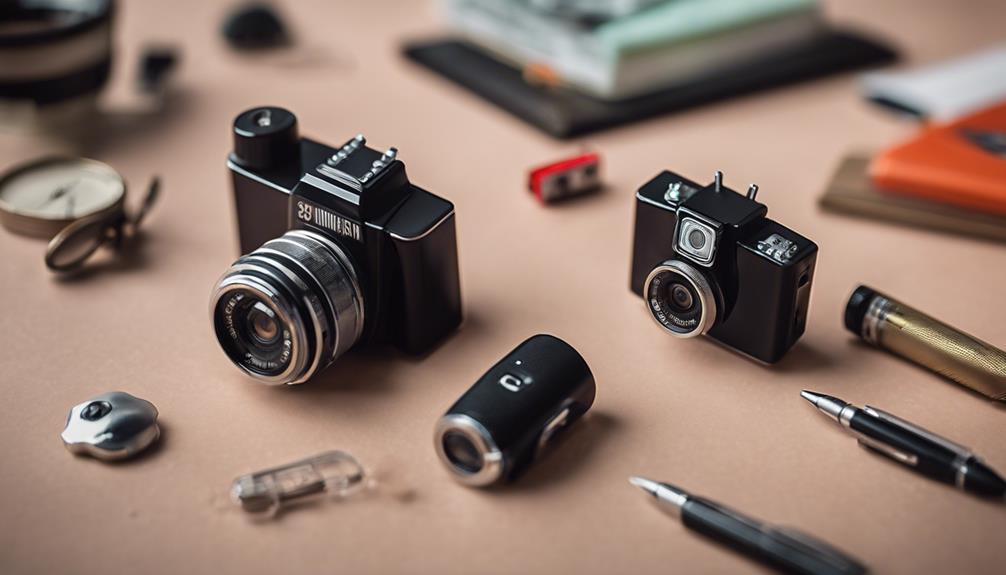

Mini cameras with SD card support can provide local video storage without requiring a constant cloud connection. Their small size, motion detection, night vision, and wireless features may be useful for authorized monitoring in a home, office, workspace, or other location where recording is permitted. However, no camera should be used to record people secretly where they reasonably expect privacy. Before choosing or installing one, review applicable recording and privacy laws and obtain consent when required.
What to Look For in a Mini Camera With SD Card Support
Compact design and video quality
A small camera is easier to position than a full-size security unit, particularly where space is limited. Compact construction should not be the only consideration, though. Check the advertised video resolution, lens quality, and performance in the lighting conditions where the camera will operate. Higher resolution can make details easier to identify, but it may also use more storage space and battery power.
SD card recording and loop storage
Local recording can be convenient when you want footage stored directly on the camera rather than uploaded to an online service. Confirm the supported SD card type and maximum capacity before purchasing, since compatibility varies between models. It is also useful to check whether the camera supports:
- Continuous recording or motion-triggered recording
- Automatic file splitting into manageable clips
- Loop recording that replaces the oldest footage when storage is full
- Playback or file transfer through the camera app or a computer
- Password protection or other safeguards for recorded files
Loop recording helps maintain ongoing coverage, but it can permanently overwrite older footage. If a recording may be important, copy it to a secure location promptly and follow a clear retention policy.
Useful Monitoring Features
Motion detection
Motion detection can start recording when movement is identified, reducing unnecessary clips and conserving storage. Sensitivity settings are important because overly sensitive detection may produce frequent false alarms, while a setting that is too low may miss relevant activity. Test the feature after installation and adjust it for the room, lighting, and expected movement.
Night vision
Night vision is valuable in dim environments, but performance differs between cameras. Consider how much light is available, whether the camera produces usable monochrome footage in darkness, and whether nearby reflective surfaces could affect the image. Review sample footage from the intended location when possible rather than assuming that a night-vision label guarantees clear results.
Wide-angle coverage
A wide-angle lens can cover more of a room from one position and may reduce blind spots. It can also introduce edge distortion and capture areas beyond the intended monitoring zone. Aim the camera carefully so that it records only the space you are authorized to monitor, especially near doors, neighboring properties, or areas used for private activities.
Wireless access and smartphone control
Wi-Fi connectivity and a smartphone app may allow remote viewing, configuration changes, alerts, and access to stored clips. These features are convenient but create additional security responsibilities. Use a strong, unique account password, enable available multi-factor authentication, install updates from the manufacturer, and secure the wireless network. If cloud storage is offered, review how footage is stored, accessed, and deleted before enabling it.
Audio Recording Requires Extra Care
Some mini cameras include microphones that record sound with video. Audio surveillance is often subject to stricter rules than video recording, and requirements can vary by location. Do not assume that permission to record an image also permits recording conversations. Disable audio when it is unnecessary, and seek appropriate consent or legal guidance before using this function.
Power, Installation, and Maintenance
Battery-powered models are flexible, but operating time depends on recording mode, wireless use, motion activity, and power-management settings. Motion-triggered recording may reduce battery consumption compared with continuous recording. If a camera is installed near a permanent power source, use the supplied equipment and route cables safely.
For setup, insert a compatible SD card, apply any required formatting, configure the date and time, and test recording before relying on the camera. Position it securely, keep the lens clean, and check periodically that the camera is still recording, the card has available space, and important files have been backed up.
Choosing the Right Option
The best mini camera is the one that matches the intended environment and lawful monitoring purpose. Compare storage compatibility, recording modes, image quality, low-light performance, power requirements, app security, and privacy controls rather than focusing only on size or the number of advertised features. Used responsibly, SD card support can provide practical local storage while giving you greater control over how recordings are kept and managed.