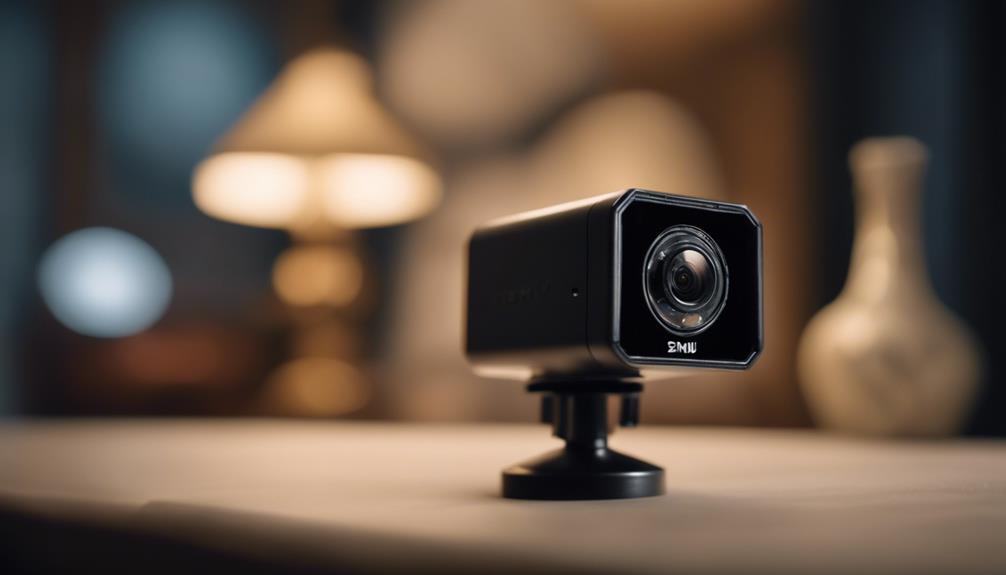

A motion detector camera app can turn a phone, tablet, or compatible camera into a practical activity-monitoring tool. Instead of recording continuously, the app watches for changes in its camera view and responds when movement is detected. Depending on its settings, it may capture video, save still images, send an alert, or upload an event to storage. Consider motion-triggered recording features when adapting a Motion Detector Camera App for discreet surveillance applications.
These apps can be useful for monitoring an entrance, checking activity in a workspace, observing wildlife, or repurposing an older mobile device. Their usefulness depends on more than detection alone, however. Reliable placement, sensible alert settings, secure storage, and respect for privacy are all essential.
How motion detection works
Most motion detector camera apps compare successive frames from the camera feed. A significant change in the image can trigger an event. Some apps also use processing models to distinguish between types of activity, such as people, pets, or general movement.
When the app detects motion, it may be configured to:
- Begin recording a video clip
- Capture one or more still images
- Send a push notification
- Save footage locally on the device
- Upload selected events to cloud storage
Detection zones and sensitivity controls help determine what counts as an event. These settings are important because changes in lighting, moving curtains, foliage, reflections, or other background activity can create false alerts.
Features worth comparing
The best choice depends on where the app will be used and how much control is required. Look for features that support accurate detection, manageable storage, and secure access.
Detection and alert controls
- Adjustable sensitivity: Helps balance missed movement against excessive alerts.
- Detection zones: Limits monitoring to relevant areas, such as a doorway or gate.
- Scheduling: Allows monitoring during selected hours instead of all day.
- Alert options: Provides control over notifications, recordings, and image capture.
Storage and security
Local storage can reduce reliance on an internet connection, while cloud storage may make important events easier to access from another location. Consider how long recordings are retained and whether older files can be deleted automatically. Account protections such as strong passwords and two-factor authentication are also valuable when footage is accessible remotely.
Privacy controls matter just as much as technical features. Before choosing an app, review what data it stores, where recordings are kept, and who can access the account.
Practical uses
A motion detector camera app can support several legitimate monitoring tasks. At home, it may provide alerts when there is activity near an entry point. In a small office or other business setting, it can document after-hours movement or help observe a specific area without requiring continuous recording. A motion detector app can also help compare convincing dummy options for strengthening a property’s visible security presence.
It may also be useful for observing wildlife or other activity where recording every minute would waste battery and storage. Motion-triggered capture preserves footage around detected events while reducing unnecessary files.
Monitoring children, family members, employees, visitors, or other people requires additional care. A camera should not be placed where people reasonably expect privacy, and covert monitoring should never be treated as a default solution. A visible, clearly explained setup is often the more appropriate choice.
Setting up the app
Begin by positioning the device so the camera has a clear view of the area that matters. Avoid pointing it directly at strong light sources, since glare and changing illumination can affect detection. Mount the device securely so that it does not move or vibrate and accidentally trigger recordings.
Next, define the detection area. Exclude windows, moving plants, reflective surfaces, or locations with frequent activity that is not relevant. Start with moderate sensitivity, then test the setup by creating ordinary movement within the intended area. Adjust the settings gradually until alerts are useful without becoming excessive.
If the device is running for long periods, provide a stable power source and allow adequate ventilation. Keep the operating system and app updated when updates are available, since maintenance can improve reliability and help protect stored information.
Common problems and solutions
- Too many false alerts: Lower sensitivity and narrow the detection zones. Check for moving shadows, reflections, fans, or outdoor foliage.
- Missed events: Improve the camera angle, increase sensitivity gradually, and make sure the subject is not poorly lit or outside the active zone.
- Storage fills quickly: Shorten retention periods, record only detected events, or use selective cloud uploads where appropriate.
- Battery drains rapidly: Reduce unnecessary monitoring, use scheduled operation, enable available power-saving settings, or connect the device to continuous power.
- Notifications become disruptive: Use schedules and priority settings so alerts are sent only when they are most useful.
Privacy, legal, and ethical responsibilities
Recording people can be regulated differently depending on the location and circumstances. Rules may be especially strict in private spaces such as bedrooms, bathrooms, and changing areas. Businesses may also have responsibilities toward employees and customers.
Before using a motion detector camera app, consider whether people know they may be recorded, whether consent is required, and whether the monitoring is proportionate to a legitimate purpose. Do not use an app to secretly observe people in places where they expect privacy. When appropriate, provide clear notice or visible signage, restrict access to recordings, and seek qualified legal advice when the rules are uncertain.
Used responsibly, a motion detector camera app can provide targeted recording and timely notifications without the storage demands of continuous video. Careful configuration, secure handling of footage, regular maintenance, and respect for privacy are the foundations of a dependable setup.