
Security cameras can help families stay connected with an older adult who lives alone or needs additional support at home. Used thoughtfully, they may provide reassurance, help caregivers respond to problems, and offer a clearer picture of daily routines. They should not replace personal visits, conversation, medical advice, or emergency services, but they can be one useful part of a broader care plan. Families researching security cameras for seniors can learn discreet monitoring solutions that balance observation with privacy rights.
When a camera may be helpful
Home monitoring can be useful when an older adult is at risk of falling, becomes confused at night, has difficulty using a telephone, or needs occasional help from family members and caregivers. A camera may allow an authorized person to check whether someone is up and moving, answer a call for help through two-way audio, or confirm that a scheduled caregiver has arrived.
Families may also notice changes in routines, such as unusual inactivity or repeated nighttime movement. These observations can support conversations with the older adult and their healthcare professionals, but camera footage should not be treated as a diagnosis or as a substitute for professional assessment.
Features to consider
The best device depends on the home, the person’s preferences, and the specific safety concern. Before buying, identify what the camera is meant to accomplish and where it will be used.
- Clear video: Choose image quality that makes it possible to see activity in the intended area without needing excessive zoom.
- Two-way audio: This can make it easier for a family member to speak with the resident or provide reassurance without making a separate call.
- Night vision: Useful for entryways and common areas when lighting is limited, provided it does not encourage monitoring of private spaces.
- Wide or adjustable viewing: Pan, tilt, or a broad field of view may cover a room more effectively than several fixed cameras.
- Motion notifications: Alerts can draw attention to activity, but sensitivity should be adjusted to reduce unnecessary notifications from pets, shadows, or normal movement.
- Simple access: The app, controls, and account-sharing process should be manageable for everyone who needs to use them.
- Storage controls: Review whether recordings are stored locally or online, how they are protected, and how long they remain available.
- Reliable power: A camera that loses power cannot provide useful coverage. Keep cables secure and consider how the system will be checked after a power interruption.
Features marketed as fall detection or unusual-activity detection may be helpful, but they can produce false alerts or miss an event. Treat them as supplementary tools rather than guaranteed emergency protection.
Where to install cameras
Common areas such as living rooms, kitchens, hallways, and entrances are generally more appropriate than bedrooms or bathrooms. Position the camera to address a specific safety goal, such as observing a route to the kitchen or seeing who is at the front door. Avoid aiming it at areas where the person dresses, sleeps, or receives personal care unless there is a compelling reason and everyone involved has agreed to the arrangement.
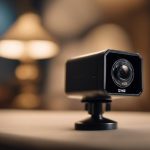
Explain the camera’s purpose before installation and agree on practical rules. For example, family members might use live viewing only during an agreed check-in period or after an alert. A visible device and an indicator light can make monitoring more transparent and reduce the feeling of being watched without notice. Seniors comparing home security options may also appreciate Tactacam protection plans for broader outdoor monitoring needs.
Consent, trust, and hidden cameras
Privacy and consent are central to any monitoring plan. Whenever possible, discuss the decision directly with the older adult. Explain what the camera sees, who can view it, whether audio is enabled, when recordings are made, and how footage will be stored or deleted. Include other residents, visitors, and paid caregivers in the conversation where appropriate.
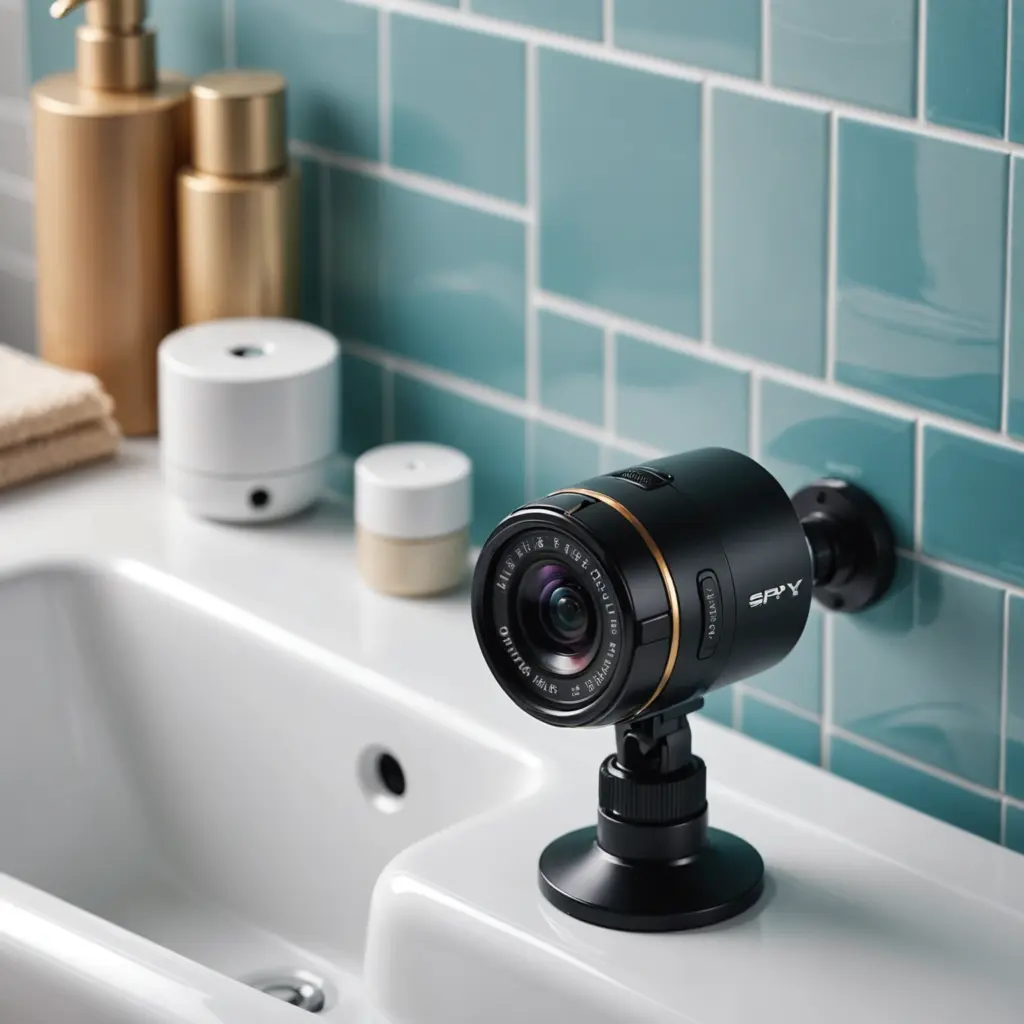
Covert or hidden cameras create additional ethical and legal risks. Secret recording can damage trust and may violate privacy, employment, or recording laws. Requirements differ by location and may depend on whether audio is captured, whether the person owns or rents the home, and whether a caregiver or other resident is recorded. Before using any concealed device, obtain appropriate legal guidance and consider less intrusive options. If abuse or neglect is suspected, contact the relevant safeguarding, adult-protection, or emergency authority instead of relying only on secret footage.
Protecting the camera and its recordings
A camera connected to the internet should be secured like any other account or home device. Change the default password, use a unique strong password, enable two-factor authentication when available, and install firmware updates. Limit access to people who genuinely need it, avoid sharing one login among many users, and review account permissions regularly.
Choose the shortest practical recording-retention period and delete footage that is no longer needed. Protect local recordings from unauthorized access and review the provider’s privacy and data-handling information before enabling cloud storage. If a camera has audio, consider disabling it when it is not necessary for the agreed safety purpose.
Use cameras as part of human care
A thoughtful monitoring plan combines technology with regular visits, phone calls, medication support, emergency contacts, and professional care when needed. Discuss what should happen after an alert and who is responsible for responding. Clear expectations help prevent missed warnings and avoid unnecessary emergency calls.
The goal is not constant surveillance. The goal is a proportionate safety tool that supports independence, keeps communication open, and respects the older adult’s dignity and choices.