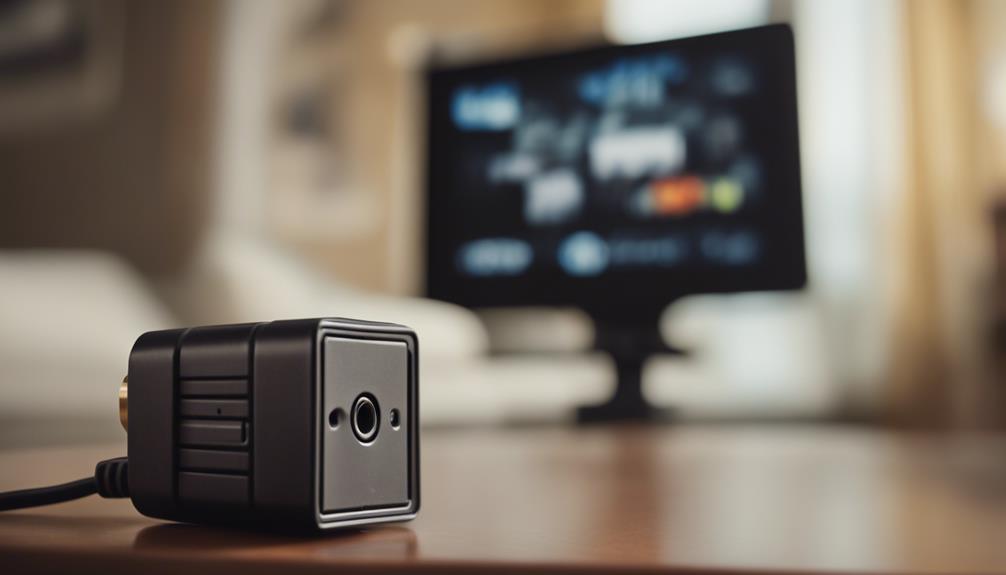

Plug-in spy cameras are designed to resemble ordinary electrical accessories while providing video monitoring from a fixed location. If you are considering one, focus on practical recording, viewing, and setup features rather than appearance alone. Use any camera lawfully, respect privacy, and inform people when required. Never place a camera where individuals reasonably expect privacy.
Motion Detection
Motion detection can make recorded footage easier to manage. Instead of recording continuously, the camera can begin recording when movement is detected. This may reduce the amount of stored footage and make it faster to find relevant events.
Look for settings that let you adjust the motion sensitivity or define detection areas, when available. A camera that is too sensitive may record constantly because of shadows, changing light, or other movement. One that is not sensitive enough may fail to capture an important event.
Motion-activated recording does not remove privacy obligations. Make sure monitoring is appropriate for the location and complies with applicable surveillance and privacy laws.
High-Definition Video
Video resolution is an important consideration because clearer footage is generally more useful for reviewing events. High-definition recording can help preserve visible details, but image quality also depends on lighting, camera placement, lens quality, and the amount of movement in the scene.
When comparing cameras, consider whether the image remains clear at the distance and angle where the device will be installed. A high-resolution specification alone cannot guarantee that faces, objects, or other details will always be identifiable.
Remote Viewing and Monitoring
Remote viewing allows you to check the camera feed through a smartphone, tablet, or computer connected to the internet. This can be useful when you need to monitor a property while away or verify what is happening without being physically present.
Remote access also creates security responsibilities. Choose a camera and companion app that support secure login procedures, use encryption, and receive software or firmware updates. Change default passwords, use a strong unique password, and secure the connected Wi-Fi network. These steps help reduce the risk of unauthorized access to live video or stored recordings.
Night Vision
For monitoring in dim conditions, look for night-vision capability based on infrared illumination. This allows the camera to capture footage when there is little or no visible light.
Night-vision performance can vary considerably. Check the expected range and image clarity, and consider whether nearby surfaces or glass could reflect infrared light back into the lens. Test the camera in the actual location at night rather than assuming that a night-vision label guarantees a clear image in every situation.
Loop Recording and Storage
Loop recording is useful when continuous monitoring is required. Once the available storage is full, the camera overwrites older footage with newer recordings. This allows recording to continue without manually deleting files every time storage reaches capacity.
Before relying on loop recording, understand how the camera stores video and how long footage may remain available. Motion detection can help conserve storage, while continuous recording may provide a more complete record of events. If a recording may be important, save or export it before it is overwritten.
Simple Installation and Setup
A plug-in camera should be straightforward to install, but placement and configuration still require care. Use a stable power outlet, follow the manufacturer’s instructions, and connect the device to the correct network if remote access is supported.
Position the camera to cover the intended area without unnecessary views into private spaces. Avoid obstructions, glare, and locations where the power cable could be damaged. After setup, test the live view, motion detection, recording, night vision, and remote access before depending on the system.
Setup checklist
- Confirm that camera use is lawful and appropriate for the location.
- Install the device where it has a stable power connection and a useful viewing angle.
- Connect it to a secure Wi-Fi network and replace any default login details.
- Adjust motion sensitivity and recording preferences.
- Test daytime and nighttime image quality.
- Check how recordings are stored, downloaded, and overwritten.
- Install available security updates and review access permissions periodically.
Choosing the Right Feature Set
The most useful plug-in spy camera is not necessarily the one with the longest feature list. Prioritize the combination that fits your legitimate monitoring needs: motion detection for easier review, high-definition video for detail, remote viewing for access while away, night vision for low-light areas, loop recording for ongoing storage, and a setup process you can secure and manage confidently.