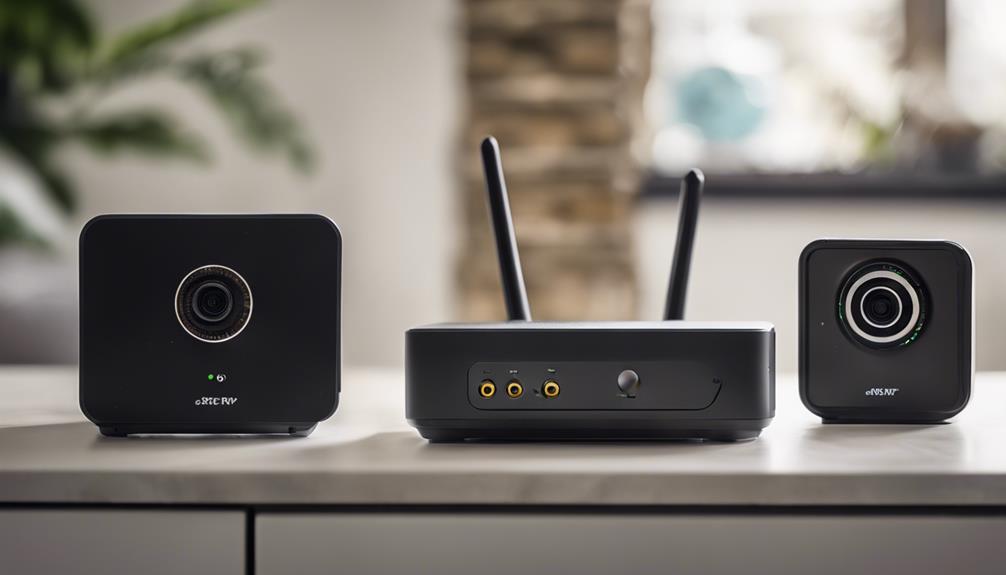

Router-style spy cameras are designed to combine discreet video monitoring with wireless remote access. Some resemble ordinary networking equipment, while others are compact cameras that connect to a home or office Wi-Fi network. The right choice depends less on appearance alone and more on image quality, network security, placement, remote-viewing features, and whether the device can be used lawfully in the intended location.
What to look for in a router spy camera
The following seven considerations are more useful than choosing a camera solely because it is marketed as “smart,” “covert,” or “professional.”
1. Video quality and storage
Choose a camera that produces footage clear enough for its purpose. A wider viewing angle may cover more of a room, but it can also make details appear smaller. Check how recordings are stored: options may include a memory card, a connected device, or cloud storage. Each approach has different privacy, access, and retention implications.
2. Reliable wireless connectivity
A camera is only useful for remote monitoring if it maintains a dependable connection. Consider the distance from the router, walls and other obstacles, and whether the camera is compatible with your network configuration. A strong signal can reduce interruptions during live viewing, although it cannot compensate for every network or internet problem.
3. Motion detection and notifications
Motion detection can help reduce the amount of footage that needs to be reviewed. Before choosing a model, determine whether alerts can be adjusted for sensitivity and whether the system allows you to control when notifications are sent. Excessive alerts can make the feature less practical, while overly narrow settings may miss relevant activity.
4. Low-light performance
If monitoring may take place at night or in dim conditions, review the camera’s low-light capabilities. Night vision can be useful, but performance varies with distance, room layout, and available ambient light. Avoid placing the camera behind glass or near reflective surfaces if they could produce glare or obscure the image.
5. Remote access
Remote viewing allows an authorised user to check a live feed or review recordings away from the property. This convenience also creates an access point that must be protected. Look for clear account controls, secure login options, and the ability to disable remote access when it is not required.
6. Compatibility and setup
A camera should fit the existing network rather than require unsafe workarounds. Follow the manufacturer’s setup instructions, update the device during installation when updates are available, and confirm which mobile apps or services are required. Test the camera locally before relying on it for remote access.
7. Privacy and physical design
A compact or router-like design may help the device fit into a room, but discreet appearance should never be used to record people secretly. Position the camera only where monitoring is permitted, avoid private areas, and use visible notice where appropriate. The design should also provide a clear, unobstructed view without creating a tripping hazard or blocking ventilation.
How to secure a wireless camera
Connect the camera only to a trusted network. Change any default camera and network passwords, and use separate, strong passwords that are not reused elsewhere. Enable an available encryption method such as WPA2, and use multi-factor authentication if the camera’s account supports it. Keep the router and camera firmware updated, remove unused accounts, and review connected devices regularly.
Remote access deserves particular attention. If you do not need to view the camera outside the property, disable that feature. If you do use it, avoid sharing account credentials and check whether recordings are uploaded to a third-party service. Stored footage can contain sensitive information, so use the shortest practical retention period and delete recordings that are no longer needed.
Responsible placement and legal considerations
Surveillance laws and consent requirements differ by location. Before installing a hidden or router-shaped camera, consider everyone who may be recorded, including visitors, employees, tenants, and household members. Do not use a covert camera in places where people reasonably expect privacy, such as bathrooms or changing areas. When monitoring a workplace or shared property, obtain appropriate permission and provide any required notice.
A responsible setup balances security with privacy. Use the narrowest viewing area that meets the legitimate purpose, limit who can access the footage, and explain how recordings are handled. These steps are important whether the device is marketed as a mini Wi-Fi camera, hidden router camera, wireless router cam, or smart surveillance camera.
Final checklist
- Confirm that the camera is lawful and appropriate for the location.
- Choose adequate video quality, storage, and low-light performance.
- Test wireless signal strength before fixing the camera in place.
- Replace default passwords and enable available security features.
- Update firmware and review remote-access settings regularly.
- Restrict footage access and delete recordings when they are no longer needed.
There is no single best router spy camera for every situation. A secure network, careful placement, and responsible access controls matter just as much as the camera’s size or monitoring features.