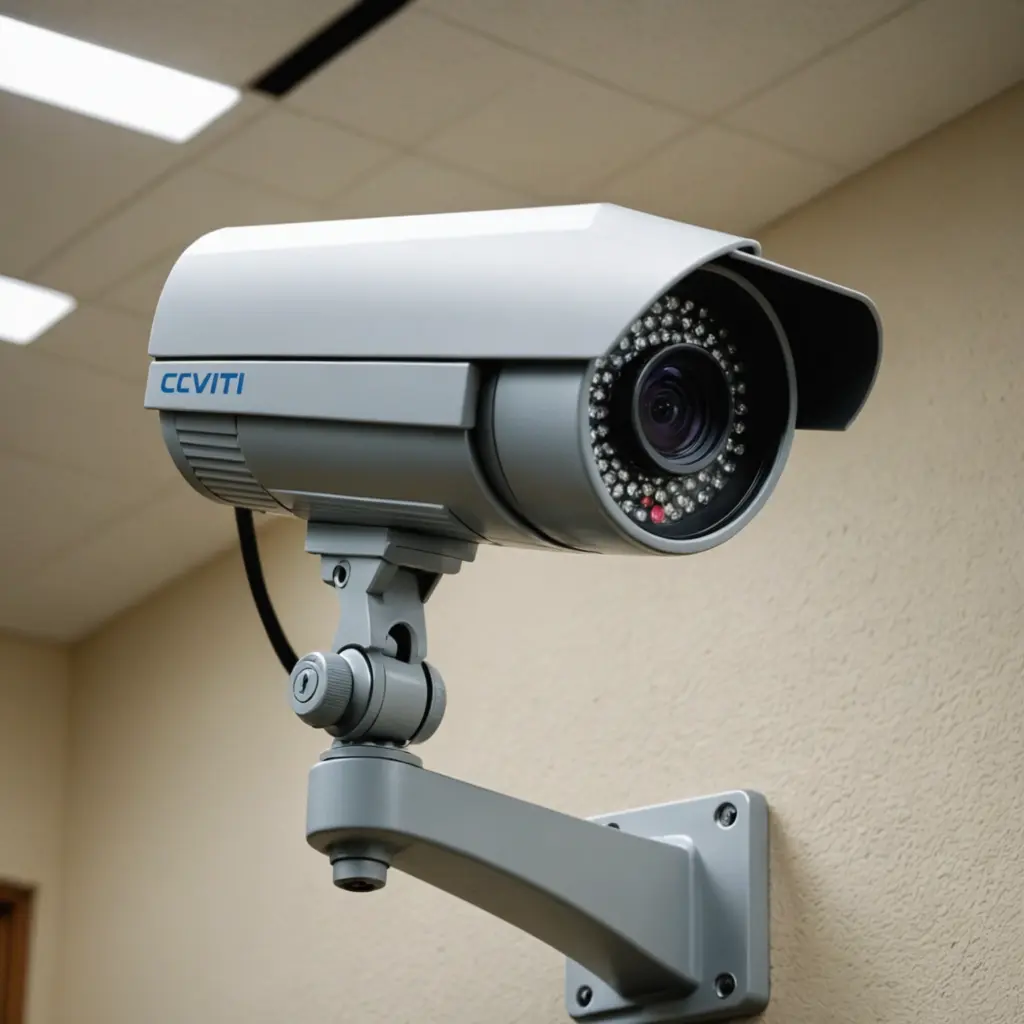

A website CCTV camera system lets authorised users view live video and recordings through a web browser, mobile dashboard, cloud service, or private online portal. This can make it easier to check a home, business, holiday property, or other permitted location without being physically present. Learn how website CCTV camera integration complements covert surveillance uses for discreet monitoring in varied environments.
Online access is useful, but convenience should not come at the expense of security or privacy. The best setup combines suitable hardware, reliable connectivity, carefully limited access, and a clear understanding of where recording is lawful and appropriate.
How online CCTV camera systems work
A network camera captures video and sends it through an internet connection to either a cloud platform, a local recorder, or a securely configured private server. An authorised user can then sign in to view live feeds, search stored footage, or receive motion alerts.
Some systems use Wi-Fi or Ethernet, while others can operate over a mobile network. A cellular CCTV camera may be useful where fixed broadband is unavailable, although data charges, signal strength, and power requirements should be considered before installation.
Depending on the equipment and service, useful features may include:
- Live viewing from a browser or mobile device
- Motion-triggered recording and notifications
- Scheduled recording for selected times
- Cloud or local video storage
- Multiple camera views in one dashboard
- Two-way audio where communication is appropriate
- Privacy masks that block selected areas from view
Practical uses for website CCTV
Remote CCTV can help property owners check entrances, driveways, storage areas, and other locations where monitoring is justified. A business may use cameras to review activity around stockrooms, loading areas, or customer-accessible spaces. A homeowner might use them to confirm that a property is secure or to investigate a motion alert.
Care and family situations require particular sensitivity. A camera may supplement an agreed care plan or help authorised relatives check on a vulnerable person, but it should not replace direct care, emergency services, or appropriate supervision. Whenever possible, explain the system to people who may be recorded and agree on its purpose, placement, and access rules.
Using discreet cameras responsibly
Small or discreet cameras can be useful where a large visible unit is impractical, but concealment raises significant ethical and legal concerns. Do not use a camera to secretly record people in spaces where they reasonably expect privacy, such as bathrooms, bedrooms used by others, changing areas, or similar locations. Recording conversations may also be subject to consent requirements that differ from rules for video recording. Website CCTV cameras become more useful when paired with mobile monitoring tools for remote viewing and alerts.
For workplaces, inform employees and visitors when required and provide a clear explanation of the monitoring purpose. Avoid recording more of a person’s activity than necessary, and do not use a camera to collect unrelated personal information. Local privacy, employment, and communications laws may apply, so obtain qualified legal advice when the circumstances are unclear.
Planning a secure CCTV setup
Start by identifying the area that genuinely needs monitoring. Position cameras to cover entrances, access points, or specific assets rather than capturing neighbouring property or private rooms. Use privacy masking where the system supports it, and decide in advance how long recordings should be retained.
For secure online access:
- Use a unique, strong password for every camera account.
- Enable two-factor authentication when it is available.
- Keep camera firmware, mobile apps, and portal software updated.
- Limit accounts to people who need access and remove old users promptly.
- Prefer encrypted connections and reputable providers with clear storage policies.
- Change default administrator credentials before connecting equipment to the internet.
- Review login notifications and access logs if the system provides them.
Self-hosted systems can provide more control, but they also require careful router configuration, secure remote access, backups, and ongoing maintenance. Avoid exposing a camera directly to the public internet unless it has been configured and protected by someone with the necessary technical expertise.
Solving common online CCTV problems
Choppy video or delayed playback may result from weak Wi-Fi, limited upload bandwidth, network congestion, or too many cameras streaming at once. Reducing resolution or frame rate can help, and wired Ethernet is often preferable for cameras that need a stable connection.
For dropped connections, check the camera’s power supply, network signal, router settings, and service status. Login problems may be caused by incorrect credentials, expired sessions, or two-factor authentication issues. Storage warnings usually mean that recordings need to be archived, deleted according to the retention policy, or moved to a larger storage plan.
Choose monitoring with privacy in mind
A website CCTV camera can provide convenient remote oversight, but the system should be limited to a clear and legitimate purpose. Select equipment that matches the location, secure every route to the footage, maintain it regularly, and communicate openly wherever possible. Responsible planning helps preserve safety and usefulness while reducing unnecessary intrusion into other people’s privacy.