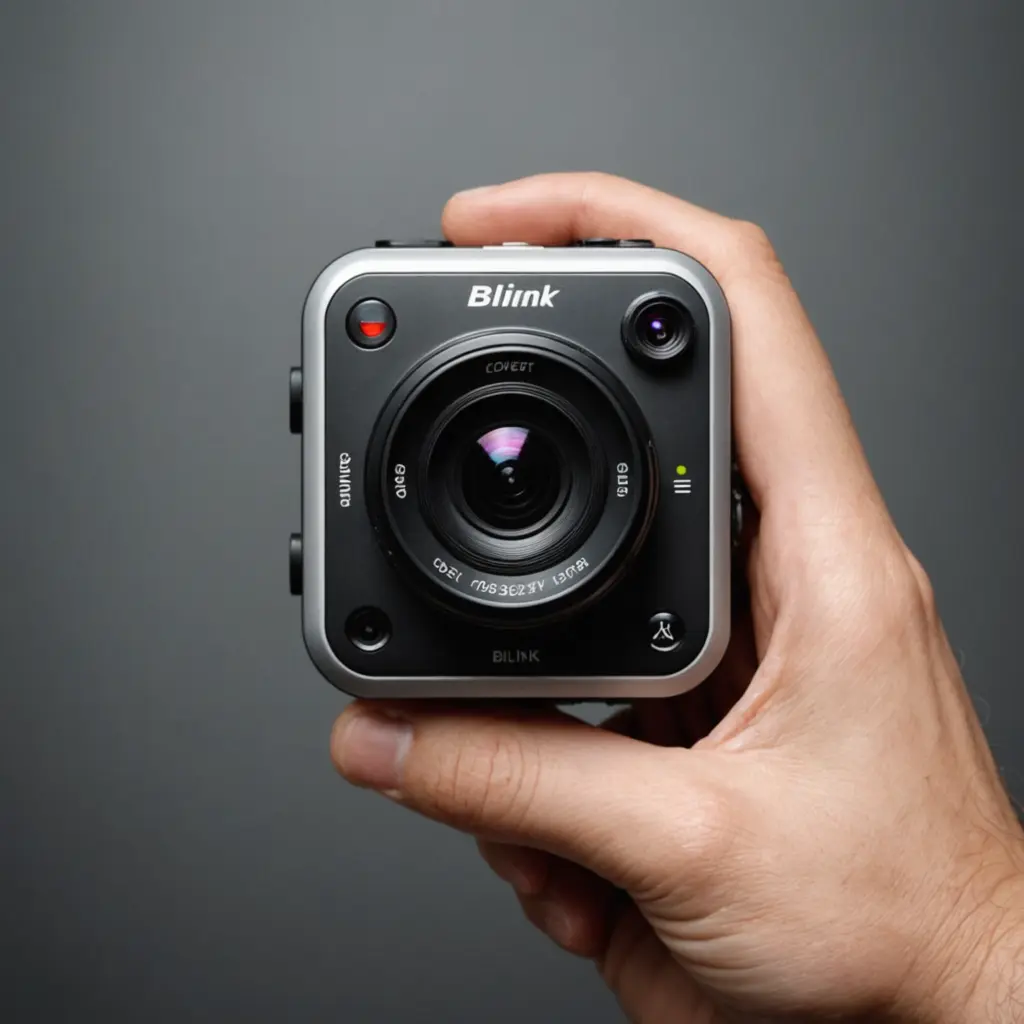

Blink cameras are designed to make home monitoring simple and affordable, but picture quality remains an important consideration before choosing a system. A camera may record in HD and still produce disappointing footage if it is poorly positioned, affected by glare, or connected to an unreliable Wi-Fi signal. If Blink image clarity concerns you, review surveillance features that influence resolution, compression, and night performance.
For everyday uses such as checking a front door, monitoring a garden entrance, or keeping an eye on indoor rooms, Blink generally provides usable video without the complexity of a professional surveillance installation. The results depend on more than resolution alone, however.
What affects Blink camera picture quality?
Resolution determines how much visual detail a recording can contain, but several other factors influence how clear the final clip appears:
- Lighting: Bright, even light usually produces the clearest footage. Strong backlighting can make faces appear dark, while harsh sunlight may reduce detail in bright areas.
- Distance: A subject close to the camera is easier to identify than one at the far end of a driveway or garden.
- Video compression: Stored or streamed footage may lose fine detail, particularly in scenes with movement or complex backgrounds.
- Wi-Fi performance: A weak or inconsistent connection can lead to delayed live views, dropped frames, or unreliable clip uploads.
- Lens condition: Dust, fingerprints, water spots, and condensation can make an otherwise sharp image look blurred.
- Camera placement: The viewing angle affects whether the camera captures useful facial detail or only the tops of people’s heads.
The cameras described in the supplied models generally record at 1080p HD. That is suitable for routine residential monitoring, but it does not guarantee that distant faces, vehicle number plates, or small objects will be clearly identifiable.
Daytime and real-world performance
In good daylight and at a sensible viewing distance, Blink footage can be clear enough to show who approached a door, whether a delivery was left outside, or what caused motion near a property. This makes the system practical for awareness and deterrence.
Picture quality is less dependable when the scene contains rapid movement, a bright window behind the subject, deep shadows, or a large area that the camera is expected to cover from far away. A wide view may help you see more of the property, but it can reduce the amount of detail available for each person or object in the image.
Night vision and low-light footage
Blink cameras use infrared night vision to record in darkness. Night-time footage is normally monochrome rather than colour, and it may appear grainier or less detailed than daytime video. Subjects that are too far from the camera can become difficult to distinguish, especially in an open driveway or yard.
Low-light performance also depends on nearby surfaces. Walls, windows, reflective decorations, and other objects can create glare or cause infrared light to reflect back toward the lens. If a camera struggles at dusk or after dark, changing its angle may help more than simply increasing sensitivity. Comparing Blink image clarity with wearable recording options helps when evaluating compact HD spy camera watches.
Choosing between Blink camera types
The best choice depends on where the camera will be installed and what you need it to do:
- Blink Outdoor: A practical option for exterior locations where weather resistance and battery operation are important.
- Blink Indoor: Suited to rooms and other protected areas where weather protection is not required.
- Blink Mini: A compact indoor option for close-range monitoring, such as watching an entryway, office, or small room.
These categories should not be treated as a guarantee that one model will always produce superior footage. Placement, lighting, distance, and network conditions can have a greater effect on results than small differences between cameras.
How to get clearer Blink footage
Careful installation can make a noticeable difference. Use these practices when setting up a camera:
- Point the camera toward the area where people are most likely to pass, rather than trying to cover an entire property from one position.
- Mount it around head height where appropriate and angle it slightly downward to improve the view of approaching visitors.
- Avoid pointing directly at the sun, bright outdoor lights, or reflective windows.
- Keep the lens clean and check it periodically after rain, dust, or outdoor maintenance.
- Place the camera where its wireless connection is reliable, and improve router or Sync Module positioning if clips fail to load consistently.
- Review motion settings and activity zones so the camera concentrates on useful areas instead of recording unnecessary movement.
Limitations to keep in mind
Blink is intended for convenient residential monitoring rather than high-end, continuous surveillance. Short motion clips, recording delays, limited detail at long distances, and reduced clarity at night may matter if you need comprehensive evidence in every situation. Users seeking very high-resolution video, sophisticated image processing, or advanced professional analytics may need a more specialised system.
Is Blink picture quality good enough?
For many homes, Blink provides a reasonable balance between image clarity, straightforward installation, and cost. It is well suited to checking entrances, monitoring indoor spaces, and receiving visual confirmation when motion occurs. The footage will be most useful when the camera is positioned close to the activity, protected from glare, and connected to a dependable network.
If your priority is maximum detail over long distances or the clearest possible night-time identification, picture quality should be compared with the requirements of your property rather than judged by resolution alone. For general home awareness, however, a carefully installed Blink camera can provide useful and practical visual coverage.