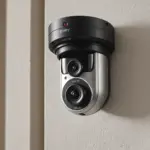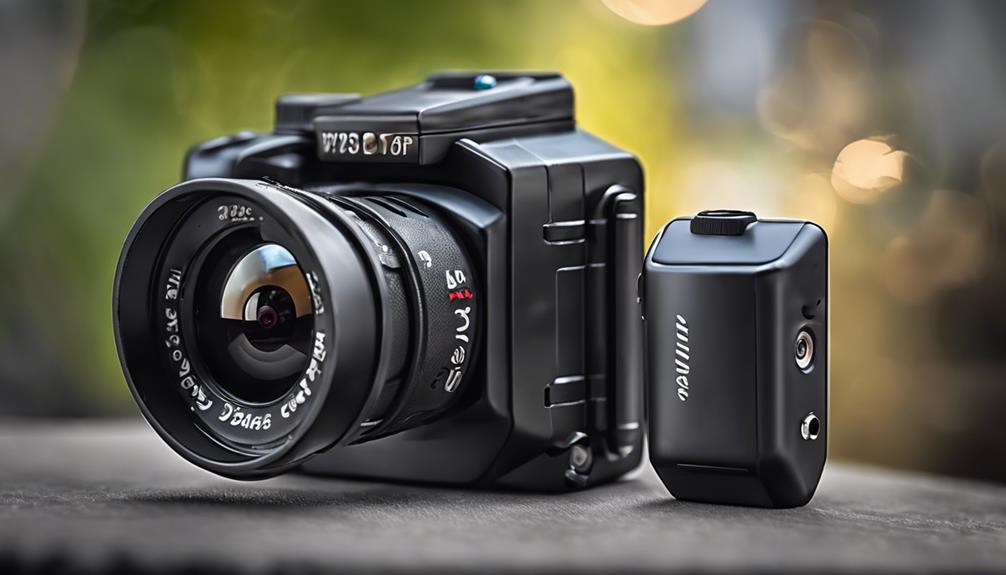

Wi-Fi cameras with audio can provide remote video access and, where lawful, sound recording. However, devices designed to blend into everyday objects raise significant privacy and legal concerns. Before choosing or installing one, confirm that your intended use is permitted, obtain consent where required, and avoid recording in places where people reasonably expect privacy.
What to Consider Before Buying
Features matter, but responsible use should come first. A camera with audio can capture more sensitive information than video alone, so look for controls that help you limit access and manage recordings securely.
- Secure account protection: Choose a device that supports a strong, unique password and, where available, additional account security measures.
- Encrypted connections: Encryption helps protect live feeds and stored recordings from unauthorized access while data travels across the network or is stored.
- Adjustable microphone settings: Microphone sensitivity controls can help prevent unnecessary background recording and reduce unwanted noise.
- Recording controls: Look for options such as motion-triggered recording, scheduled recording, and the ability to disable audio independently.
- Reliable Wi-Fi performance: A stable connection is important for remote viewing, notifications, and uploading recordings.
- Clear privacy indicators: A visible status light, shutter, or software control can make it easier to show when monitoring is active.
Audio Recording and Privacy
Audio monitoring should not be treated as an automatic extension of ordinary home security. Conversations may contain highly personal information, and recording them without permission may violate privacy or communications laws. Rules differ by location and can depend on whether one person or everyone involved has provided consent.
Review the laws that apply where the camera will be used before enabling its microphone. If you are monitoring a shared home, workplace, rental property, or any area used by guests, explain what is being recorded, why it is being recorded, and who can access it. When consent is unclear, disabling audio is the safer choice.
Choosing a Suitable Design
Some Wi-Fi cameras are compact or designed to fit unobtrusively into a room. That does not make concealed surveillance appropriate. A discreet device should be used only for a lawful, clearly defined purpose, and people affected by the monitoring should not be misled about its presence.
For many situations, a conventional visible camera is a better option. It can provide useful security coverage while making the monitoring arrangement transparent. Regardless of the design, evaluate image quality, microphone clarity, viewing angle, low-light performance, storage options, and the ease of disabling the device.
Safer Setup Practices
Follow the manufacturer’s instructions and place the camera only in an area where monitoring is permitted. Do not install cameras in bathrooms, bedrooms, changing areas, or other private spaces. Avoid pointing the device toward neighbors’ property or areas outside the intended monitoring zone.
- Change the default password before connecting the camera to Wi-Fi.
- Use a strong password for the associated app or online account.
- Install firmware and app updates supplied by the manufacturer.
- Review which accounts can view live footage or download recordings.
- Set a retention period and delete recordings that are no longer needed.
- Disable audio unless it is necessary, lawful, and properly disclosed.
- Test remote access and notifications without exposing the feed to unauthorized users.
Common Questions
Can these cameras be viewed remotely?
Many Wi-Fi models are designed to provide live viewing or access to recordings through an app or web account. Remote access depends on the camera, its software, and the network connection. Secure the account carefully because remote viewing can create an additional access point for unauthorized users.
What recording modes are available?
Depending on the model, recording may be continuous, scheduled, or triggered by motion. Select the least intrusive mode that meets your legitimate purpose. Motion recording can reduce unnecessary footage, while scheduled recording can limit monitoring to specific times.
Is audio recording always legal?
No. Audio rules vary by jurisdiction and situation, and some locations require consent from everyone being recorded. Check applicable local requirements before using the microphone. When in doubt, seek qualified legal advice and leave audio disabled.
Final Guidance
A Wi-Fi camera with audio can support security monitoring when it is used transparently, lawfully, and with strong technical safeguards. Prioritize encryption, account security, recording controls, and responsible placement over the ability to conceal the device. In many homes and shared spaces, a visible camera with audio disabled unless clearly necessary offers a more respectful and lower-risk solution.