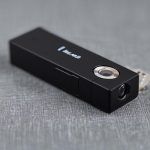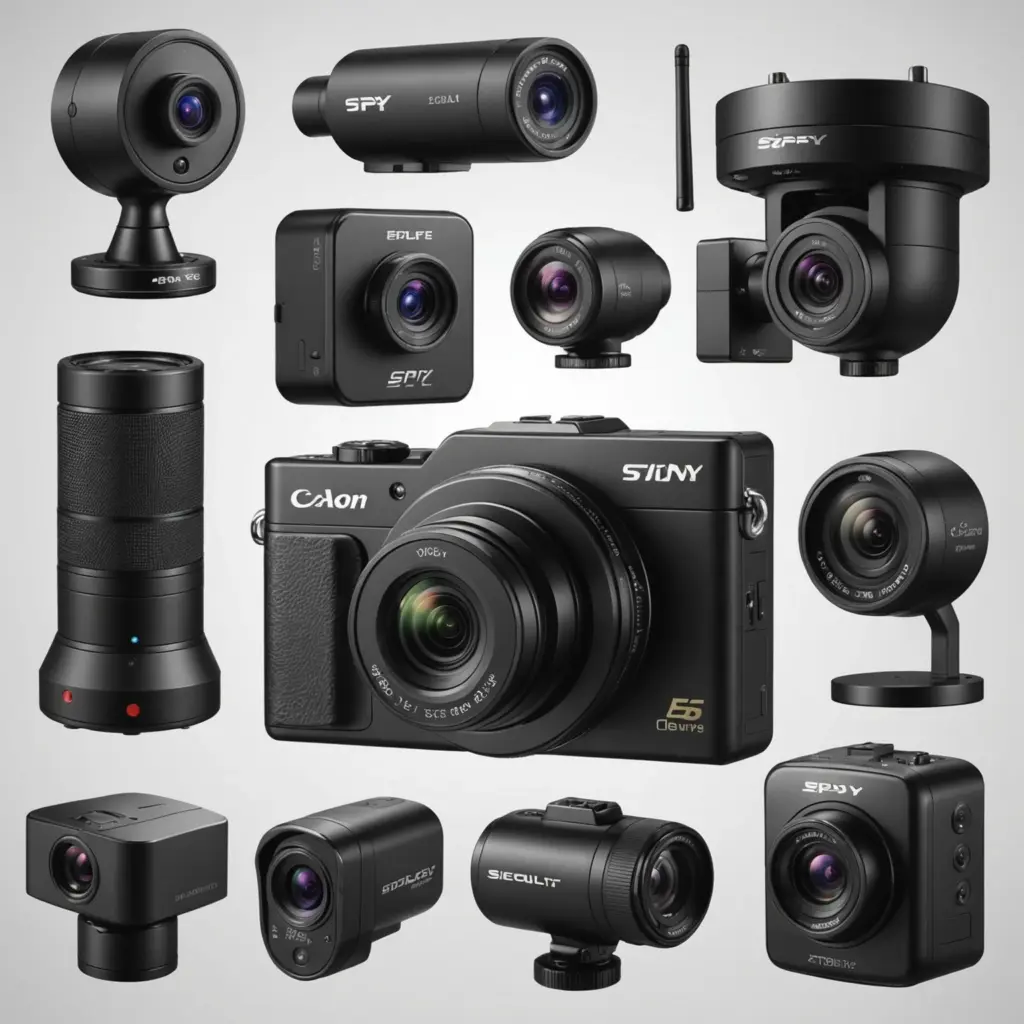

A wireless motion camera can record activity when movement is detected, send alerts to a smartphone, and provide coverage without requiring a cable between the camera and a recorder. These systems are used for visible home security, property monitoring, delivery areas, outdoor spaces, and wildlife observation. Compact models may be suitable where a camera needs to blend into its surroundings, while larger systems can provide night vision, wider coverage, and centralized recording. Explore motion-triggered monitoring to understand practical uses for discreet cameras in homes, offices, and outdoor spaces.
How wireless motion cameras work
A typical system combines a camera, motion detector, wireless connection, and a power source. When movement occurs within the detection area, the camera may begin recording, save a clip, send a notification, or activate another connected device such as an alarm. Depending on the model, footage may be stored locally, on a dedicated recorder, or through cloud backup.
Wi-Fi models are convenient when the installation location has a dependable network connection. Battery-powered cameras offer more flexibility where running power cables is difficult, but they require regular checks and recharging or battery replacement. Some cameras can operate more independently, making them useful for temporary monitoring or locations without convenient access to a home network.
Features worth comparing
The best camera depends on the environment and the type of monitoring required. Before buying, compare the following features:
- Motion detection: Look for adjustable sensitivity and motion zones so the camera can focus on relevant areas. This can help reduce alerts caused by pets, moving branches, or passing traffic.
- Night vision: Infrared night vision is important for monitoring after dark. Check how the camera performs in the lighting conditions where it will be installed.
- Power: Battery operation simplifies installation, while a wired power source can reduce maintenance for permanent locations.
- Connectivity: Smartphone alerts are useful for receiving notifications and viewing clips remotely, but they depend on the camera’s wireless connection and app.
- Storage: Decide whether you need local storage, a wireless recorder, cloud backup, or a combination of options.
- Weather protection: Outdoor cameras should be designed for exterior use and have an appropriate weather-resistance rating.
- Viewing angle: A standard camera may suit a doorway or driveway. A rotating or 360-degree model can cover a wider area and may reduce blind spots.
Indoor and outdoor applications
Inside a home, a motion camera can monitor entrances, delivery areas, pets, or rooms where activity needs to be checked while the owner is away. A small camera may be easier to position discreetly, but it should still be installed in a way that respects the privacy of household members and visitors.
Outside, wireless cameras can help monitor driveways, gardens, gates, sheds, and other access points. Place them where they can observe the intended area without being blocked by plants, walls, or outdoor fixtures. A wide-area or 360-degree camera may be useful for a large yard, while several conventional cameras can provide separate views of the front entrance, rear area, and driveway.
Compact and discreet cameras
Mini and low-profile cameras can be useful when a large visible unit would be impractical. They may be placed beneath an eave, near an entry point, or in another suitable location that provides a clear view. Discreet placement should not mean concealing a camera in a private area or using it to monitor people without an appropriate legal basis. Wireless motion cameras pair naturally with intelligent motion monitoring to improve responsive, AI-driven security across connected spaces.
Installation and placement tips
Start by identifying the activity you need to capture, then position the camera toward the relevant entrance or pathway. Avoid aiming directly at strong lights, reflective surfaces, or the sun, since glare can reduce image quality. Mounting a camera securely on a wall or other stable surface usually provides a more consistent view than placing it on an unstable object.
Test the detection area at different times of day before completing the installation. Adjust the angle and motion zones so the camera does not cover more of a neighboring property or public space than necessary. For battery-powered models, choose a position that allows convenient maintenance without sacrificing the required field of view.
Privacy, legal, and ethical responsibilities
Rules for recording video vary by country, region, and situation. Before installing a wireless motion camera, check the requirements that apply to your property and intended use. Particular care is needed in bedrooms, bathrooms, changing areas, and other places where people reasonably expect privacy. Workplace, rental, and shared-property installations may also require notice or consent.
Use the least intrusive setup that meets your security objective. Limit recording to relevant areas, protect access to stored footage, and review recordings only for a legitimate purpose. When transparency is appropriate, inform occupants, workers, tenants, or visitors that monitoring is in use and explain its purpose.
Choosing a suitable system
A wireless motion camera is most effective when its detection performance, power source, connection, storage method, and placement all match the site. Choose a compact battery model for flexible positioning, a weather-resistant outdoor unit for exterior monitoring, or a wide-angle and rotating system when a larger area must be covered. Careful setup and responsible use will provide useful security monitoring while reducing unnecessary alerts and protecting privacy.