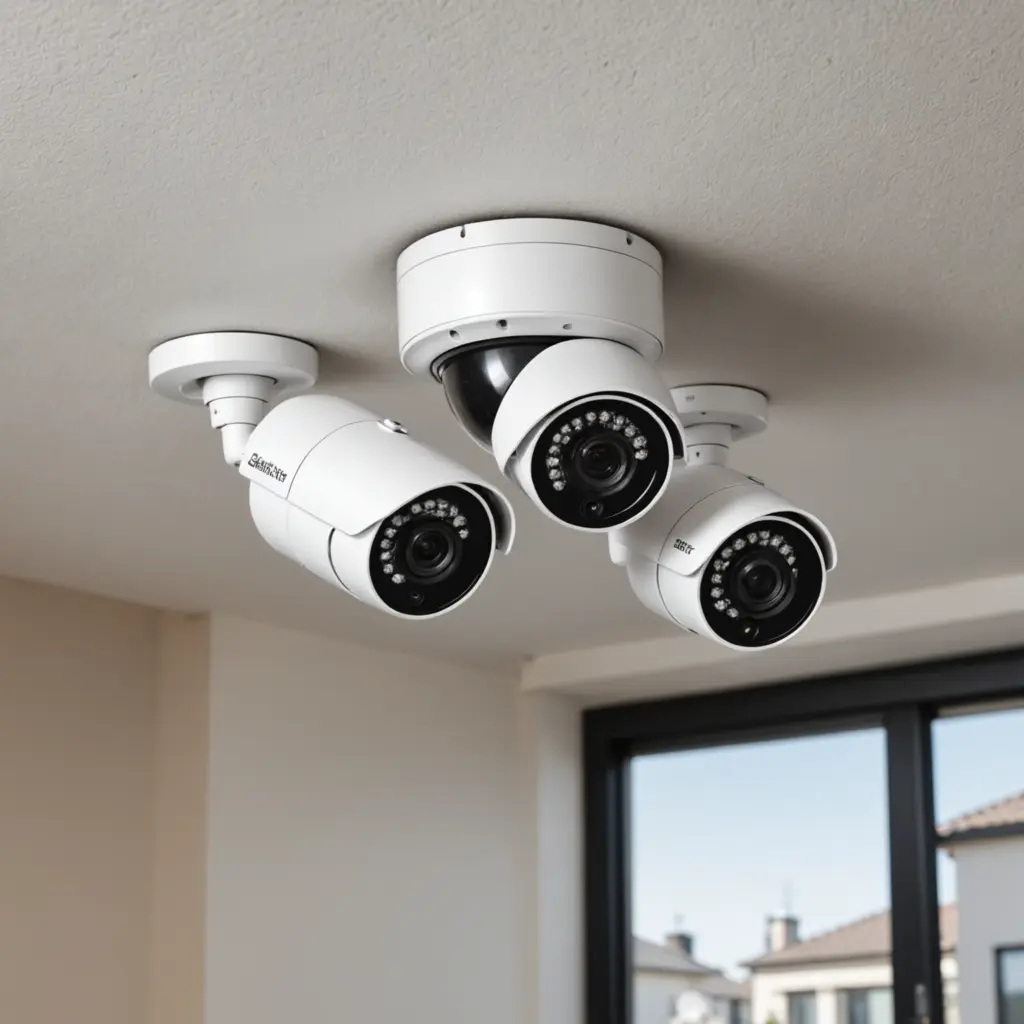

A two-camera home security system can provide useful coverage without the cost and complexity of a larger installation. With thoughtful placement, one camera can watch the main entrance while the other covers a rear door, garage, yard, or important interior passage. This simple arrangement can help deter unwanted activity, provide remote visibility, and preserve recordings when an incident needs to be reviewed. Explore discreet monitoring uses to understand practical, privacy-conscious applications for surveillance cameras around your home.
Why choose a two-camera setup?
Two cameras are often enough to monitor the areas that matter most in a typical home. They are also easier to install, configure, and maintain than a full multi-camera system. A smaller installation usually requires less storage and places fewer demands on a home network, particularly when the cameras send video over Wi-Fi.
A two-camera system can also provide a degree of backup. If one camera is obstructed, loses power, or goes offline, the second may still capture useful activity from another angle. The best locations will depend on the property, but common priorities include:
- The front door, porch, or driveway
- A rear entrance, side gate, or garage
- An area where packages are left
- A hallway or other high-traffic interior space
Decide what each camera needs to accomplish
Before buying equipment, identify the specific purpose of each camera. A camera aimed at an entrance should make it possible to distinguish faces and activity near the door. A camera covering a yard or driveway may need a wider viewing angle and dependable night vision. If remote check-ins are important, choose models with a well-supported mobile app and a stable connection to the home network.
Some homeowners may want one visible camera for general deterrence and a second, less noticeable camera for monitoring a different area. Any discreet monitoring should be planned carefully. Do not place cameras in locations where people reasonably expect privacy, and follow applicable consent, recording, and property rules. Household members, visitors, caregivers, and tenants may have privacy rights that affect how indoor recording is used.
Features worth comparing
Video quality and night performance
Choose cameras that produce clear daytime footage and can still capture useful detail in low light. A wide dynamic range can help when a doorway has bright outdoor light behind a person. Infrared night vision may be useful outdoors or in dark hallways, but test the view after installation rather than assuming the specification will suit every location.
Connection and power
Wi-Fi cameras are convenient when running cable is difficult, while wired or Power over Ethernet models generally offer a more consistent connection. Battery-powered cameras are flexible to place but require regular charging. For cameras protecting important entry points, dependable power is especially important. For broader home monitoring, wide-angle coverage can complement these two surveillance camera options effectively.
Motion detection and recording
Motion alerts can reduce the need to review hours of empty footage. Look for options that let you adjust activity zones and sensitivity so that pets, passing vehicles, or moving branches do not create unnecessary alerts. Decide whether recordings will be stored locally, on a network video recorder, or through a cloud service. Each approach involves different costs, access methods, and storage limits.
Placement guidelines
Mount an entrance camera high enough to reduce tampering, but not so high that it only records the top of a person’s head. Aim it slightly downward and check that faces are visible rather than hidden by strong backlighting. Outdoor cameras are often better protected beneath an eave or another sheltered position, provided the view is not blocked.
Use the second camera to cover a separate route into the property instead of duplicating the first camera’s view. Overlapping angles can be useful when an entrance is particularly important, but two different coverage zones usually provide more practical value. Before permanently mounting either unit, test the image during daylight and after dark. Check for glare, reflections, obstructions, and areas outside the camera’s field of view.
Secure and maintain the system
Change default passwords immediately, use strong unique login details, keep camera firmware updated, and enable available encryption and account security controls. Restrict access to trusted users and review app permissions regularly. These steps are important because an internet-connected camera can expose household activity if its account or network is poorly protected.
Maintenance is simple but should not be ignored. Clean the lenses, inspect outdoor mounts, check cables and power adapters, and confirm that motion alerts and night vision still work. Review storage capacity and recording schedules occasionally. It is also worth testing the system from the mobile app so you know how to retrieve footage before it is urgently needed.
A practical starting point
Two well-placed surveillance cameras can offer meaningful coverage while keeping installation and ongoing management manageable. Start with the most important entry point, add a second camera where it closes a major gap, and choose storage, power, and privacy settings that fit the household. A modest system that is securely installed and regularly checked is more useful than a larger system that is difficult to operate or poorly maintained.