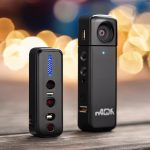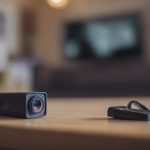

A 4-camera security camera system is a practical way to monitor the most important areas of a home, shop, office, or other small property. Four cameras can often cover primary entrances, outdoor approaches, a driveway or garage, and one important interior area without making installation, storage, and maintenance unnecessarily complicated. When installing a four-camera security system, consider covert camera types that meet discreet monitoring requirements.
What a four-camera system can cover
The best layout depends on the property, but a typical installation may include:
- Front or main entrance
- Rear entrance, garden, or service door
- Driveway, garage, loading area, or outdoor path
- Main interior area, stockroom, reception area, or stairway
Before buying equipment, walk around the property and identify likely approaches, poorly lit areas, valuable equipment, and locations where an incident would be difficult to verify. A camera should provide a useful view rather than simply being placed in the most visible position.
Wired or wireless cameras?
When a wired system makes sense
A 4-camera wired security system is often a strong choice when dependable, continuous operation is the priority. Power over Ethernet (PoE) cameras can receive power and transmit video through network cabling, while other systems use separate power and video connections. Wired installations avoid many wireless signal problems and do not depend on regularly recharged camera batteries.
Wired cameras are particularly suitable when cables can be routed through an attic, basement, ceiling, conduit, or existing network infrastructure. The main trade-off is that installation can take more planning, especially in finished buildings.
When wireless is more convenient
Wireless cameras can be useful where running cable is impractical or where the system needs to be installed with minimal building work. They still require a reliable wireless connection and a suitable power source. Battery-powered models also need a schedule for charging or battery replacement. Wi-Fi congestion, building materials, and distance from the router can affect performance, so wireless coverage should be tested at each proposed camera location.
Components to compare before purchase
A complete system generally includes four cameras, a recorder, storage, and the necessary power or network equipment. Depending on the design, the recorder may be a DVR for compatible analog cameras or an NVR for network cameras. Some systems support both types, but compatibility should never be assumed.
Check the following specifications together:
- Camera and recorder resolution
- Supported video formats and connectors
- Night-vision or low-light performance
- Weather resistance for outdoor locations
- Motion detection and alert controls
- Storage capacity and expected recording retention
- Remote viewing and account security features
Small or discreet cameras may use different connectors, signal formats, or power requirements from standard security cameras. If you plan to combine camera styles, confirm that every device can work with the recorder or network equipment before installation. Resolution and frame-rate limits should also be checked, since the recorder must be able to handle the selected cameras. For flexible monitoring, consider built-in WiFi connectivity when expanding a four-camera security system.
Using discreet cameras responsibly
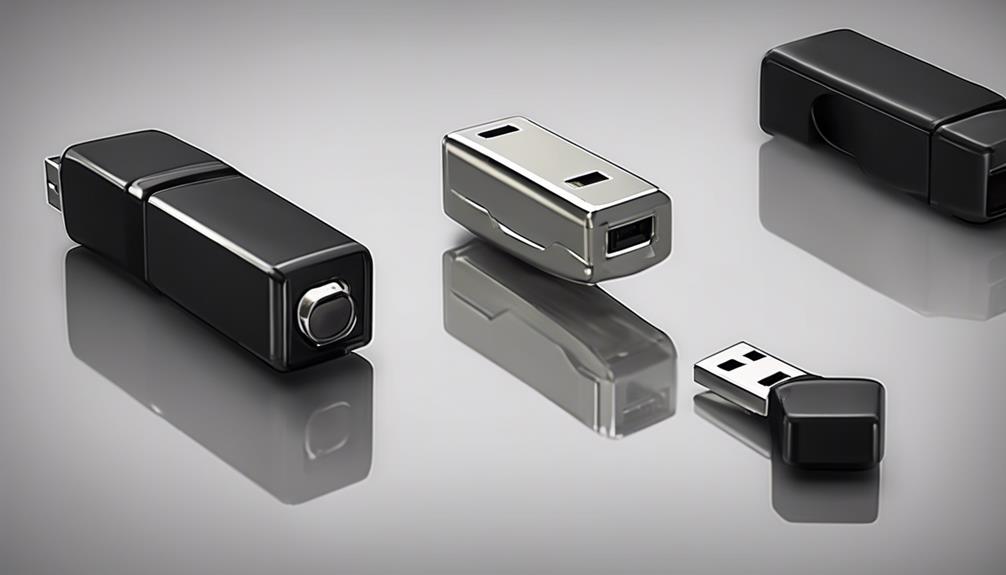
Some installations may call for a less conspicuous camera, such as a compact pinhole-style device or a camera built into an everyday-looking enclosure. Concealment can be appropriate in limited situations, but it also creates greater privacy and legal responsibilities. Recording laws differ by location, and areas such as bathrooms, bedrooms, changing areas, and other places where people reasonably expect privacy are especially sensitive.
Use discreet monitoring only where it is lawful and genuinely appropriate. Businesses may need to notify employees, customers, contractors, or visitors, depending on local requirements. Property owners and hosts should also consider the rights of tenants and guests. When a visible camera can achieve the security objective, it is generally the clearer and less intrusive option.
Installation and placement tips
Position outdoor cameras high enough to reduce easy tampering, but not so high that faces and useful details become difficult to identify. Avoid aiming directly at bright lights or reflective surfaces. Indoors, place cameras to cover entrances and movement routes without unnecessarily recording private areas.
For wired systems, protect cable runs from moisture, accidental damage, and sharp bends. Use suitable weatherproof connections outdoors. Test each camera’s angle before permanently mounting or concealing it. A small change in position can alter the field of view considerably.
Configure motion zones carefully. Excluding roads, moving trees, and other irrelevant activity can reduce unwanted alerts. At night, test the image under the actual lighting conditions rather than relying only on daytime footage.
Storage, security, and maintenance
Choose a recording period that matches the property’s needs and the available storage. Businesses may need a different retention period from a private residence. Protect remote access with strong, unique credentials and keep the recorder, cameras, and related applications updated when updates are available.
Routine maintenance should include cleaning lenses, checking mounts and connections, testing playback, and confirming that alerts still reach the intended device. A UPS can help a wired recorder continue operating during a short power interruption. For battery-powered cameras, schedule inspections so that charging or battery replacement does not create unexpected blind spots.
Final checklist
- Map the four most important areas before choosing camera positions.
- Match the camera type, signal format, power method, and recorder.
- Choose wired equipment when consistent power and connectivity matter most.
- Test wireless coverage and battery access before final installation.
- Use discreet cameras only in lawful, necessary, and privacy-respecting situations.
- Plan storage, remote access security, and ongoing maintenance from the start.
With thoughtful placement and compatible equipment, a four-camera system can provide focused coverage without becoming difficult to manage. The strongest setup is one that balances visibility, reliability, image quality, privacy, and the practical needs of the property.