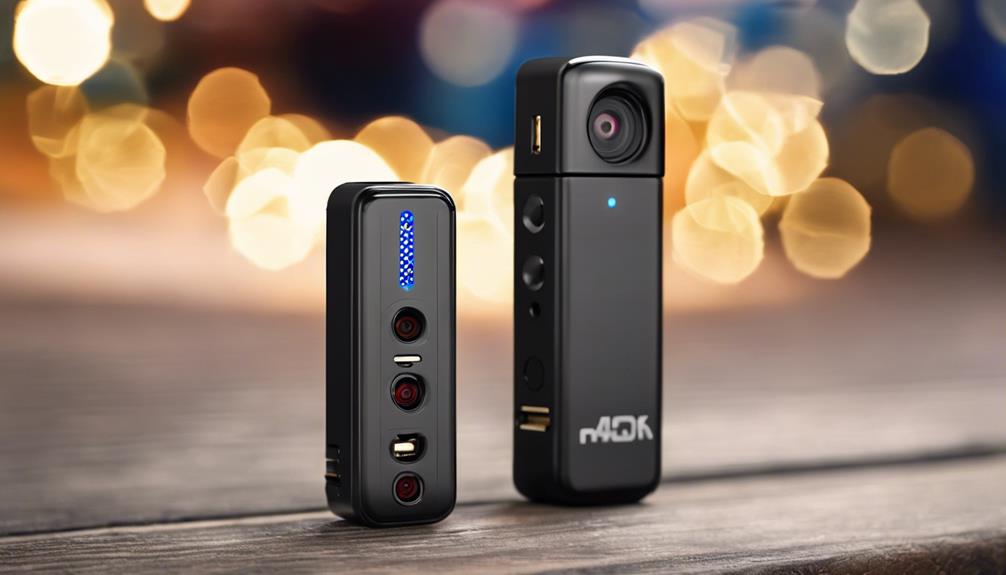

A Nest nanny cam can make it easier to check on children, pets, older family members, or activity in the home when you are not nearby. Like other smart home cameras, it typically combines live video with motion or sound alerts, mobile-app access, and two-way communication. Used responsibly, it can support everyday care without requiring constant in-person checks. Learn how Nest Nanny features compare with other nanny monitoring systems to choose the best fit.
The most important decision is not simply which camera to buy. You also need to consider where it will be placed, who can view the footage, whether recordings are stored, and how everyone affected by monitoring will be informed.
How a Nest nanny cam works
Setup generally involves connecting the camera to your home Wi-Fi, signing in to the associated Nest or Google account, and configuring the companion app. Once connected, you can view a live stream and adjust settings for notifications, recording, and account access.
Depending on the device and selected service features, a Nest camera may provide:
- High-definition video for daytime monitoring
- Night vision or low-light viewing
- Motion and sound notifications
- Two-way audio for speaking through the camera
- Recorded clips or cloud video history
- Integration with compatible voice assistants or smart-home routines
Available features, storage periods, and subscription requirements can vary, so check the specific camera and account settings before relying on a particular capability.
Features that matter for family monitoring
Video and night visibility
A clear view is useful only if the camera covers the right area. For a nursery or bedroom, low-light performance and night vision may be more important than maximum daytime resolution. Check for glare, shadows, and obstructions before finalising the placement.
Motion and sound alerts
Alerts can help you notice movement, crying, or other sounds without watching a live feed continuously. Adjust sensitivity to reduce unnecessary notifications while preserving alerts that matter to your household. If the camera allows activity zones or similar controls, use them to focus on the relevant area.
Two-way audio
Two-way communication can be useful for reassuring a child, reminding a caregiver about a task, or speaking to a pet. It should supplement, rather than replace, direct supervision when someone needs immediate care or assistance.
Recording and account access
Recorded footage may help you review an event, but it also creates additional privacy and security responsibilities. Find out how recordings are stored, how long they remain available, and which account holders can access them. Limit sharing to trusted people and remove access when it is no longer needed. For broader child monitoring features, compare Nest Nanny Cam with other dedicated nursery options.
Common uses in the home
Parents may use a camera to check on a sleeping infant or child without entering the room and interrupting a nap. Working parents may use live video and two-way audio for brief check-ins with a caregiver. The same type of camera can also support remote awareness of pets, including changes in behaviour or signs of separation anxiety.
Some households use cameras as part of elder-care arrangements or a wider home-monitoring system. In those situations, the camera should support a person’s safety and independence rather than become a substitute for appropriate care, regular communication, or emergency assistance.
Privacy, consent, and ethical use
A nanny cam should not be treated as a hidden surveillance device by default. Tell caregivers, household employees, family members, and regular houseguests where cameras are located and what they are intended to monitor. Avoid bathrooms, changing areas, and other places where people reasonably expect privacy. Bedrooms may also require particular care, especially when adults or household workers use them.
Audio recording can create additional legal concerns, and rules differ by location. Before recording conversations or monitoring an employee, review the laws that apply where you live. If the purpose is to investigate suspected theft, neglect, or another serious issue, consider obtaining local legal advice rather than relying on assumptions about consent.
Transparency also helps preserve trust. Choose visible, unobtrusive placement instead of attempting to conceal the camera, and explain who can see live video or recordings.
Placement and security checklist
- Position the camera to cover the main activity area without viewing private spaces.
- Mount it securely and test the angle during both daylight and nighttime conditions.
- Keep the lens clear of direct light, reflections, and objects that block the view.
- Use a strong, unique account password and enable two-factor authentication when available.
- Install firmware or app updates as they become available.
- Review notification, recording, and sharing settings regularly.
- Restrict account access to people who genuinely need it.
- Include subscription or storage costs in the long-term budget if advanced features require a paid plan.
Choosing the right setup
For a child’s room, prioritise dependable night viewing and useful sound alerts. For occasional pet or home check-ins, basic live video and notifications may be sufficient. Whatever the use case, choose a setup that provides a clear view, protects account access, and respects the privacy of everyone being monitored.
A Nest nanny cam is most effective when it combines sensible technology with clear boundaries. Thoughtful placement, secure settings, informed consent, and open communication can provide reassurance without compromising dignity or trust.