
Deciding to use nanny cams is a common choice for parents and caregivers who want to balance trust with accountability. Whether you are checking on a newborn during naps, monitoring after-school care, or documenting caregiver interactions, modern nanny cams provide a discreet, real-time window into daily life. This article explains practical uses, the main types of cameras, setup and placement tips, legal and privacy issues, and how to choose a system that fits your home security and parenting needs.
Why families choose nanny cams
Many families install nanny cams to enhance peace of mind without replacing personal judgment. For new parents, the ability to watch feedings, naps, and sleep patterns remotely can reduce anxiety and help establish routines. For working parents or those who rely on in-home caregivers, a camera offers reassurance about punctuality, safety practices, and interactions. In some situations, recorded footage can resolve disputes about what occurred while parents were away. Used responsibly, nanny cams can support better caretaking by encouraging transparent behavior and helping parents provide feedback when needed.
Types and features of nanny cams
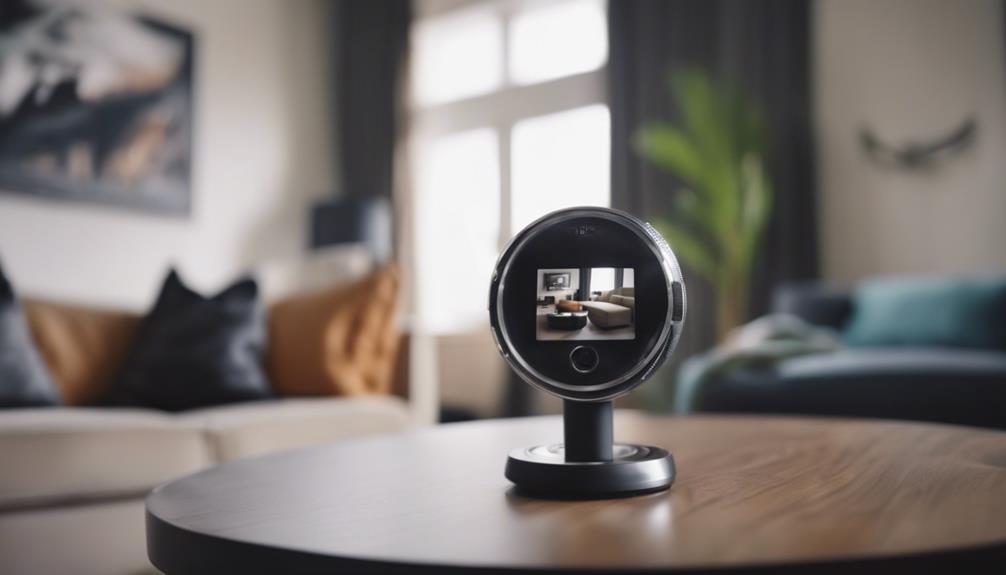
Nanny cams come in many forms, from simple plug-in models to sophisticated wireless systems with cloud storage. The most common options are wired cameras that connect directly to a recorder or network, and wireless cameras that stream video to a smartphone or computer. Features to consider include high-definition resolution, night vision for low-light monitoring, two-way audio to communicate with the caregiver or child, motion detection with alerts, and local versus cloud storage for recordings. Some systems include pan, tilt, and zoom controls for wider coverage, while others emphasize discreet design for unobtrusive placement. Choosing features depends on whether you prioritize live viewing, recording retention, or subtle monitoring.
Practical installation tips and placement
Effective use of nanny cams depends on strategic placement and proper setup. Position cameras so they capture the most relevant areas without invading private spaces such as bathrooms. For a nursery, mounting a camera in a corner provides the widest view of the crib and sleeping area. In living spaces, place the camera to monitor activity zones like play areas and entryways. Ensure the device has a reliable power source and stable Wi-Fi if it streams to a phone. Test sightlines to avoid blind spots caused by furniture or curtains, and secure mounts to reduce the risk of the camera being moved or knocked over. Regularly check the feed and recording settings to confirm the camera is functioning as expected and that storage is not full.
Legal and privacy considerations
Before installing nanny cams, it is important to understand the legal and ethical boundaries. Laws vary by jurisdiction, but a common rule is that recording audio without consent can be illegal in some places even if video capture is permitted. Recording in private areas such as bathrooms or bedrooms may be restricted. Transparency is often the best approach: informing caregivers that cameras are present can maintain trust and reduce potential conflicts. If visibility is not desired, consider using visible cameras that are intended to deter inappropriate behavior rather than hidden devices. Always check local regulations about surveillance and consult legal guidance if you are unsure about how to comply with privacy laws.
Integrating nanny cams with home security and smart devices
Nanny cams can be part of a broader home security or smart home ecosystem, helping you monitor more than just childcare. Many cameras integrate with smart speakers, doorbell cameras, and alarm systems to provide a unified view of home activity. Integration allows you to receive mobile notifications when motion is detected, view live footage on a smart display, and record events automatically to cloud storage. For parents who travel frequently or work irregular hours, this connectivity offers continuous oversight and the ability to respond quickly to emergencies. When choosing a system, evaluate compatibility with existing devices and the security practices of the camera manufacturer, such as two-factor authentication and encrypted data transmission.
Choosing the right nanny cam and maintenance
Selecting the best nanny cam involves balancing functionality, privacy, and budget. Look for reputable brands with regular firmware updates to address security vulnerabilities, transparent privacy policies, and clear storage options. Consider whether you prefer a subscription service for cloud backups or a camera with local storage to avoid ongoing fees. Maintenance is straightforward but essential: keep firmware up to date, change passwords periodically, maintain a secure home network, and clean lenses to preserve image quality. If you plan to use recordings for any formal purpose, ensure proper time-stamping and reliable backup to avoid data loss.
Installing nanny cams can be a thoughtful step toward protecting your children and supporting quality care. When used responsibly—with attention to legal rules, ethical transparency, and technical upkeep—nanny cams offer valuable insight and peace of mind. Carefully choosing the right features, placing cameras in appropriate locations, and integrating them securely with home systems will help you make the most of this technology while respecting privacy and fostering trust between families and caregivers.