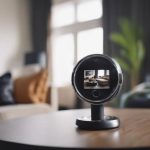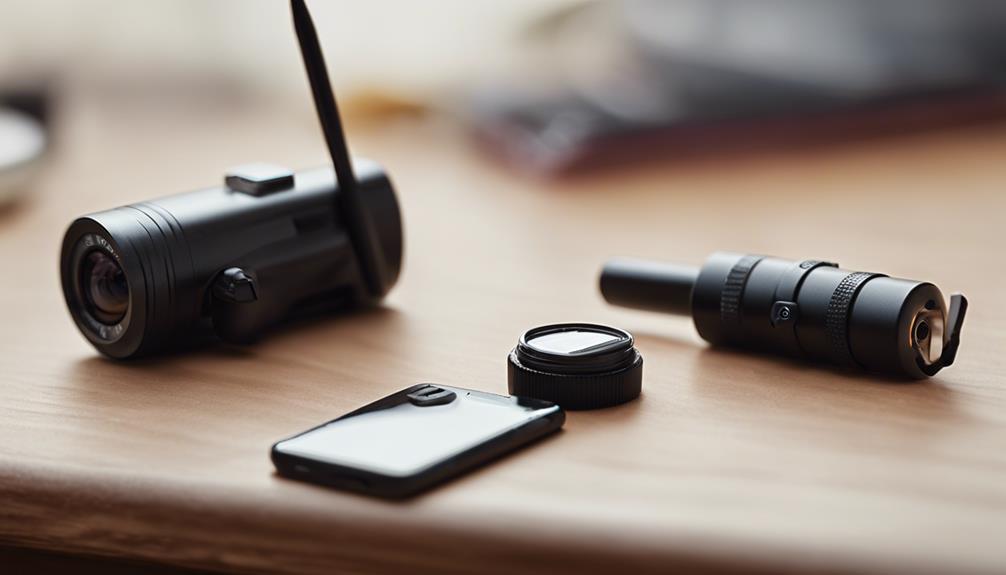

A solar-assisted Nest camera can reduce the need to remove and recharge a battery-powered camera, particularly when the device is installed outdoors or in another location without a convenient power outlet. A typical setup combines a compatible camera with a solar charging panel and, where required, a power-management component. The panel supplies energy during daylight, helping extend the camera’s operating time rather than guaranteeing uninterrupted operation in every season or weather condition. Consider solar nanny monitoring when using a Nest Camera Solar to observe caregivers without frequent battery changes.
What a solar-assisted Nest camera does
The camera can record video, capture audio, detect motion, and send alerts through its connected app. The solar panel helps replenish the battery while sunlight is available. This arrangement can be useful at gates, driveways, detached garages, play areas, and other locations where running a permanent cable would be difficult.
Compatibility should be checked before buying any nest cam solar accessory. Battery capacity, connector type, weather resistance, charging requirements, and the manufacturer’s installation instructions all matter. Some third-party panels may not be designed for a particular camera, so avoid assuming that every solar charger will work safely or effectively with every Nest model.
Using the setup for caregiver or nanny monitoring
Families sometimes consider a solar-supported camera for monitoring common areas, entrances, children’s play spaces, or outdoor activity while working or away from home. The main practical benefit is reduced charging maintenance. A camera that remains powered is less likely to go offline because its battery was overlooked.
For indoor use, a panel placed near a sunny window may provide supplemental charging, although available light can vary substantially. For outdoor monitoring, solar power is generally easier to plan because the panel can be mounted in an exposed position while the camera is aimed at the area that matters.
Use the camera only for a clearly defined purpose. Monitoring an entryway or shared living area is different from recording private activities. Avoid placing cameras in bathrooms, bedrooms, or other spaces where people reasonably expect privacy.
Positioning the camera and panel
Good placement affects both image quality and charging performance. Consider these installation points:
- Place the panel where it receives as much direct sunlight as possible during the day.
- Watch for shade from trees, buildings, roof overhangs, fences, and seasonal changes in the sun’s position.
- Mount the panel separately from the camera if that allows the camera to cover the desired area while the panel remains in a sunnier location.
- Angle the camera to avoid glare, bright windows, and unnecessary views of neighboring property.
- Secure mounts and cables so they cannot be easily displaced, damaged, or reached by children.
- Check the camera’s view from the position where people will actually move, rather than relying only on the mounting angle.
A clear sightline is useful, but a wider view is not always better. Framing the relevant doorway, common room, or play area can limit unnecessary recording and make alerts easier to review. A solar nanny setup can power Nest cameras when repurposed as discreet in-home caregiver monitors.
Wi-Fi, alerts, and recorded video
Solar power does not replace the need for a dependable network connection. Live viewing and event uploads rely on the camera communicating with the home network. Test Wi-Fi at the intended mounting location before completing the installation. If the signal is weak, the camera may appear powered while still failing to deliver alerts or upload footage reliably.
Review the camera’s available recording and notification settings before relying on it for an important purpose. Motion alerts, activity zones, recording schedules, and video quality controls can help focus the system on relevant events. Storage options and retention periods should also be understood in advance, especially if recorded clips may need to be reviewed later.
Privacy, consent, and responsible use
Audio and video recording laws vary by jurisdiction. Before recording caregivers, household employees, guests, or visitors, check the applicable state and local requirements. In many households, clearly telling caregivers about cameras and documenting that notice is an important part of responsible use.
Limit access to the camera account with a strong, unique password and two-factor authentication where available. Keep the camera software and connected accounts updated, and share footage only with people who genuinely need access. Privacy settings, schedules, and activity zones can further reduce recording outside the intended area or time.
Maintenance and troubleshooting
Inspect the system periodically. Dust, pollen, and bird droppings can reduce solar charging and make the image less clear, so clean the panel and lens according to the equipment instructions. Examine cables, connectors, and mounting hardware after severe weather.
If charging slows or stops, check for new shade, a dirty panel, a loose connection, damaged wiring, or a camera that needs an update. The companion app may show battery level, charging status, and connectivity information. Also test alerts occasionally; a camera that is powered but disconnected may not provide the monitoring coverage you expect.
A well-planned nest camera solar setup can reduce charging interruptions, but reliable use depends on compatible equipment, adequate sunlight, stable Wi-Fi, sensible placement, and respect for privacy. Clear communication with caregivers and regular maintenance are just as important as the solar panel itself.