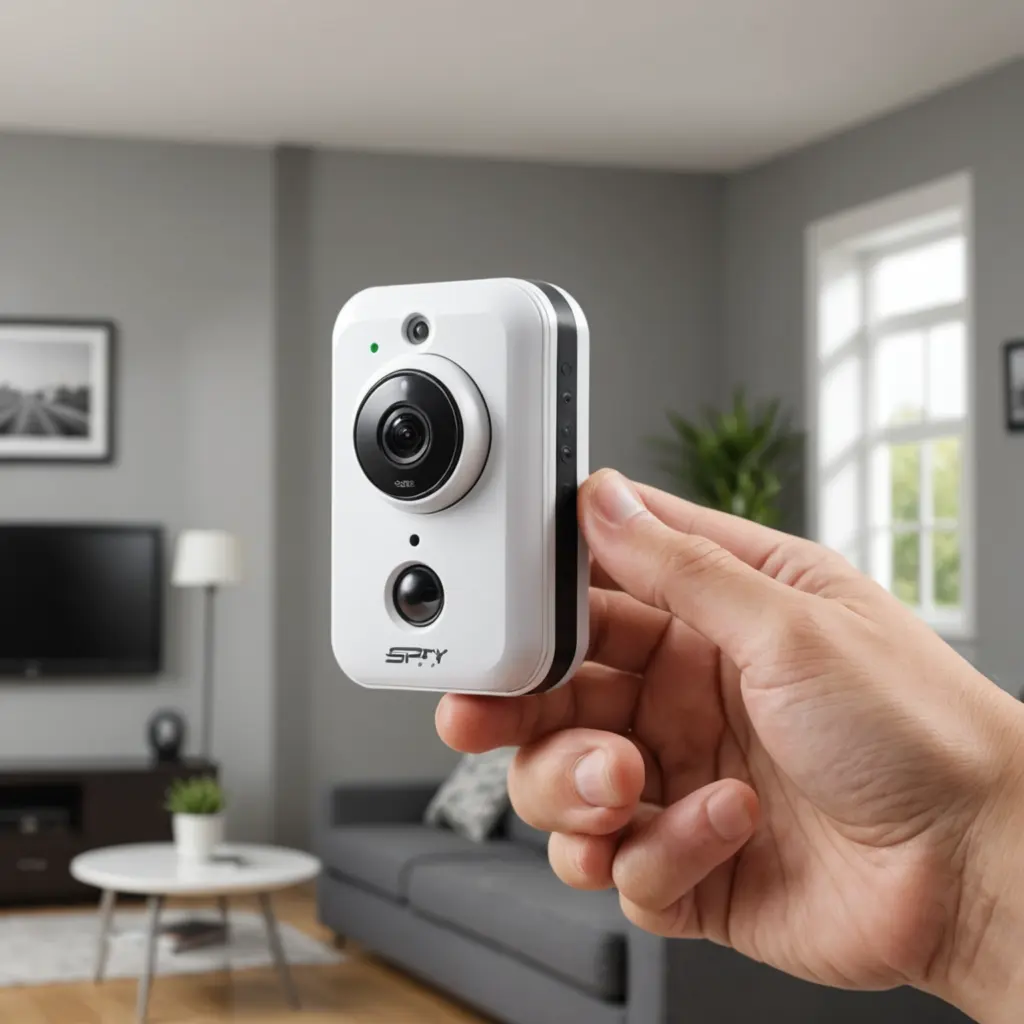

An alarm clock hidden camera with audio combines an ordinary bedside clock with a small camera and microphone. Because the device is designed to blend into a room, it may be considered for home supervision, security checks, or monitoring a space when direct observation is not practical. However, discreet surveillance creates important privacy, security, and legal responsibilities. The right device is only part of the decision; how it is installed, disclosed, and managed matters just as much. Consider alarm-clock recorders when evaluating nanny monitoring devices to discreetly capture both video and audio evidence.
How an alarm clock camera works
These devices typically resemble conventional digital alarm clocks while housing a camera behind or within the clock’s front panel. Depending on the model, video and audio may be recorded to a microSD card, streamed over Wi-Fi, or uploaded to a cloud service. Some provide access through a mobile app, allowing an authorised user to view live footage, review recordings, or receive activity alerts.
Although the clock format can make the device less conspicuous than a conventional security camera, it should not be placed where people reasonably expect privacy. Bedrooms, bathrooms, changing areas, and similar spaces require particular caution and may be subject to strict restrictions.
Features worth comparing
Specifications vary considerably, so consider how and where the camera will be used rather than choosing based on appearance alone.
- Video quality: Clearer video can make it easier to understand what happened and identify relevant details. Check how the image performs in the actual room, not only in promotional examples.
- Audio recording: A built-in microphone may capture conversations and background sounds, but audio surveillance is often regulated more strictly than video. Confirm the rules that apply before enabling it.
- Viewing method: Wi-Fi models may offer live viewing and app notifications, while recording-only models may store footage locally for later review.
- Low-light performance: Night vision or another low-light mode can help in dim rooms, although results depend on distance, room layout, and available light.
- Motion detection: Activity-triggered recording can reduce unnecessary footage and conserve storage. Sensitivity may need adjustment to avoid alerts caused by pets, moving curtains, or activity outside a window.
- Two-way audio: Some models allow an authorised user to speak through the device. This can be useful for communication, but it should not be treated as a substitute for appropriate supervision.
Power, storage, and access
Most clock-style cameras are designed to operate from mains power, which is useful for longer recording periods but limits placement to locations near an outlet. Battery-powered alternatives may be easier to position but require charging and may not support continuous recording for extended periods.
Local storage keeps recordings on a memory card and may offer greater control over where footage is held. Cloud storage can make remote playback and backup more convenient, but it may involve recurring fees and additional account-security considerations. Before recording, decide how long footage should be retained, who can access it, and when it will be deleted. For discreet elderly care monitoring, consider how alarm-clock cameras with audio can support safer supervision at home.
Common household uses
Families may consider an alarm clock camera for checking a nursery, reviewing a caregiving routine, or keeping an eye on an elderly relative who needs assistance. A device may also be used to monitor a home office or another area where valuable equipment is kept. In every case, the camera should be positioned to capture only the necessary area and should not be used to intrude on private activities.
Use in workplaces, rental properties, or shared accommodation requires additional care. People who work or live in a monitored space may have rights to notice, consent, or privacy, depending on the location and circumstances. A discreet design does not remove those obligations.
Legal and ethical considerations
Surveillance laws differ by jurisdiction, and audio recording can be subject to separate consent requirements. Before using the microphone or recording anyone, obtain advice appropriate to your location if you are unsure about the rules. Never assume that a device is lawful simply because it is sold for home security.
Ethical use also means avoiding hidden monitoring of private spaces, limiting access to recordings, and informing caregivers, employees, tenants, or other affected people when disclosure is required or appropriate. If monitoring is necessary, explain its purpose and establish clear boundaries for what will be recorded.
Safer setup practices
- Place the clock so it covers only the intended area and never points toward a private space.
- Use a strong, unique password for the camera account and secure the home Wi-Fi network.
- Install manufacturer security updates and avoid sharing login details.
- Test video, audio, motion alerts, and night performance before relying on the device.
- Restrict playback permissions and delete recordings when they are no longer needed.
- Document your household or workplace policy for access, retention, and disclosure.
An alarm clock hidden camera with audio can provide useful information when used for a clearly defined and lawful purpose. Careful feature selection, secure configuration, limited retention, and respect for privacy are essential to reducing the risks associated with discreet recording.