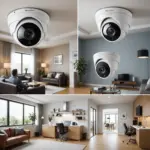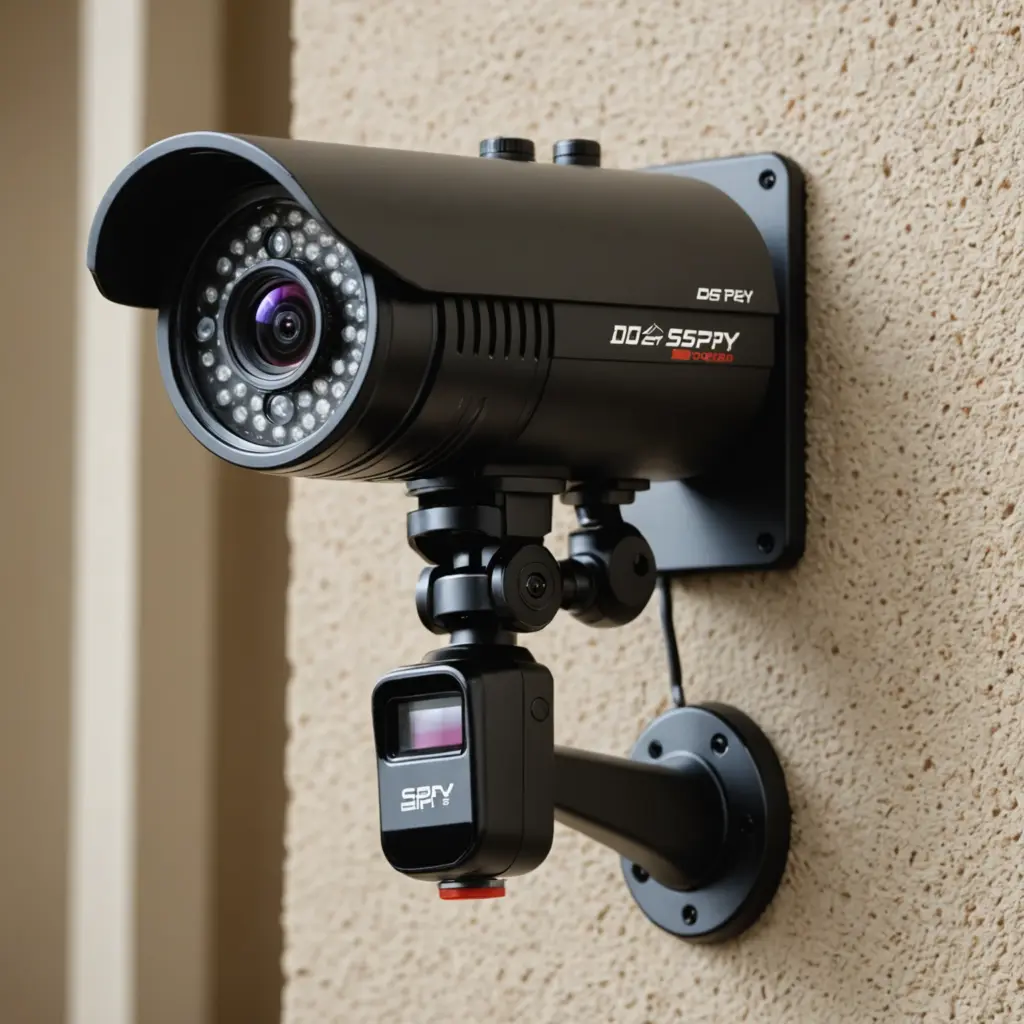

Spy cameras do not all record continuously. Some are designed to capture video around the clock, while others record only when they detect motion, sound, or a scheduled event. The actual recording time depends on the camera’s settings, power source, storage capacity, video quality, and network connection.
Before choosing a discreet security camera, decide whether you need a complete visual record or only footage showing activity. That decision affects battery life, storage requirements, maintenance, and privacy considerations.
Common recording modes
Continuous recording
In continuous mode, the camera records as long as it has power and enough available storage. This provides the most complete timeline, which can be useful when you cannot predict when an incident might occur. However, continuous recording uses more electricity and fills storage more quickly than other modes.
When storage becomes full, many cameras either stop recording or use loop recording. Loop recording automatically replaces the oldest files with new footage. Check the device settings before relying on this feature, because important recordings may be overwritten unless they are saved elsewhere.
Motion-activated recording
Motion detection starts recording only when the camera identifies movement. Because the camera spends less time actively recording, this mode can extend battery life and preserve storage. It is often suitable for entrances, hallways, garages, and other areas where activity is occasional.
Motion recording is not perfect. Poor sensitivity settings can create unnecessary clips from pets, changing light, or passing vehicles, while overly restrictive settings may miss relevant movement. Detection zones and sensitivity controls can help limit unwanted alerts and recordings.
Scheduled recording
A schedule allows the camera to record continuously during selected hours and use motion detection or standby mode at other times. For example, a user might choose full coverage during periods when a property is normally unoccupied and event-based recording at other times. This approach can reduce resource use without giving up coverage during important periods.
What determines how long a camera can record?
Power source
Power is often the main limit for a battery-operated camera. Continuous recording and high-quality video can drain a battery much faster than motion-triggered recording. Actual runtime varies by model and conditions, so manufacturer estimates should be treated as planning guidance rather than a guarantee.
A wired camera can generally keep recording for as long as its power supply remains available. Network-connected systems may also depend on a stable connection, especially when footage is being sent to a recorder or cloud service. For remote placements, consider how often the camera can realistically be recharged, serviced, or checked.
Storage capacity
Storage determines how much video can be retained before recording stops or older files are replaced. Local storage, such as a memory card, has a fixed capacity. Network-attached storage and cloud services may provide more flexibility, but they can require additional equipment, a reliable internet connection, or recurring fees.
Retention time is also affected by how much video the camera creates. Higher resolution, higher frame rates, and less aggressive compression produce larger files. A lower-quality setting may preserve footage for longer, but it can reduce the detail available when reviewing an event. Choose a setting that matches the level of identification you actually need.
How to choose the right recording approach
Start by identifying the area, likely activity, and consequences of missing an event. Continuous recording may be appropriate where every moment matters, but motion detection is often more practical for occasional activity. A scheduled or hybrid setup can provide a balance between complete coverage and manageable storage use.
- Use continuous recording when a complete timeline is more important than battery life or storage efficiency.
- Use motion activation for areas with intermittent activity and limited power or storage.
- Use schedules when higher coverage is needed only during particular hours.
- Review detection zones and sensitivity to reduce false triggers.
- Save important clips to separate storage so they are not lost through loop recording.
- Check the camera regularly for power, connectivity, time, and storage problems.
Privacy and lawful use
Recording continuously does not make every location appropriate for surveillance. Laws differ by jurisdiction, and people may have a strong expectation of privacy in areas such as bathrooms, bedrooms, or changing spaces. Audio recording can also raise separate legal concerns.
Use cameras only for legitimate security purposes and place them where recording is permitted. Avoid private spaces, inform household members or visitors when appropriate, and review local rules before installing a device. A discreet camera should not be treated as permission to record people without proper notice or consent.
Conclusion
Whether a spy camera records all the time depends on its recording mode, power supply, storage, video settings, and connection. Continuous recording offers the fullest coverage but consumes resources quickly. Motion-activated and scheduled recording can extend usable runtime while focusing attention on likely events. Selecting the mode deliberately—and using the camera lawfully and respectfully—helps create a more reliable security setup.