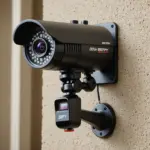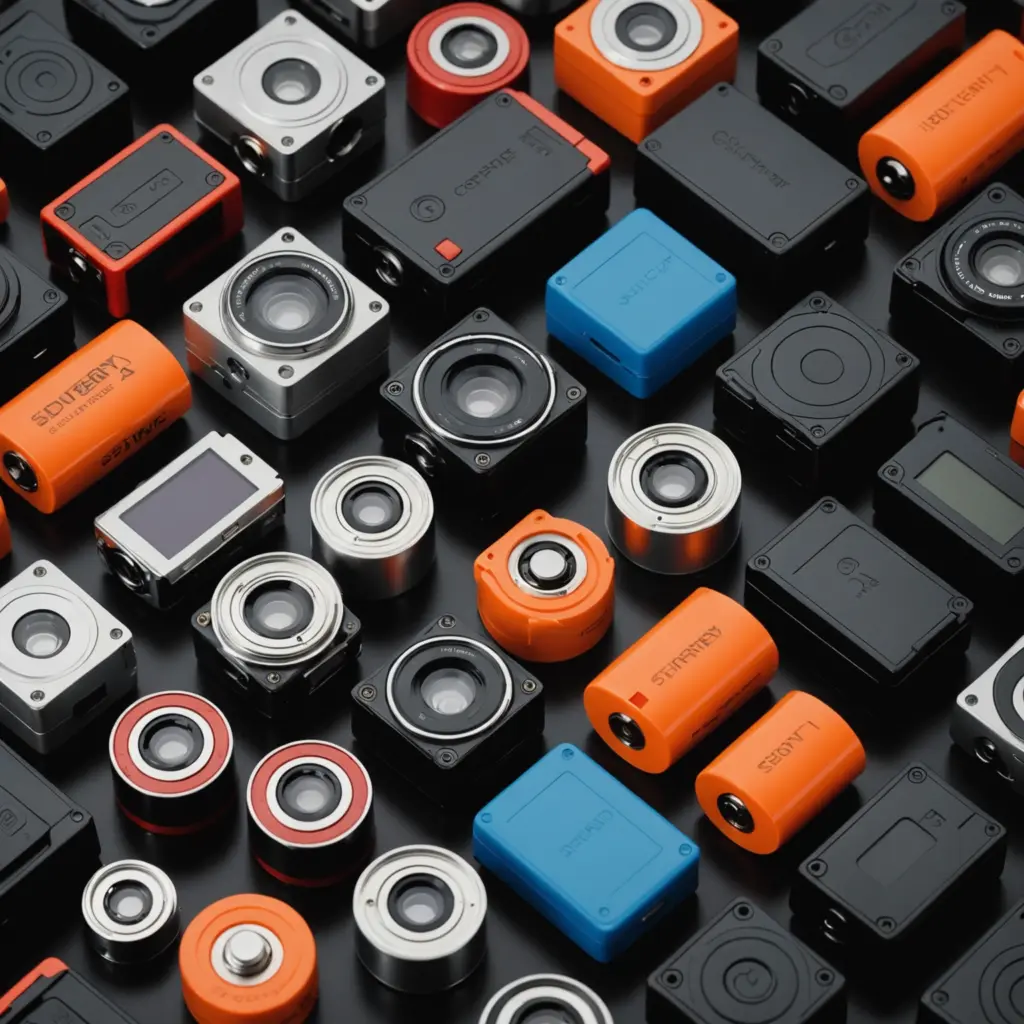

The battery life of a spy camera depends less on the camera’s size than on how it records, connects, and responds to activity. A compact camera streaming high-resolution video over Wi-Fi may run for only a few hours, while a motion-activated model that spends most of its time in standby can last for days or weeks. Understanding these differences makes it easier to choose a camera that fits your monitoring needs.
Use any surveillance camera responsibly and only where its placement and operation comply with applicable privacy rules and required consent.
Typical spy camera battery runtimes
There is no single runtime that applies to every hidden or compact camera. The following ranges provide a general guide, but actual performance depends on battery capacity, settings, temperature, wireless signal strength, and the amount of activity in view.
- Continuous Wi-Fi streaming: Small battery-powered cameras may last roughly one to three hours when recording and transmitting high-resolution video continuously.
- Continuous recording with a larger battery: Larger models or cameras with removable battery packs may operate for approximately eight to twelve hours or longer.
- Motion-activated recording: Cameras that remain in standby and record short clips only when movement is detected can last for several days or weeks, depending on activity levels.
- Low-power or scheduled operation: Devices that keep wireless functions disabled and activate only at set times or in response to a trigger may last much longer, sometimes for months, although they may not provide instant live access.
Advertised figures are usually based on controlled conditions. Frequent movement, poor Wi-Fi coverage, night recording, or repeated live viewing can reduce the practical runtime substantially.
What uses the most battery power?
Video quality and recording mode
Higher resolution and faster frame rates require more processing power and create larger video files. Continuous recording also consumes more energy than motion-triggered capture. If detailed video is not essential, lowering the resolution or frame rate can extend operating time.
Wi-Fi, cloud storage, and live viewing
Maintaining a wireless connection and uploading video to the cloud places a steady demand on the battery. Two-way audio and frequent live-view sessions add to that load. Local recording to a memory card may use less power when the camera is not simultaneously streaming over the internet.
Motion detection and night vision
Motion analysis keeps the camera ready to identify activity, while infrared illuminators require additional power in low-light conditions. A busy room, driveway, or hallway may trigger many recordings and reduce battery life faster than a quiet location.
Battery size and environment
Battery capacity, commonly expressed in milliamp hours, establishes the camera’s basic energy reserve. Battery age also matters: rechargeable cells gradually lose capacity. Very hot or cold conditions can further reduce effective runtime and may affect charging performance.
Battery types used in compact cameras
Small pinhole-style cameras often use built-in lithium-polymer batteries to keep the body compact. Larger cameras may use removable lithium-ion packs or rechargeable batteries with capacities of several thousand milliamp hours. Some models accept disposable AA or AAA batteries, while others support rechargeable nickel-metal hydride cells.
Lithium-based batteries generally offer a strong balance between size and capacity, while disposable batteries can be useful when immediate replacement is more convenient than recharging. Before buying spare batteries, confirm the required chemistry, voltage, physical size, and compatibility with the camera.
Ways to extend battery life
- Use motion detection or scheduled recording instead of continuous recording when full-time coverage is unnecessary.
- Reduce video resolution and frame rate if the lower settings still provide usable evidence.
- Disable features you do not need, such as two-way audio, status lights, or continuous cloud uploads.
- Place the camera where it receives a strong, stable Wi-Fi signal. A weak connection can make the device work harder to remain connected.
- Review night-vision settings and avoid unnecessary infrared illumination where suitable lighting is already available.
- Use an approved external battery pack or a mains connection when uninterrupted operation is essential and the installation allows it.
Charging and battery maintenance
Follow the manufacturer’s charging instructions and avoid storing a rechargeable battery completely discharged for long periods. Keep spare batteries in a cool, dry location and protect them from extreme temperatures. Periodically check the camera’s settings and firmware, since power-management improvements may be included in updates.
When a battery no longer provides practical runtime, replace it with the recommended type. Do not modify a built-in battery or use an incompatible replacement. For sealed cameras, consult the manufacturer or an appropriately qualified service provider. Recycle or dispose of depleted batteries through a suitable collection service rather than placing them in ordinary household waste.
Choosing the right power setup
The best camera is the one whose battery performance matches the way you intend to use it. Choose a larger battery or a hardwired option for continuous monitoring. For discreet, occasional coverage, a motion-activated model may be more suitable because it spends most of its time in low-power standby.
Testing a camera in its intended location is the most reliable way to estimate real-world battery life. Monitor how often it records, how frequently it connects to Wi-Fi, and how night vision affects consumption. That trial will help you create a realistic charging or battery-replacement schedule.