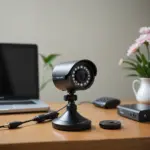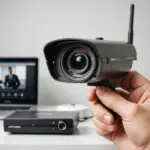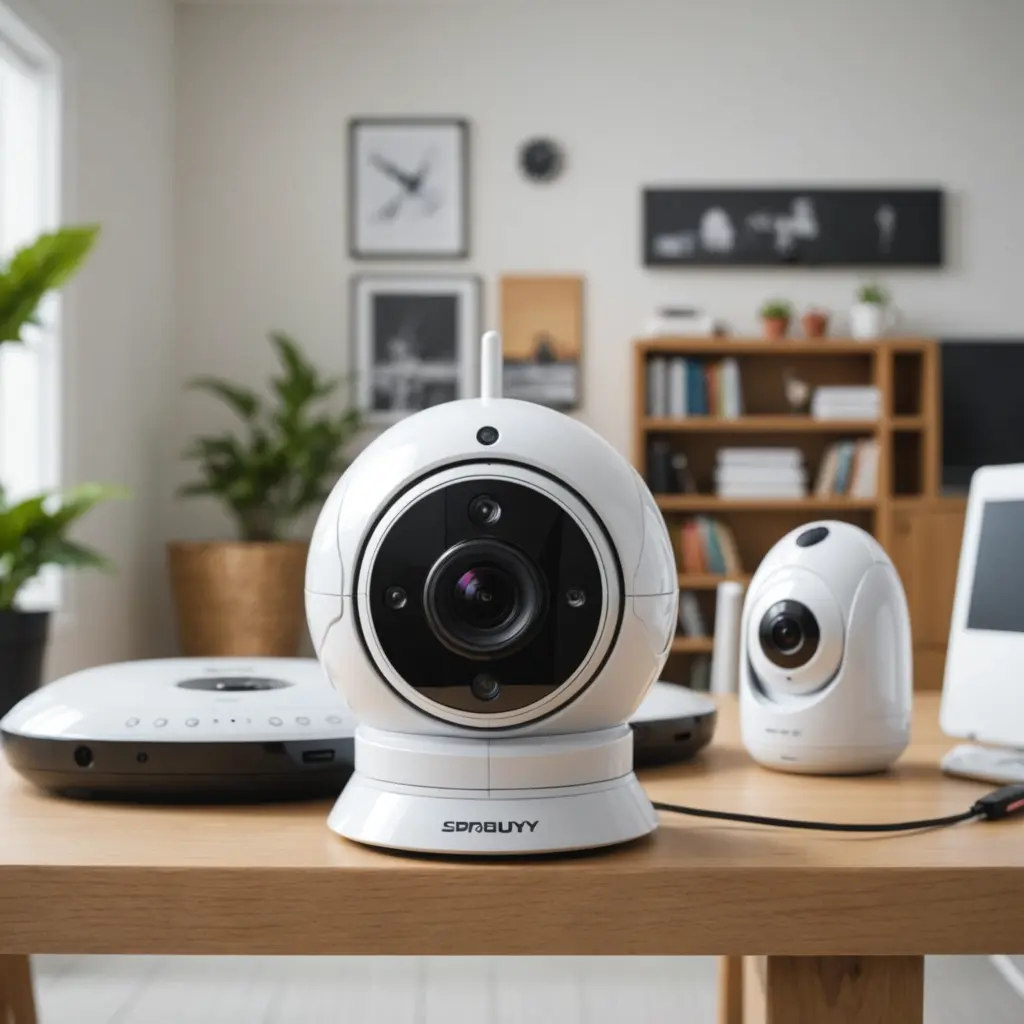

A wireless spy camera can provide useful monitoring for an entryway, remote property, or another area you are legally permitted to observe. Its compact design and Wi-Fi connection make placement easier than with a wired system, but convenience should never override security, privacy, or local law.
This guide explains how to choose a suitable device, prepare your network, complete the installation, and maintain the camera after it is in service.
Before you install a wireless camera
Start by defining exactly what you need to monitor. The intended location affects the camera’s viewing angle, power requirements, storage method, and low-light performance. A camera watching an entryway may benefit from a wide field of view and motion alerts, while a device used in a dim area may require stronger night-vision performance.
Decide whether you need continuous recording or short clips triggered by movement. Also consider whether the camera will use a rechargeable battery, replaceable batteries, or a permanent power connection. Battery-powered models are easier to position, but they require a charging or replacement routine.
Features worth comparing
- Video resolution and performance in low light
- Motion detection, adjustable sensitivity, and activity zones
- Local storage, such as a compatible memory card, or cloud storage
- Remote viewing through a phone app or web portal
- Firmware support and a record of regular security updates
- Encrypted communications and account security features
- Battery life and the availability of a safe power connection
Read product documentation and reliability-focused reviews before buying. A camera that is difficult to update or provides weak account protection may create more risk than benefit.
Prepare the location and Wi-Fi network
Choose a position with a clear view of the area you are authorized to monitor. Keep the camera within reliable Wi-Fi range and avoid placing it where walls, appliances, or other obstructions regularly interrupt the signal. If coverage is weak, improving the home network with a mesh system or extender may help.
Before connecting the camera, update the router’s firmware and replace its default administrator password. If your router supports separate networks, consider placing the camera on a guest or IoT network rather than sharing the same network as computers and other devices containing sensitive information.
Charge the camera or install fresh batteries before setup. For a mains-powered model, plan a safe route for the cable and keep the power connection away from moisture, heat, and walking paths.
Step-by-step setup
- Read the device instructions. Setup methods vary by manufacturer, so check the quick-start guide before powering on the camera.
- Install the official app or use the approved web portal. Download software from a trusted source and create an account if one is required.
- Connect the camera to Wi-Fi. Follow the prompts to select your network and enter its password. Some models use a temporary device hotspot or WPS during this stage.
- Apply firmware updates. Complete available updates before relying on the camera for monitoring.
- Configure recording and alerts. Select continuous or event-based recording, choose storage, and adjust motion sensitivity and activity zones.
- Test the temporary position. Check the live view, image framing, night performance, motion alerts, and playback before permanently mounting the camera.
- Mount the camera securely. Use the supplied hardware where possible, keep the lens unobstructed, and aim only at the intended area.
Give the camera a neutral device name that does not disclose personal information or identify the exact location to anyone who might see your account.
Secure and test the system
Change any default camera username or password immediately. Use a strong, unique password and enable two-factor authentication on the camera account if that option is available. Do not reuse the password for email, banking, or other important services.
Test the system in realistic conditions. Walk through the monitored area to confirm that alerts arrive as expected, check the image at different distances, and review performance in low light. If alerts are too frequent, narrow the motion zone or reduce sensitivity. If important activity is missed, adjust the camera angle or settings.
Maintenance and privacy checks
Check periodically for firmware updates, inspect the camera’s connection, and clean the lens when the image becomes unclear. Recharge or replace batteries before they run down, and review stored footage to confirm that recording and retention settings still match your needs.
Use surveillance only where you have the legal right to do so. Never place a camera in spaces where people reasonably expect privacy, such as bathrooms or bedrooms. Audio recording may be subject to additional rules, and recording employees, contractors, guests, or childcare providers may require notice or consent depending on local requirements. Verify the applicable law before installation, especially if the camera records sound or captures areas shared with other people.
Protect recorded footage with secure accounts and appropriate storage controls. A carefully positioned, well-maintained camera can support home security without unnecessarily intruding on anyone’s privacy.