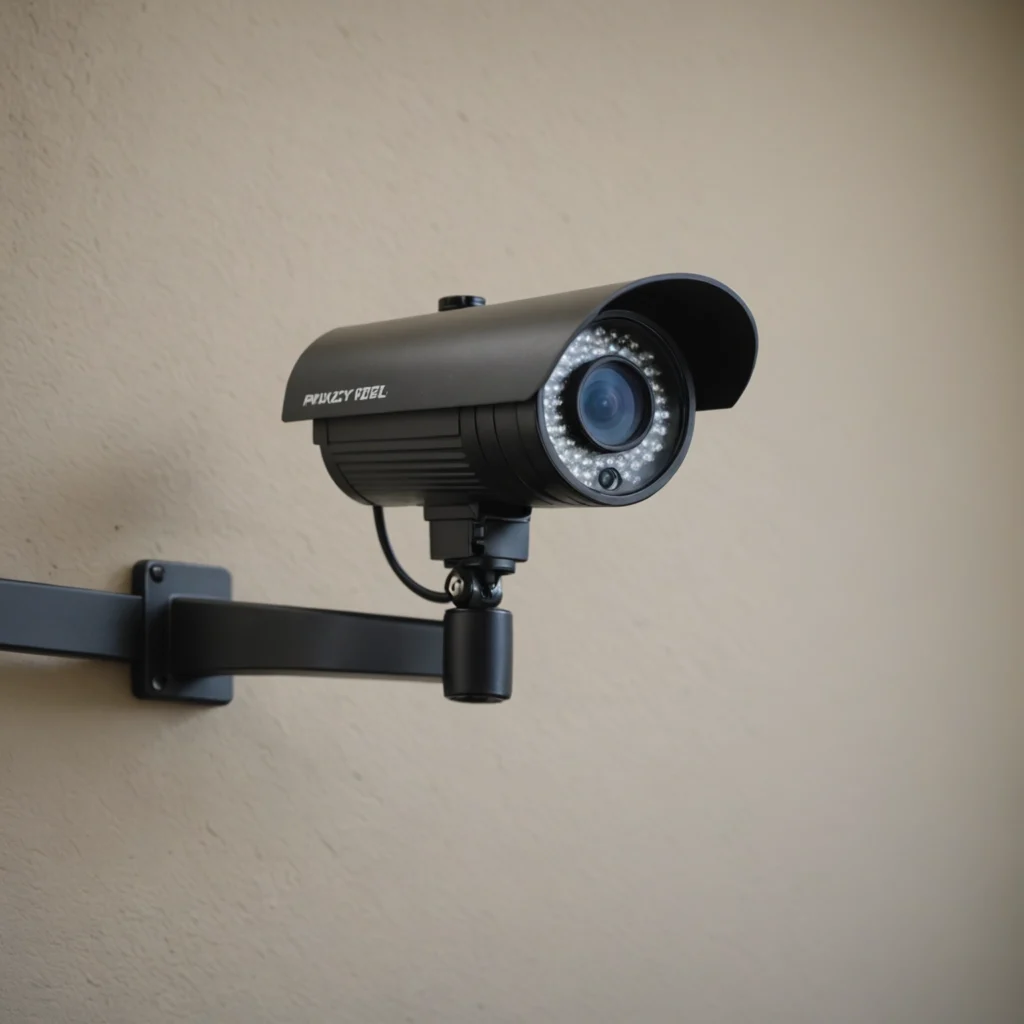

A front door security camera paired with a monitor gives you a quick way to see who is outside without opening the door. Depending on the system, you may also be able to receive motion alerts, speak with visitors, review recorded video, and check activity while you are away from home. Understanding discreet monitoring applications can help homeowners choose complementary devices for comprehensive front door awareness.
The monitor may be a dedicated screen inside the house, a smartphone app, or both. The right arrangement depends on how often you need remote access, who will use the system, and whether you prefer a permanent in-home display for quick checks.
Why pair a camera with a monitor?
A visible camera at the entrance can discourage opportunistic tampering and gives you a record of activity around the door. A monitor makes the live view more convenient, particularly when you do not want to find a phone, open an app, or rely on every household member having an account.
This setup can be useful for:
- Checking visitors before answering the door
- Confirming that a package has been delivered
- Speaking with delivery drivers or guests through two-way audio
- Receiving alerts when someone approaches the entrance
- Reviewing activity after a missed visit or unexpected motion alert
Features to compare before buying
Video quality and viewing angle
Clear video is more useful than a long feature list. A resolution of 1080p is a practical reference point for comparing models, while a wide field of view can cover the doorway, porch, and approach path. Look for good performance in changing light as well as at night. Wide dynamic range, infrared night vision, or a colour night mode can help when the entrance is shadowed or brightly lit from behind.
Motion detection and alerts
Adjustable motion zones and sensitivity settings can reduce unnecessary notifications caused by passing traffic, trees, or activity outside the property. Choose a system that lets you define which parts of the image should trigger an alert when possible. Alert controls are especially important if the camera faces a busy pavement or shared entrance.
Two-way audio
Two-way talk lets you communicate without opening the door. Check whether the microphone and speaker provide understandable audio in the conditions around your entrance. A noticeable delay can make conversations awkward, so live-view responsiveness is worth considering.
Storage and access
Some systems store clips in the cloud, while others use local storage such as a memory card or an in-home recording device. Cloud storage can make remote viewing straightforward, but it may involve an ongoing service arrangement. Local storage gives you more direct control over recordings, although you remain responsible for protecting and replacing the storage media.
Dedicated monitor or smartphone app?
A dedicated monitor is convenient for households that want an always-available screen in a kitchen, hallway, or living area. It can also be helpful for people who are less comfortable using smartphone apps. Several household members can glance at the display without passing a phone around. Pairing your front door monitor with motion detection options can improve alerts when visitors approach.
Phone-based viewing is more flexible when you are away from home. Apps commonly provide remote live view, notifications, recorded clips, and settings for motion zones. A system that supports both a physical monitor and smartphone access offers the most flexibility, provided the connection remains reliable and the controls are easy to use.
Choosing a compact or discreet camera
A small door camera can suit a narrow doorframe, an apartment entrance, or a home where a large device would be impractical. However, reducing the camera’s size should not mean accepting poor image quality. Pay attention to the lens, sensor, night performance, viewing angle, and wireless reliability rather than choosing solely by appearance.
Discreet placement should never be used to record private areas or to monitor people in circumstances where they reasonably expect privacy. A front-door camera should be aimed at the entrance and immediate approach, not into bedrooms, bathrooms, neighbouring windows, or other private spaces.
Installation and privacy considerations
Position the camera around eye level or slightly above, with enough height to capture faces while limiting unnecessary views of adjoining properties. Before installation, check whether the lens will be affected by direct sunlight, porch lighting, rain, or reflections. If replacing a wired doorbell, confirm that the existing wiring is compatible. Battery models may be simpler where wiring changes are not practical, but they require monitoring and recharging.
Secure the system with a strong, unique password and keep its software updated. Use encrypted connections where provided, restrict account access to people who need it, and review sharing settings regularly. Audio recording may be subject to different consent rules from video recording, so check the laws that apply where you live. In shared buildings or rental properties, also consider building policies, neighbours’ privacy, and any required notice or signage.
Making the final choice
Start by deciding whether you need remote access, a permanent indoor screen, local recording, or all three. Then compare image quality, night visibility, motion controls, two-way audio, storage, power requirements, and privacy settings. A well-placed front door security camera and monitor can improve awareness of visitors and deliveries while remaining practical, respectful, and proportionate to the needs of your household.