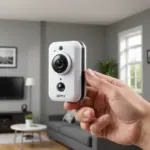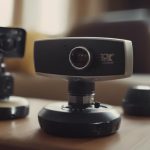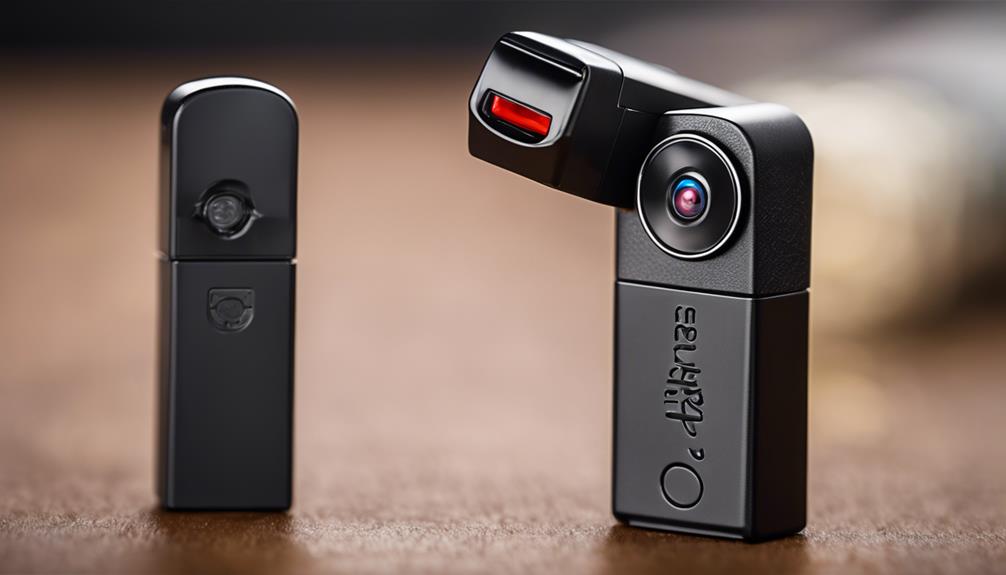

A hidden camera clock combines an ordinary timepiece with a small video camera concealed inside the housing. Depending on the design, it may resemble a wall clock, bedside alarm clock, or digital clock. Some models record to a memory card, while others offer Wi-Fi viewing, motion detection, audio recording, or remote access. For alternatives to a clock-based setup, compare discreet designs suited to different monitoring needs and spaces.
The right choice depends on where the device will be used, how long it must operate, whether remote viewing is necessary, and what privacy laws apply. A clock camera should never be treated as a substitute for understanding local surveillance requirements or obtaining consent where it is required.
Why choose a clock-style camera?
Clock cameras are designed to blend into rooms where a timepiece would not look unusual. This can make them less visually intrusive than a conventional security camera and may suit a home office, living area, reception space, or other permitted common area.
The clock format can also be practical when a visible security camera is undesirable. Wall-mounted versions may cover a wider portion of a room, while alarm-clock designs are more suitable for a desk, shelf, or bedside table. The appearance alone, however, does not determine whether recording is lawful or appropriate.
Common types and features
Wall clock cameras
These devices conceal the lens within or around the clock face. Their elevated position can provide a broad view of a room, although the final coverage depends on lens angle, mounting height, and the clock’s position.
Digital and alarm clock cameras
Digital clock cameras use an LED or LCD display, while alarm clock models combine recording with ordinary alarm functions. They are often intended for tabletop placement and may include a built-in microphone, motion detection, or rechargeable battery.
Wi-Fi clock cameras
A Wi-Fi camera clock can provide live viewing through a phone or another connected device. This may be useful when checking a property remotely, but it depends on a suitable network connection and a compatible app. Networked devices also require attention to account security, passwords, and access permissions. For broader home coverage, discreet pet monitoring can complement a clock-based hidden camera setup.
Local-storage models
Some clock cameras record to a microSD card or other local storage instead of sending footage to the internet. This can simplify a privacy-focused setup and avoid dependence on cloud services, but the storage capacity, recording duration, and method for reviewing files should be checked before purchase.
Features to compare before buying
- Video quality: Choose a resolution and lens that can capture the detail needed for the room and viewing distance.
- Low-light performance: If recording may take place at night, check how the camera performs in dim conditions rather than relying on resolution alone.
- Field of view: A wide-angle lens covers more space, but may introduce distortion or make distant subjects harder to identify.
- Power source: Mains-powered models are better suited to extended operation, while battery-powered clocks offer greater placement flexibility but require charging.
- Motion detection: Motion-triggered recording can reduce unnecessary footage and conserve storage, though sensitivity and detection range vary.
- Audio: A microphone can make recordings more informative, but audio surveillance is subject to especially strict rules in some locations.
- Storage and timestamps: Confirm how footage is saved, how much video can be retained, and whether recordings include reliable date and time information.
- App and network security: For Wi-Fi models, use strong unique credentials and restrict access to the people who genuinely need it.
Potential uses
Where permitted, a clock camera may be used to monitor an entrance, shared living space, home office, or small-business area. It can provide a record of an incident, help review property damage, or support general security monitoring. A wall clock may suit a larger room, whereas an alarm clock may be more practical for a desk or shelf.
Monitoring children, caregivers, employees, tenants, guests, or other household members requires additional care. Covert recording can affect trust and may be unlawful even when the device is installed on property you own. Consider whether a visible camera, clear notice, or another less intrusive safety measure would achieve the same purpose.
Legal and ethical responsibilities
Surveillance rules differ by jurisdiction and may distinguish between video recording and audio recording. Areas such as bedrooms, bathrooms, changing spaces, and other places where people reasonably expect privacy should not be monitored without explicit, informed consent. Do not assume that concealing a camera makes its use acceptable.
Before installing a hidden camera clock, check the rules that apply to consent, workplace monitoring, rental properties, domestic staff, guests, and recording conversations. If footage may be shared or used after an incident, protect it from unnecessary access and retain only what is needed.
Making a responsible choice
Start with the legitimate security problem you are trying to solve, then select the least intrusive option that addresses it. Compare placement, power, storage, image quality, audio capability, and remote access rather than choosing solely on appearance. A hidden camera clock can be useful in an appropriate setting, but responsible use depends on lawful installation, careful handling of recordings, and respect for everyone’s privacy.