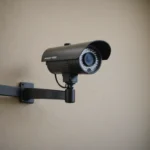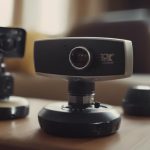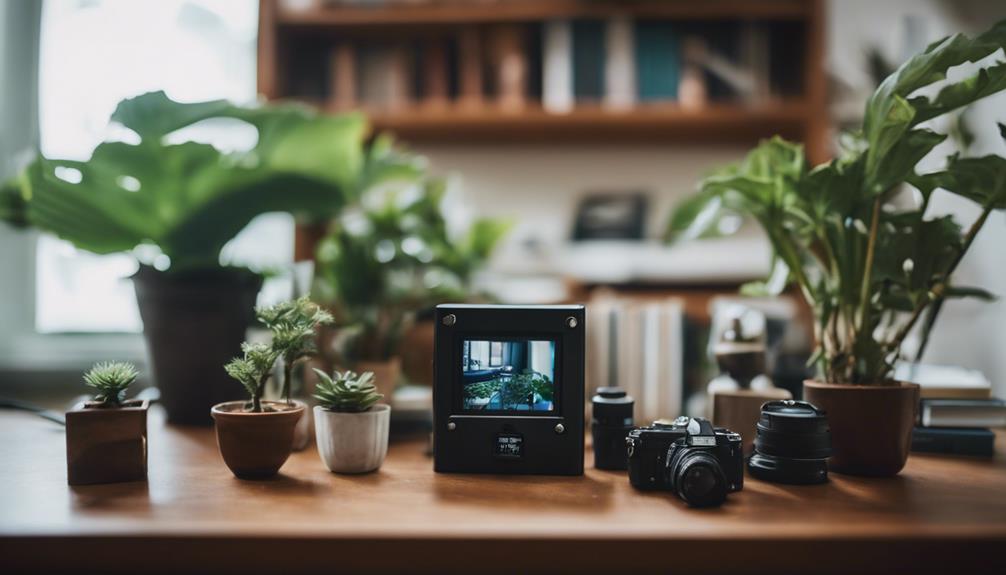

A pet camera can make it easier to check on your dog or cat while you are away, notice changes in behavior, and respond when something seems wrong. Some models simply provide a live video feed, while others add two-way audio, motion alerts, treat dispensing, remote movement, or interactive play. For discreet pet observation, consider covert monitoring options that resemble everyday household gadgets for surveillance.
The best pet camera is not necessarily the one with the most features. It is the one that gives you dependable access, covers the areas your pet uses most, and suits the way you want to monitor or interact with them.
Key features to look for
Clear video and useful coverage
Choose a camera with enough resolution to identify what your pet is doing without relying on a blurry image. A wide viewing angle is helpful in rooms where your pet moves between several locations. Pan and tilt controls can provide broader coverage, although a fixed camera may be sufficient for a bed, crate, or favorite resting area.
Night vision is important if you want to check on your pet after dark. Before buying, consider whether the camera can clearly cover the room at night and whether its infrared lights might disturb a sensitive animal.
Reliable app access
A pet camera is only useful when its app is easy to open and dependable when you need it. Look for straightforward live viewing, useful notifications, and simple controls. If more than one person will monitor the pet, check whether the system supports multiple users.
Most home pet cameras use Wi-Fi, so placement and network quality matter. A camera positioned far from the router or behind thick walls may have an unreliable connection. Strong account security is also essential: use a unique password and enable two-factor authentication if the service provides it.
Two-way audio and interaction
A built-in microphone and speaker let you listen and speak to your pet remotely. This can be useful for reassurance, but not every animal finds a voice coming from a camera comforting. Test the feature gradually and watch your pet’s reaction rather than assuming it will reduce anxiety.
Interactive models may include a treat dispenser, a remotely controlled toy, or a laser feature. These extras can provide stimulation during the day, but they should support—not replace—exercise, attention, and training. Treat dispensers also require careful placement so pets cannot knock over the device or access treats without supervision. For monitoring beyond pet spaces, explore discreet footwear cameras and their practical concealment considerations.
Pet camera types
- Basic indoor cameras: Suitable for viewing one room, with live video, audio, and sometimes motion alerts.
- Interactive pet cameras: Add features such as treat dispensing, remote toys, or two-way communication.
- Portable or battery-powered cameras: Useful when you need to move the camera between rooms or take it on a trip, although battery life must be considered.
- Multi-camera systems: Helpful for homes where pets spend time in several rooms or on different floors.
- Wired monitoring systems: May be preferable for more continuous operation, while requiring a more permanent installation.
Some people consider cameras disguised as household objects for discreet observation. Any monitoring device should be used responsibly and legally, with consideration for the privacy of other people in the home. In most households, an ordinary visible camera is the clearest and most appropriate choice.
Choosing features for dogs and cats
For dogs that become unsettled when left alone, two-way audio may allow you to check in, while motion or sound alerts can tell you when activity begins. A wide view is particularly useful for dogs that move around or may get into restricted areas. Avoid using the speaker for repeated corrections if it appears to increase stress.
Cats may benefit from a quiet, compact camera placed near a favorite perch, feeding area, or play zone. A model with remote interaction can provide enrichment, but the camera should be stable and positioned where it cannot be pulled down or chewed. For either species, place the device where it observes normal behavior without obstructing the animal’s space.
Storage, alerts, and subscriptions
Motion alerts can help you respond to unusual activity, but overly sensitive notifications quickly become frustrating. If available, pet-specific detection or adjustable activity zones can reduce alerts caused by shadows, passing cars, or other household movement.
Check how recordings are stored. Some cameras save clips locally, while others use cloud storage that may require a subscription for longer retention or additional features. Decide whether you need continuous recording, scheduled recording, or short event-triggered clips before comparing plans and ongoing costs.
Practical setup advice
- Point the camera toward the main activity area, such as a bed, crate, sofa, or feeding space.
- Keep the lens clear of curtains, plants, and objects that could block the view.
- Secure cables and place the camera where your pet cannot knock it over or chew it.
- Test the live feed, alerts, speaker, and night vision before leaving home.
- Do not treat a pet camera as a substitute for veterinary care, supervision, or a dedicated security system.
Finding the right balance
For many households, an affordable camera with clear video, night vision, two-way audio, motion alerts, and a reliable app is enough. More advanced models can be worthwhile if you need remote interaction, coverage across multiple rooms, or additional behavior notifications. Compare the features you will genuinely use, the camera’s placement and safety, and any subscription fees before making a decision.