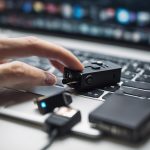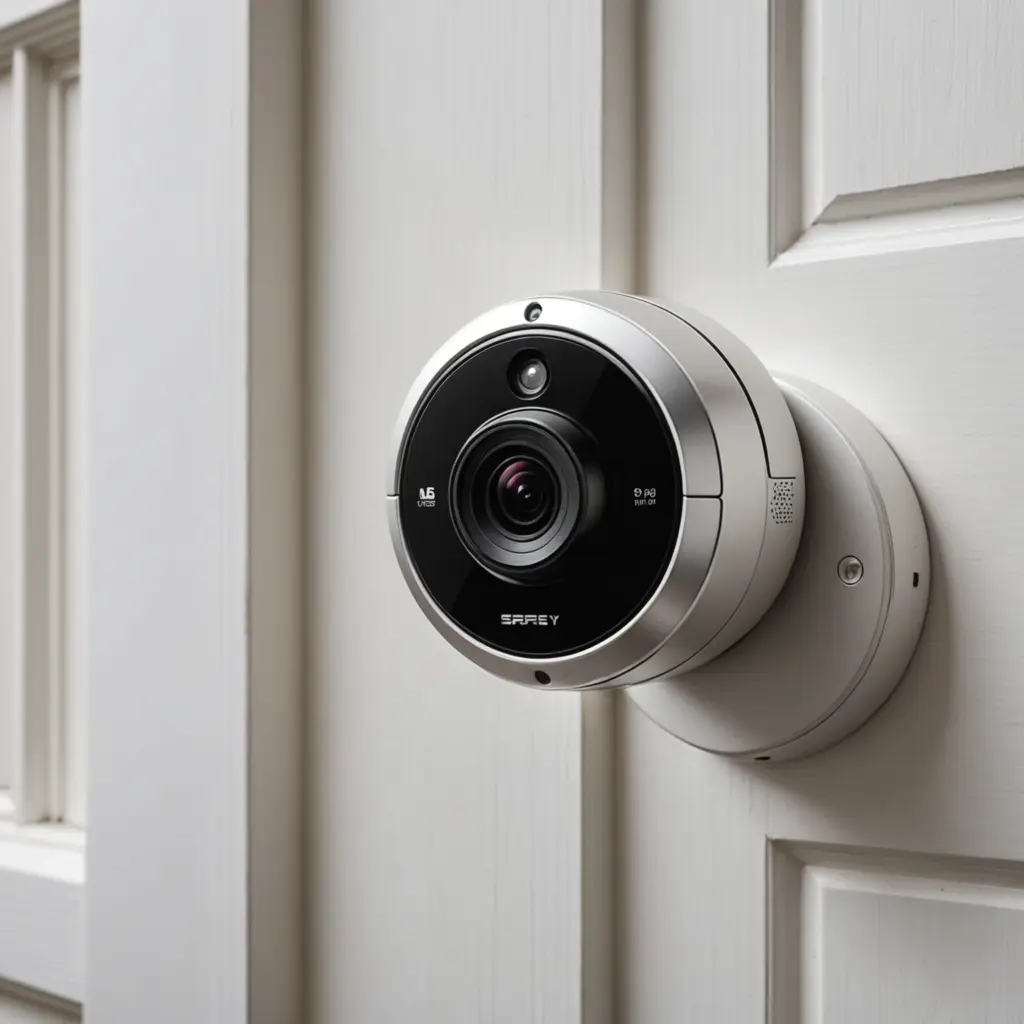

A hidden camera in or around a laptop can refer to two very different situations: an ordinary built-in webcam accessed without permission, or a separate miniature camera concealed in the laptop’s casing or nearby accessories. Both raise serious privacy concerns. Understanding how these setups operate can help people recognize warning signs, protect their devices, and make responsible decisions about legitimate security monitoring. For a hidden camera laptop, learn about spy device categories and laptop concealment techniques.
What is a hidden camera laptop?
A “hidden camera laptop” is not a single standard type of device. The phrase generally describes a laptop that has been modified to conceal a camera, or a computer whose existing webcam is being accessed covertly. A hidden module might be placed near the display bezel, hinge, keyboard area, or another part of the casing. In other cases, the risk is entirely digital: malicious software gains access to the laptop’s built-in camera without the owner’s informed permission.
Some external accessories can also create confusion. Small USB camera devices, modified adapters, and other camera-equipped objects may resemble ordinary computer peripherals. Their appearance alone does not establish wrongdoing, but unfamiliar hardware should be treated cautiously and investigated before use.
Common types of laptop-related camera risks
- Unauthorized webcam access: Malware or an untrusted application may attempt to control the laptop’s existing webcam.
- Concealed camera modules: A miniature camera may be installed inside the chassis or behind a small opening.
- Unfamiliar external devices: A camera can be disguised as or attached to a USB accessory, adapter, or other peripheral.
- Local or remote recording: Depending on the device, footage may be stored locally or transmitted over a network.
In every case, a camera needs a lens and image sensor, power, and a way to store or transmit video. A software-based attack uses permissions, malware, or a compromised application. A physical device may use internal wiring, a separate battery, local storage, or a wireless connection. These general principles are useful for defense, but they do not make covert recording acceptable.
Legitimate monitoring requires clear boundaries
There are circumstances in which cameras and monitoring tools may serve a legitimate purpose, such as a documented security assessment or protection of property. However, the fact that a camera is used for safety or supervision does not automatically make covert recording lawful or ethical.
Before any monitoring takes place, determine whether the people affected have been informed and whether consent is required. Rules vary by location, particularly when audio is captured. Recording in bedrooms, bathrooms, changing areas, or other private spaces is especially intrusive and may be unlawful. Employers and organizations should use written policies, notify people where required, restrict access to recordings, and collect no more footage than necessary for a defined purpose.
Monitoring children or vulnerable people also calls for care. A responsible approach should focus on safety, use transparent controls where appropriate, and avoid turning personal devices into tools for secret surveillance. If laptop concealment feels limiting, consider frame-based monitoring for a more decorative and discreet room setup.
How to check for unwanted camera access
If you suspect that a laptop camera is being used without permission, begin with basic physical and software checks rather than attempting to confront or disable unknown hardware yourself.
- Inspect the webcam bezel, display frame, hinges, and casing for unusual holes, loose parts, added wiring, or components that do not match the laptop’s original design.
- Pay attention to the camera indicator light, while remembering that its behavior alone cannot prove whether a device has been compromised.
- Review operating-system camera permissions and remove access for applications that do not need it.
- Check installed programs, browser extensions, and recently added software for anything unfamiliar.
- Keep the operating system, browser, security software, and applications updated.
- Disconnect unknown USB devices and avoid installing software from untrusted sources.
If suspicious activity continues, disconnect the laptop from the network and seek help from a qualified technician or trusted security professional. Preserve relevant information before resetting the device if you may need to report the incident. A professional can also determine whether an apparent modification is part of the laptop’s original construction.
Simple ways to reduce webcam privacy risks
Cover the webcam with an opaque, removable cover when it is not needed. A cover should not damage the display when the laptop is closed, and it should be removed or adjusted before video calls. You can also disable the camera through system settings or device-management controls if you rarely use it.
Use strong account security, install updates promptly, and limit camera and microphone permissions to essential applications. On shared or workplace devices, organizations should explain what monitoring is performed, why it is necessary, how long recordings are retained, and who can access them.
Privacy should come before concealment
Hidden camera technology combines ordinary computer functions with serious legal and ethical risks. Learning how covert access can occur is valuable for protecting a laptop, but concealment should never be used to record people secretly or invade private spaces. Consent, transparency, minimum necessary monitoring, and respect for local law are the foundation of any responsible use of cameras around computers.