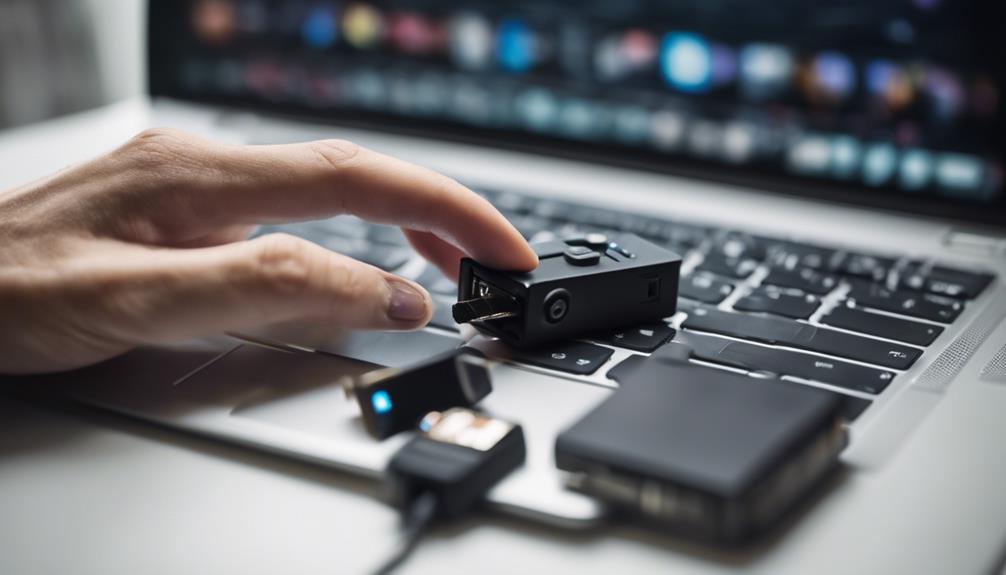

An iPhone front camera cover is a small accessory designed to slide, flip, or otherwise move over the selfie camera when it is not in use. It creates a physical barrier between the lens and the surrounding environment, making it a simple addition to a broader personal privacy routine. Consider a privacy lens cover when exploring spy camera accessories to discreetly protect your iPhone's front-facing lens.
These covers are sometimes called selfie camera covers, webcam covers, or front camera privacy shields. They are inexpensive and easy to install, but choosing the right design matters because the area around the front camera may also contain sensors used for Face ID and other phone functions.
Why use a front camera cover?
The main benefit is visible, physical control over the camera lens. When the cover is closed, the lens cannot capture a usable image through that opening. This can provide reassurance in situations where you do not expect to use the front camera, such as during meetings, while the phone is on a desk, or when storing it in a shared space.
A cover can also help reduce accidental camera activation and protect the lens area from some dust or contact-related marks. However, it is only one part of device privacy. It does not prevent the microphone from being used, secure your accounts, or stop other cameras on the phone from recording. Strong passcodes, software updates, careful app permissions, and two-factor authentication remain important.
Common types of iPhone camera covers
- Sliding covers: A thin plate stays attached around the camera, while a small slider opens or closes the lens. This is often the most convenient option for regular use.
- Flip covers: A hinged piece moves away from the camera when you need to take a selfie. It provides a clear open-and-closed position but may be slightly more noticeable.
- Removable or magnetic designs: These can be useful if you want to take the cover off frequently, although they may be easier to misplace.
- Case-integrated covers: Some phone cases include a built-in camera shield. This can keep the cover aligned and avoid applying adhesive directly to the phone.
Adhesive sliding covers are generally discreet, while removable options are more flexible. The best choice depends on how often you use the front camera, whether you wear a case, and how much added thickness you can accept.
What to check before buying
Compatibility with your iPhone
Check that the cover is designed for your specific iPhone model or front-camera layout. The space around the camera can vary, and a cover intended for another model may not align correctly.
Face ID and sensor clearance
Some iPhones place additional sensors near the front camera. A cover that extends too far across this area may interfere with Face ID or other functions. Look for a design that blocks the visible camera without covering nearby sensors, and be prepared to slide or remove it when authenticating with Face ID if necessary. Consider upgrading to a case that protects both lenses by choosing a front and back cover option.
Thickness and edge clearance
A very thick cover may interfere with a screen protector or phone case. Before applying one, consider whether the slider can move freely and whether the phone can still lie flat. A low-profile design is usually easier to live with day to day.
Adhesive quality
The cover should stay attached in a pocket or bag without leaving excessive residue. Avoid placing it over dust, fingerprints, or a damaged screen surface, since poor adhesion can cause the cover to shift and obstruct the camera.
How to install and maintain it
- Power down or lock the phone and remove any case that might obstruct the installation area.
- Clean the area around the front camera with a soft, lint-free cloth. If needed, use a small amount of suitable screen-cleaning solution and allow the surface to dry fully.
- Position the cover carefully without touching the adhesive with your fingers.
- Press it into place according to the product instructions, then check that the slider or hinge moves without rubbing the display or sensors.
- Test the front camera and Face ID before returning the phone to normal use.
Inspect the cover occasionally for dust, loose edges, or adhesive failure. If the lens appears hazy or photos are affected, open the cover and clean the surrounding area. Replace the accessory if it becomes damaged or no longer stays aligned. When removing an adhesive cover, lift it slowly rather than scraping at the screen.
Using a camera cover responsibly
A front camera cover is intended to protect your own privacy and, where appropriate, the privacy of people who have consented to its use. It should not be used to support covert surveillance or to bypass rules governing recording in workplaces, schools, meetings, or other locations. Follow applicable policies and laws, particularly in situations where recording devices are restricted.
Used appropriately, an iPhone front camera cover is a modest but practical privacy measure. Choose a model that fits your iPhone, leaves essential sensors clear, and is easy to open whenever you need Face ID or the selfie camera. Combine it with sensible account security and regular device maintenance for a more complete approach to protecting personal information.