
An indoor camera can help you check on children, pets, older family members, visitors, and important areas of your home when you are away. The best choice depends less on having the most features and more on matching the camera to the way you plan to use it. Before buying, consider image quality, placement, recording, network security, and the privacy responsibilities that come with monitoring people indoors. Homeowners considering indoor use should review discreet indoor options to understand different spy camera types.
Choose the right type of indoor camera
Most household cameras fall into two broad groups: visible indoor security cameras and compact or discreet models. A visible camera is usually easy to install and operate. Its presence may also discourage unwanted activity, while making it clear to household members and visitors that monitoring is taking place.
Compact cameras can be useful when a large camera would not fit the space or when a less noticeable design is needed for a legitimate safety purpose. However, a discreet camera should never be used to invade someone’s private space or to record people secretly where consent or disclosure is required. Regardless of its appearance, select a device with a clear purpose, a suitable viewing angle, and secure handling of recordings.
Features that matter most
Prioritise the features that support your intended use rather than choosing a camera based only on its specifications. Important considerations include:
- Video quality: High-definition video can make faces, activity, and household details easier to recognise. Image quality is also affected by lighting and camera placement.
- Night vision: Infrared or low-light viewing is helpful for hallways, entrances, and rooms that are dark after bedtime.
- Motion detection: Motion alerts can reduce the need to review long periods of uneventful footage. Check whether alert sensitivity and activity zones can be adjusted.
- Two-way audio: A built-in microphone and speaker can allow you to speak with family members, communicate with a visitor, or reassure a pet.
- Recording options: Some cameras use cloud storage, while others record to a memory card or another local storage device. Understand the costs, access method, and retention options before choosing.
- Power supply: Wired cameras generally avoid battery changes, while battery-powered models may be easier to position but require regular charging.
- Privacy and account security: Look for secure connections, software updates, strong account controls, and features such as two-factor authentication where available.
Common uses around the home
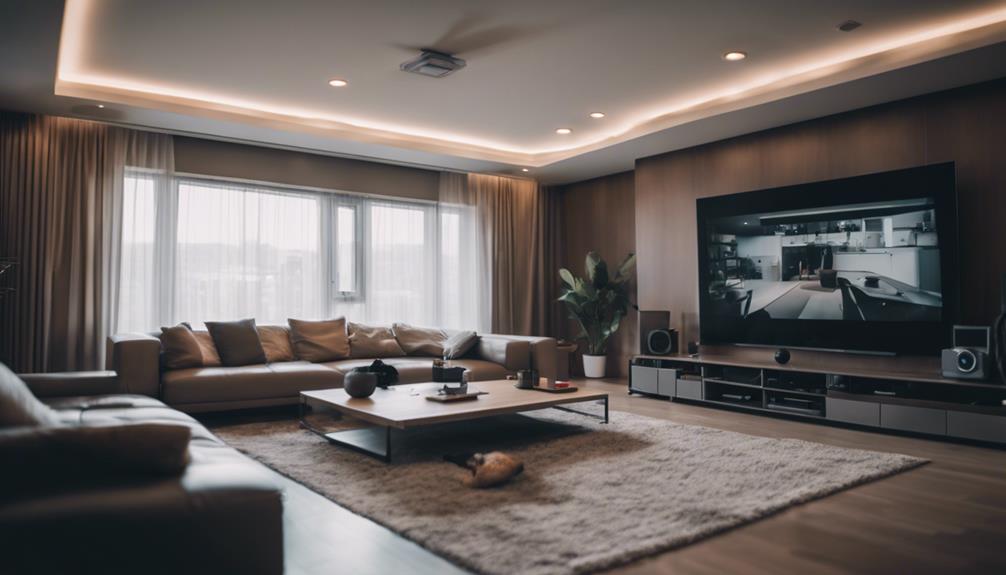
An indoor camera may be useful in a living room, hallway, home office, or other shared area. Parents may use one to check on children, while pet owners can monitor activity during the day or look for signs of distress when an animal is left alone. Cameras can also help caregivers check whether an older relative is safe between visits, although they should support—not replace—appropriate personal care.
Indoor cameras can document activity after a break-in or other incident, provided the device is positioned correctly and the recording system preserves useful timestamps. For rentals, workplaces, or shared homes, additional disclosure and consent requirements may apply. Do not assume that a camera suitable for your own living space can be used in the same way in a property occupied by guests, tenants, employees, or contractors.
Plan placement before installation
Place cameras where they provide a useful view without unnecessarily covering private areas. Common locations include entrances, main hallways, living rooms, and rooms where pets spend time. Avoid bathrooms, changing areas, bedrooms used by guests, and other spaces where people reasonably expect privacy. For discreet entryway monitoring, consider door knob monitoring alongside your indoor house camera setup.
Try to avoid pointing the lens directly at a bright window, since glare and backlighting can make people difficult to see. Test the viewing angle during both daytime and nighttime. Keep cables secure, position the camera where it cannot easily be knocked over, and make sure the microphone does not capture more conversation than necessary.
Set up the wireless connection securely
A wireless camera needs a dependable connection to send alerts or provide remote viewing. Test the signal at the intended location before permanently mounting the device. If the area has weak coverage, improving the home network may be more effective than repeatedly repositioning the camera.
During setup, replace any default password with a unique, strong password and keep the camera’s firmware and mobile application updated. Enable two-factor authentication if supported. Review account permissions so that only the people who need access can view the live feed or recorded video.
Respect privacy and recording laws
Rules for video and audio recording vary by location, and audio can create particular legal concerns. Tell household members and regular visitors when indoor monitoring is in use, and provide clear notice wherever disclosure is required. If cameras are used in a rental, workplace, or shared property, document where they are installed, what they record, who can access the footage, and how long recordings are retained.
Review recordings periodically and delete footage that is no longer needed. A well-chosen indoor camera should improve safety and convenience without turning every part of the home into a monitored space. By defining the purpose first, selecting practical features, securing the system, and respecting privacy, you can build an indoor monitoring setup that is useful and responsible.