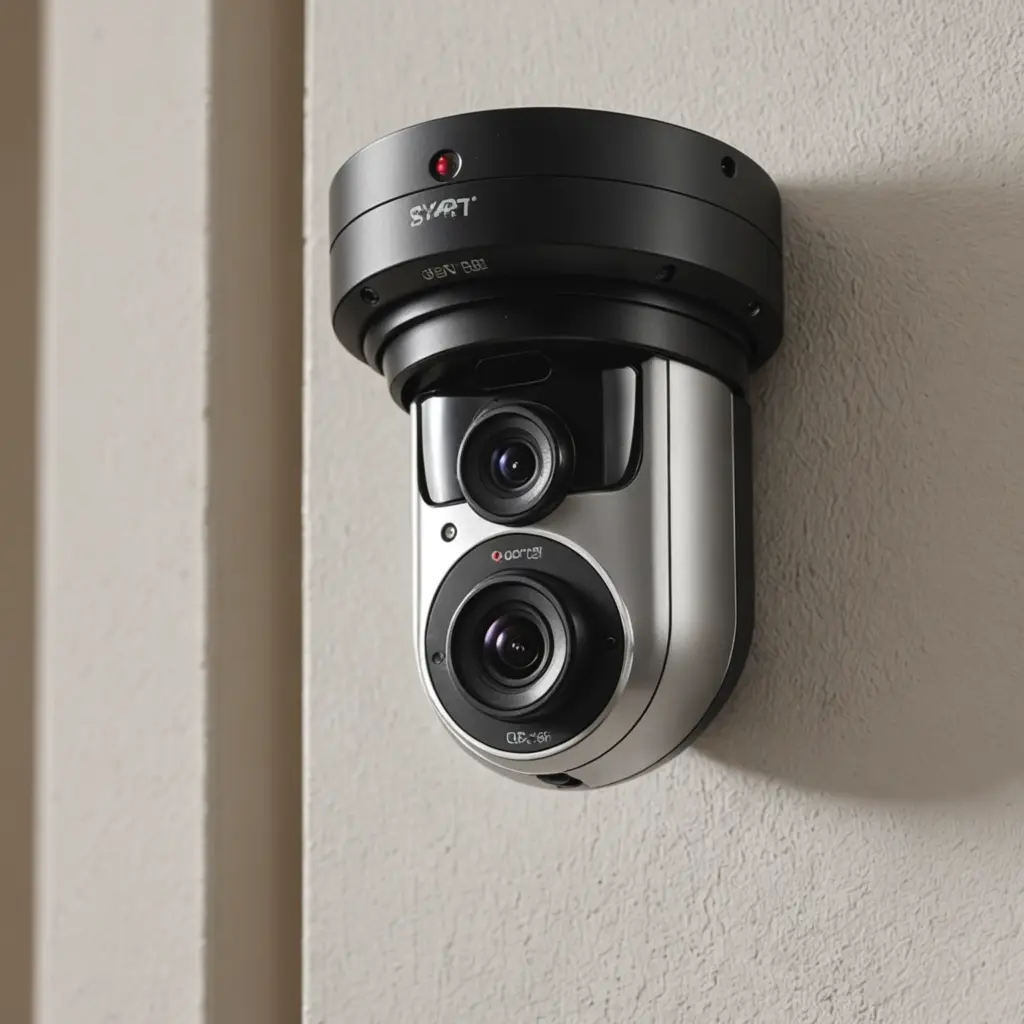

A motion sensor with an app combines a physical detection device with mobile alerts and remote monitoring. When activity is detected, the system can notify you, save a video clip, or make a connected camera available for live viewing. This makes it easier to monitor a home, office, storage area, or other permitted space without watching a video feed continuously. Smart motion alerts enable discreet monitoring features and advanced recording technologies for modern surveillance systems.
The most useful systems do more than react to every movement. They let you adjust sensitivity, define detection areas, choose when alerts are active, and filter events so that ordinary background activity produces fewer unnecessary notifications.
How a motion sensor with an app works
The sensor first identifies a change in its surroundings. Depending on the device, this may be detected through passive infrared (PIR), camera-based image analysis, or a combination of both. The event is then processed locally on the device or through connected software. The companion app may send a push notification, begin recording, or provide access to a live view.
PIR sensors detect changes in heat and are generally valued for low power consumption. Camera-based systems analyze changes between images and may use software classification to distinguish people, animals, or vehicles. Hybrid systems combine these approaches, potentially improving accuracy while reducing false alerts. The best option depends on the environment, power source, camera requirements, and the level of detail needed from each event.
Features that matter
- Adjustable sensitivity: Tune detection to reduce alerts caused by minor movement, shadows, or changing environmental conditions.
- Activity zones: Focus detection on an entrance, walkway, cabinet, or other specific area instead of the entire camera view.
- Person, animal, or vehicle filtering: Where supported, classification can make alerts more relevant and reduce time spent reviewing footage.
- Scheduled alerts: Set the system to notify you only during selected hours or when a location is expected to be unoccupied.
- Reliable notifications: An alert is useful only if it arrives promptly and clearly identifies the relevant device or location.
- Local and cloud storage: Storage options may include a microSD card, network storage, or cloud retention. Check how long recordings are kept and who can access them.
- Security controls: Two-factor authentication, encrypted connections and storage, access logs, and regular firmware updates help protect recordings and account access.
Choosing the right system
Start with the intended monitoring area and the available power and network connections. A continuously powered device may be more suitable for a fixed indoor or outdoor installation, while a battery-powered sensor can be easier to place but may require regular charging. Outdoor equipment should be designed for the conditions where it will be installed.
Wi-Fi is common for app-connected devices, but some systems use Bluetooth, Zigbee, or proprietary radio connections. Confirm that the device works with your phone and that the app supports the access method you need. If privacy is a priority, consider whether the system can operate locally or lets you choose where video is stored.
App quality is as important as the sensor itself. Look for clear event history, dependable notifications, simple sensitivity controls, and a straightforward process for sharing or exporting authorized recordings. Manufacturer support and firmware updates also matter, especially for a device that may remain in service for a long period. For broader mobile monitoring, compare your motion sensor setup with an action camera app for flexible recording.
Setup and reducing false alerts
Place the sensor or camera so that the important approach path is visible without pointing unnecessarily into private areas. Follow the manufacturer’s instructions for mounting height and viewing angle. After pairing the device with the app, test it under normal conditions, including different lighting and expected household or workplace activity.
Begin with moderate sensitivity and adjust it after observing several alerts. Exclude areas affected by moving curtains, branches, reflections, pets, or heating and cooling equipment where possible. Create separate rules for different times of day if the system supports schedules. Test notifications on the phone that will receive them, and confirm that recordings are actually being saved before relying on the system.
Privacy, consent, and responsible use
A motion sensor may be simple to install, but a connected camera can collect sensitive information. Recording laws differ by location and may depend on the space, the people being recorded, and whether audio is captured. Do not assume that a hidden or compact camera is permitted simply because it is technically easy to install.
Use these systems only in areas you are authorized to monitor. Where required or appropriate, inform occupants, visitors, employees, or contractors and obtain consent. Avoid bedrooms, bathrooms, changing areas, and other places where people have a strong expectation of privacy. Before deployment, check applicable local rules and consider disabling audio if it is not necessary.
Finally, change default passwords, enable two-factor authentication, restrict account access, update firmware, and review stored footage and access logs periodically. Used with careful configuration and respect for privacy, a motion sensor with an app can provide timely awareness without requiring constant manual surveillance.