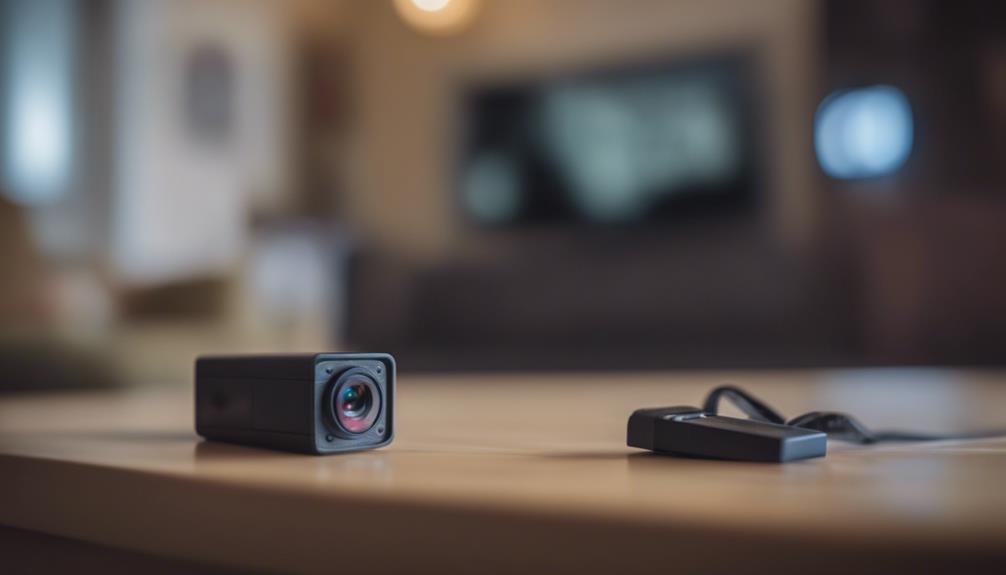

A plug-in outdoor security camera can provide dependable property monitoring without the battery changes required by many wireless models. It is a practical option for homeowners and small businesses that want live viewing, motion alerts, night vision, or recording while keeping installation simpler than a fully hardwired surveillance system. For privacy-conscious homeowners, consider discreet outdoor placement to enable covert surveillance uses around entryways and yards.
Why choose a plug-in outdoor camera?
Battery-powered cameras are convenient, but frequent charging or battery replacement can become frustrating when a camera is used for continuous monitoring. A plug-in model receives steady power from an outlet, making it better suited to regular live viewing, extended recording, and consistent operation.
Many plug-and-play cameras can be mounted near a suitable outlet, connected to a mobile app, and configured without complex wiring. Depending on the model, recordings may be saved to a memory card, a network video recorder, cloud storage, or a combination of these options. Check the storage arrangement carefully, since cloud recording may involve an ongoing subscription.
Features worth comparing
Price is important, but the least expensive outside camera may not provide the reliability or image quality needed for useful evidence. Compare the following features before choosing a model:
- Weather resistance: Look for an enclosure designed for outdoor conditions. Ratings such as IP65 or higher can indicate protection against dust and water, but the camera should still be installed according to the manufacturer’s instructions.
- Image quality and night vision: Clear footage in daylight is useful, but infrared or color night vision can be equally important around entrances and driveways.
- Motion detection: Adjustable detection zones and sensitivity settings can help reduce alerts caused by passing traffic, trees, or other non-threatening movement.
- Two-way audio: A built-in speaker and microphone can let you communicate with visitors or issue a warning from the camera app.
- Storage choices: Local storage may reduce recurring costs, while cloud storage can make remote access and backup more convenient. Review how each option handles account security and access.
- Connectivity: Confirm that the camera can maintain a reliable connection from its intended outdoor position. Some models may support wired networking or accessories intended to improve signal strength.
- Security and support: Password protection, encryption, firmware updates, warranty coverage, and clear manufacturer support are important considerations for any internet-connected camera.
Planning the installation
Start by identifying the areas that matter most, such as a front door, driveway, side gate, garage, or rear entrance. A camera should be high enough to discourage tampering while still showing useful details. The legacy guidance suggests a mounting height of roughly 8 to 10 feet, although the best position depends on the property, camera angle, and area being monitored.
Avoid aiming directly toward bright lights, highly reflective surfaces, or the rising and setting sun. These conditions can produce glare or wash out parts of the image. Test the camera’s view before permanently tightening the mount, and check that the most important approach paths are visible without excessive obstruction.
Power connections require particular care outdoors. Use a properly rated outdoor outlet, adapter, cable, and weatherproof protection. If an extension cable or weatherproof power box is necessary, it must be suitable for the environment and installed so that water cannot collect around the connection. Altering fixed electrical wiring may require compliance with local rules or assistance from a qualified professional. For larger properties, business-grade 4K systems can extend coverage beyond a single plug-in outdoor camera.
Outdoor and indoor cameras are not interchangeable
An indoor plug-in camera is generally not designed to withstand rain, moisture, temperature changes, or outdoor dust. Installing one outside can lead to unreliable operation or early failure. An outdoor camera may be usable indoors, but it can be larger or more rugged than necessary. Choose equipment based on the conditions where it will actually be installed rather than relying only on the lowest purchase price.
Privacy and discreet monitoring
Security cameras should be used responsibly, especially when placement is discreet. Reasonable uses can include monitoring your own entrances, observing deliveries, checking a vacant property, or documenting suspected trespassing and vandalism. However, recording private areas or conversations without appropriate consent may violate privacy or recording laws.
Before using a hidden or disguised camera, check the rules that apply in your jurisdiction. Avoid positioning cameras toward places where people reasonably expect privacy, and consider whether visitors, employees, tenants, or neighboring properties could be captured. Transparency is often the safest approach when monitoring shared or commercial areas.
Maintenance and troubleshooting
Keep the lens clean, inspect the cable and weather seals periodically, and install firmware updates when they are available. If the camera stops responding, check the outlet and power adapter first. Then verify the network connection, app account, and Wi-Fi signal at the camera’s location. A camera that repeatedly loses connection may need to be repositioned or connected through a more suitable networking arrangement.
Finally, compare total ownership costs rather than focusing only on the initial price. A dependable, affordable outdoor camera with suitable weather protection and storage options may offer better value than a cheaper unit that requires frequent replacement or an unexpectedly expensive subscription.