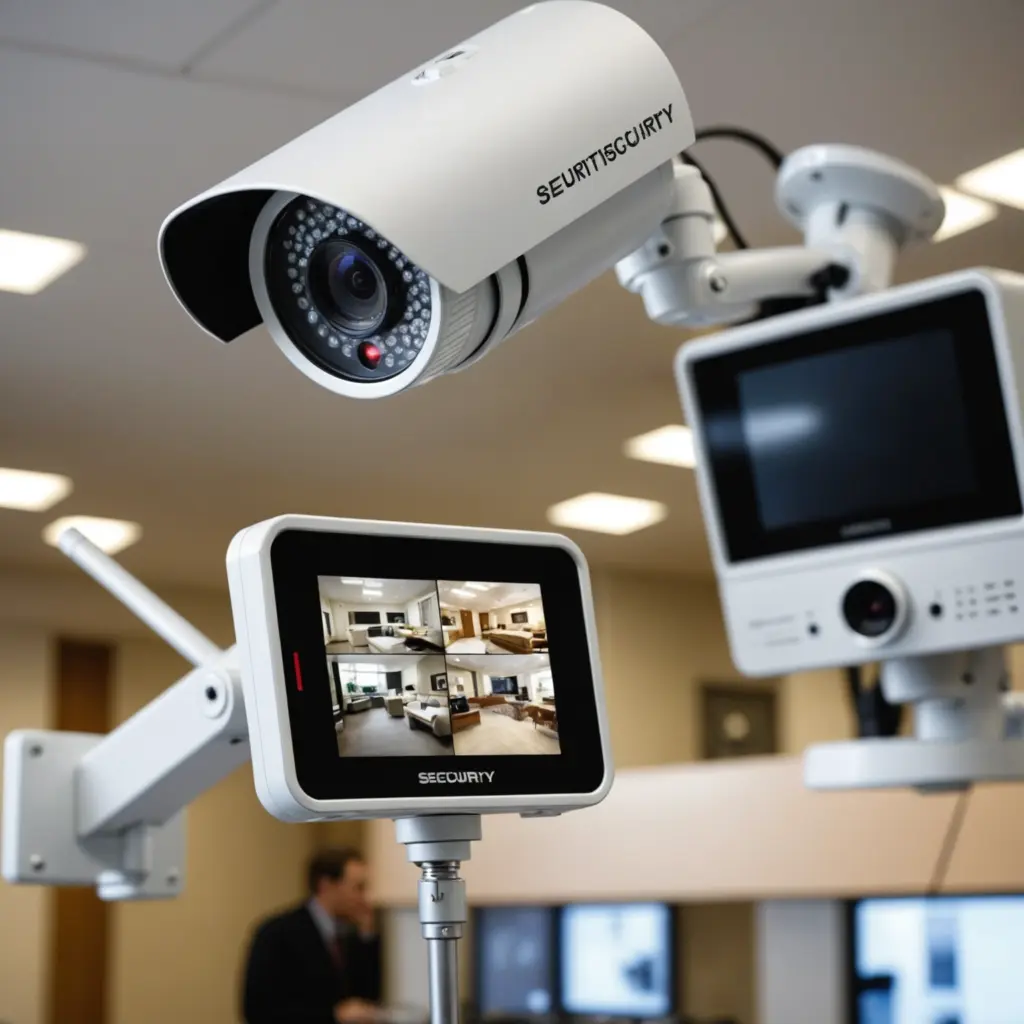

A security camera system with a monitor provides a direct way to view live footage on site. Unlike setups that depend mainly on a phone app or cloud account, these systems can offer a dedicated screen for checking cameras around a home, office, shop, or other property. Depending on the package, the monitor may display one camera, cycle through several feeds, or connect to a recorder for reviewing stored video. A monitor-equipped security system can illustrate how compact recording and wireless transmission improve a monitoring setup.
What a security camera with a monitor includes
A basic system usually combines one or more cameras with a dedicated display. More complete kits may also include a digital video recorder, network video recorder, memory-card storage, or another form of local recording. Some products are designed mainly for live viewing, while others let you search and replay footage on the monitor.
There are two main connection types:
- Wired systems: Cameras connect to a recorder or monitor through cables. This approach is well suited to permanent installations and multi-camera coverage.
- Wireless systems: Cameras send video to a monitor using Wi-Fi or a private wireless connection. They can be easier to position, particularly where installing cable is difficult.
Before buying, check whether the camera and display are designed to work together. Analog CCTV equipment and IP network cameras use different connection methods, and a monitor made for one type may not support the other without additional equipment.
Features worth comparing
Image quality and viewing area
Resolution affects how clearly people, objects, and activity appear on the screen. A higher-resolution camera can be useful when the viewing area is large or when details need to be examined later. Consider the monitor’s size and placement as well: a small portable display may be convenient for occasional checks, while a larger screen is more practical for viewing several feeds at once.
Night visibility
If the camera will operate after dark, look for suitable low-light performance or infrared night vision. Outdoor cameras should also be housed for the conditions where they will be installed. A camera intended for sheltered indoor use may not be appropriate for an exposed entrance, driveway, or garden.
Motion detection and recording
Motion detection can help reduce the amount of footage that needs to be reviewed, particularly when the system supports motion-triggered recording. Confirm where recordings are stored and how long the available storage can retain them. A monitor that only provides live video will not offer the same review capabilities as a system connected to local storage or a recorder.
Wireless reliability and privacy
Wireless cameras depend on signal strength, distance, building materials, and—on battery-powered models—available battery life. Place the camera where it can maintain a dependable connection to the monitor or recorder. Secure pairing and encryption are also important, especially when video travels over a home or business network. For broader low-light recording options, compare monitor-based security setups with modern action-camera night vision.
Choosing between wired and wireless systems
A wired CCTV system is often the better choice for a fixed installation with several cameras and ongoing recording. Once installed, the connections can provide a stable link between cameras, recorder, and monitor. The trade-off is that cable routing may require more planning and installation work.
Wireless systems are useful when portability and simpler installation matter most. They can suit temporary monitoring, smaller properties, or locations where cables are impractical. However, wireless range and battery maintenance should be considered before relying on a camera for continuous coverage. A mixed setup may also be appropriate, using wired cameras in key indoor areas and wireless cameras where outdoor placement is more difficult.
Practical uses at home and at work
At home, a monitor can provide an immediate view of an entrance, hallway, nursery, or another shared area without opening a smartphone application. In a business, a central display can help staff check entrances, sales areas, storage rooms, or other locations from a convenient on-site position.
Small or discreet cameras may be useful where a low-profile design is required, but discreet placement does not remove privacy responsibilities. Cameras should not be used in areas where people reasonably expect privacy, and recording practices should be explained or authorised where required.
Installation checklist
- Position cameras to cover the intended area without unnecessary views into private spaces.
- Mount outdoor cameras securely and choose equipment suitable for the installation environment.
- Test the live image during both daytime and nighttime conditions.
- Check wireless signal strength before permanently mounting a wireless camera.
- Confirm that the monitor, cameras, recorder, and storage method are compatible.
- Set a clear process for reviewing, retaining, and deleting recorded footage.
Making the right choice
Start by deciding whether you need live viewing only or recorded footage as well. A single-camera monitor package may be enough for a small area, while a recorder-based multi-camera system is more suitable for broader coverage and regular review. Then compare resolution, night vision, motion detection, connection type, storage, and power requirements.
The best security camera with monitor setup is one that matches the property, viewing habits, and installation constraints. A dedicated display can make monitoring more immediate, while a suitable recorder and well-planned camera placement provide greater practical value over time. Always check local rules before recording people or using hidden or discreet cameras.