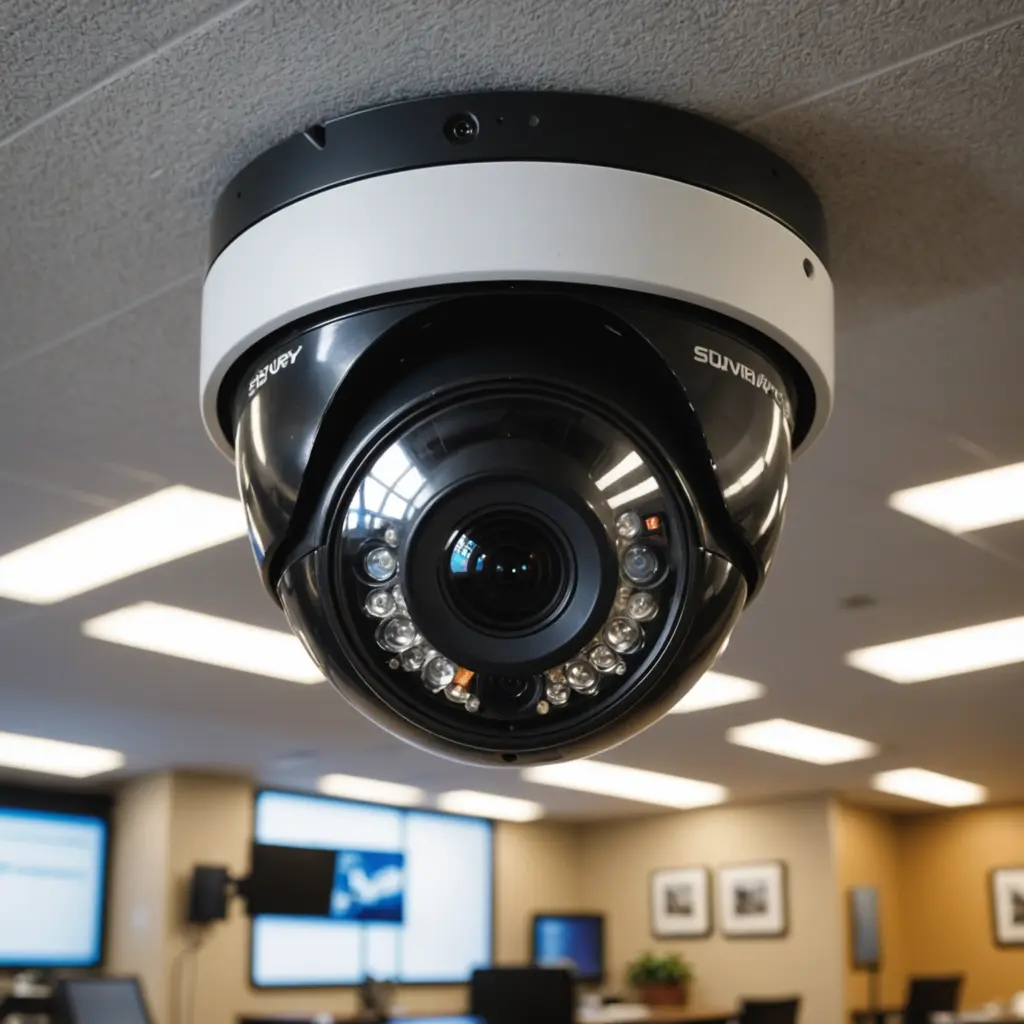

Video surveillance can help a small business deter theft, investigate incidents, protect employees, and understand how its premises are being used. The right setup does not have to be complicated or oversized. A practical system combines suitable cameras, dependable recording, secure access, and clear rules for handling footage. Small businesses can use discreet surveillance solutions to enable a range of covert monitoring applications effectively.
What business surveillance cameras can help with
Visible cameras can discourage theft and provide useful evidence when an incident occurs. They can also help managers review safety concerns, investigate property damage, monitor entrances, and respond to activity outside normal operating hours.
Common coverage areas include:
- Customer entrances and exits
- Cash registers, service counters, and points of sale
- Loading docks and delivery areas
- Stockrooms, warehouses, and other inventory locations
- Areas containing valuable equipment
- Work zones where equipment, traffic, or other hazards require attention
Surveillance should support a defined business need rather than record every area indiscriminately. Good planning reduces costs and makes the resulting footage easier to review.
Features to compare before buying
Image quality and visibility
Choose a resolution that allows important details to be identified at the distances involved. A camera at an entrance may need a different lens and viewing angle from one covering a small storage room. Night vision or low-light performance is important for locations that are occupied or accessible after dark.
Wired and wireless installation
Wired Power over Ethernet systems can provide a stable connection and simplify power delivery when suitable cabling is available. Wireless cameras may be easier to install, but their performance depends on network coverage and power arrangements. Check the reliability of the proposed installation rather than choosing solely on convenience.
Recording and storage
Cloud recording can make remote access and system management straightforward, while a local network video recorder gives the business more direct control over stored footage. Consider internet reliability, subscription costs, storage capacity, backup needs, and how long recordings should be retained.
Alerts and system security
Motion alerts, tamper notifications, and mobile access can help staff respond quickly. Configure alerts carefully so that normal movement does not create an unmanageable number of notifications. Use strong, unique passwords, limit account access, enable available security protections, and keep camera and recorder software updated.
Planning camera placement
Begin with a simple floor plan and mark entrances, blind spots, high-value areas, and locations where an incident would be difficult to investigate without video. Mount cameras securely and test the view at different times of day. Bright windows, glare, shelving, changing light, and moving crowds can all affect image quality.
After installation, review sample recordings during busy and quiet periods. Confirm that faces, transactions, doorways, and other relevant details are visible where appropriate. Avoid placing cameras where routine activity is likely to block the view, and inspect lenses and connections regularly. Small businesses can compare motorized camera options when surveillance coverage needs flexible viewing across changing areas.
Discreet and covert monitoring
Some businesses may consider discreet cameras for a specific, documented investigation or for a location where a visible camera would be impractical. Concealment does not remove legal or ethical responsibilities. Covert monitoring should be limited in scope, authorised by the appropriate decision-maker, and reviewed carefully before use.
Never place cameras in restrooms, changing rooms, locker rooms, or other areas where people reasonably expect privacy. Avoid using surveillance to monitor personal conversations or private activities. In many jurisdictions, audio recording is subject to additional restrictions, so microphones should remain disabled unless the business has confirmed that recording is lawful and necessary.
Privacy, access, and retention policies
Workplace surveillance requirements vary by location. Before installing or using cameras, check applicable privacy, employment, and recording laws. In some situations, signage or direct notice may be required; even when it is not, clear communication can help employees and visitors understand the purpose of the system.
Create a written policy covering:
- Why cameras are used and which areas are covered
- Who may view live feeds or recorded footage
- How footage is secured and how long it is retained
- When footage may be shared with law enforcement, insurers, or other parties
- How privacy complaints and access requests are handled
Keep access limited to people with a legitimate business need. When footage is needed for an incident, preserve the original recording, note the relevant date and time, and share it through a secure method.
Maintenance and total cost
The purchase price is only part of the budget. Include installation, cabling, storage, cloud subscriptions, replacement equipment, network upgrades, and ongoing maintenance. A lower-cost system may be suitable for basic coverage, but unreliable recording or poor night performance can reduce its value when evidence is needed.
Schedule regular checks to clean lenses, verify recording, test alerts, review user permissions, and install security updates. Choose a system that can expand if the business adds rooms, storage areas, or additional locations.
Making surveillance useful and proportionate
The most effective small business camera system is designed around clear objectives. Use visible coverage to deter and document incidents, apply discreet monitoring only when justified and lawful, and protect recorded information as carefully as other business data. With thoughtful placement, dependable storage, regular maintenance, and transparent policies, surveillance can improve security and safety without becoming unnecessarily intrusive.