
What makes a Wi-Fi security system a good choice?
A Wi-Fi security system can provide a flexible way to monitor a home, apartment, office, or small business without the extensive cable installation required by many traditional systems. Cameras and sensors can often be placed where they are needed most, while smartphone access makes it possible to review footage and receive alerts remotely. When evaluating a WiFi security system, compare specialized surveillance options to match discreet monitoring needs.
The best system is not necessarily the one with the most features. It should suit your property, internet connection, privacy preferences, and budget. Before comparing models, decide whether your priority is visible deterrence, indoor monitoring, outdoor coverage, alarm integration, or a combination of these needs.
Key features to compare
Video quality and coverage
Resolution affects how clearly you can identify details in recorded video. A wide-angle lens can cover more of a room or entry area, while a narrower view may provide better focus on a specific doorway or driveway. Check whether the camera provides useful night vision if monitoring will continue in low-light conditions.
Also consider placement. A camera aimed directly at a bright window may produce poor images, and a wide field of view does not compensate for an obstructed lens or an unreliable wireless signal.
Motion detection and notifications
Motion alerts are useful only when they are timely and meaningful. Compare how the system handles sensitivity, activity zones, and repeated movement. The goal is to receive notifications about relevant activity without being overwhelmed by alerts caused by passing vehicles, pets, changing light, or tree branches.
A dependable mobile app is equally important. Look for straightforward access to live video, recorded clips, alert settings, and system controls. If an alert arrives but the app is slow or difficult to use, the system becomes less practical.
Storage and subscription costs
Security systems commonly use cloud storage, local storage, or a combination of both. Cloud storage can make footage easier to access from different locations, but it may involve an ongoing subscription. Systems supporting a microSD card or another local-storage option can offer greater control and may reduce recurring costs.
Review what happens when storage is full, how long recordings are retained, and whether important clips can be downloaded. These details matter if you need footage after an incident rather than only real-time viewing.
Power and connectivity
Battery-powered cameras are convenient where wiring is difficult, but battery life depends on usage, signal strength, and environmental conditions. Wired cameras generally avoid regular charging, although they still depend on a stable connection and suitable power access. For discreet candle monitoring, consider how Wi-Fi security systems support connected surveillance throughout your home.
Place Wi-Fi cameras within reliable range of the router. If coverage is weak, a properly configured mesh network or extender may help. Remember that every wireless camera shares bandwidth with other connected devices, so a large number of cameras may place additional demands on the network.
Choosing the right type of camera
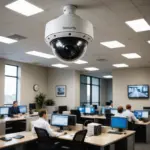
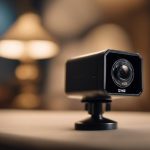
- Visible indoor cameras: Suitable for monitoring rooms, entry points, children, pets, or caregivers while providing a clear visual deterrent.
- Outdoor cameras: Useful for entrances, garages, yards, and detached structures. Check that the model is designed for outdoor conditions and that its view is not obstructed.
- Battery-powered cameras: Practical for locations where running cable is inconvenient, provided that charging or battery replacement is manageable.
- Doorway or entry cameras: Designed to focus attention on the areas where visitors approach or access may be attempted.
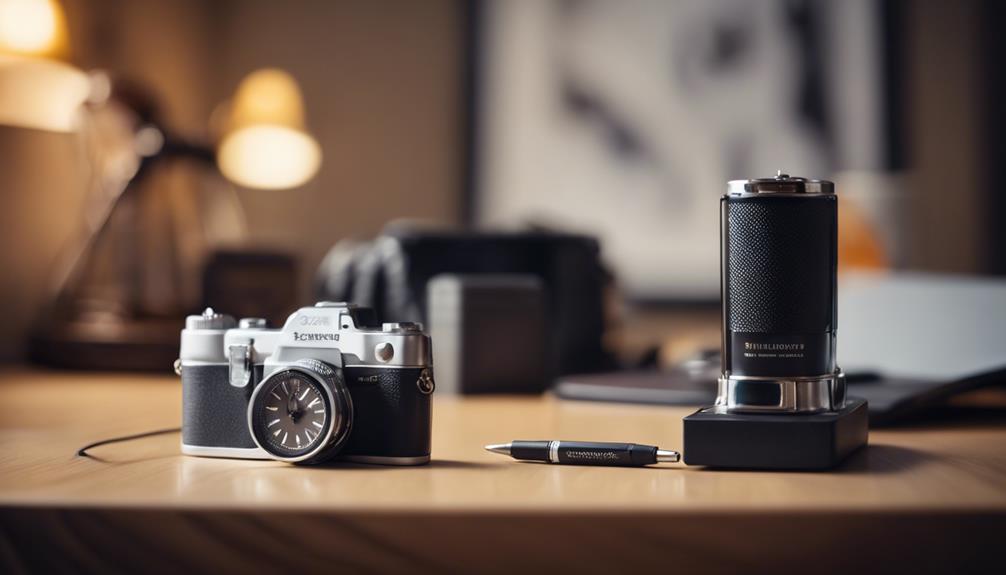
- Concealed cameras: These require particular care. Any covert monitoring should comply with applicable privacy, consent, and recording laws. Do not use concealed equipment to monitor people in places where they reasonably expect privacy.
When to add a wireless alarm system
A wireless alarm system with cameras can combine door or window sensors, motion detectors, sirens, and video verification. When a sensor is triggered, a camera clip or snapshot may help you determine whether the event requires attention. This can be especially useful at main entrances, garages, and other access points.
If professional monitoring is part of your plan, check how the service handles video-verified alarms, emergency contacts, and system failures. Confirm that the alarm, cameras, and app work together rather than treating them as unrelated products.
Privacy and security best practices
A connected camera should be secured like any other internet-connected device. Create a unique account password, enable two-factor authentication when available, install firmware updates, and review account access regularly. A separate network for smart devices can also help limit exposure if one connected product is compromised.
Position cameras carefully. Avoid recording neighboring properties, public areas, or private spaces unnecessarily, and inform household members or workers when monitoring is taking place where required. For sensitive footage, consider encryption and local-storage options that reduce reliance on cloud services.
Making the final decision
Start with the locations you need to monitor and the type of evidence or alerts you expect the system to provide. Then compare image quality, night performance, motion controls, storage, power, app reliability, and total ownership cost.
The best Wi-Fi security system is the one that remains dependable after installation and fits your privacy expectations. A simpler system with reliable alerts and secure access may be more useful than a feature-heavy setup that is difficult to maintain or too costly to operate.