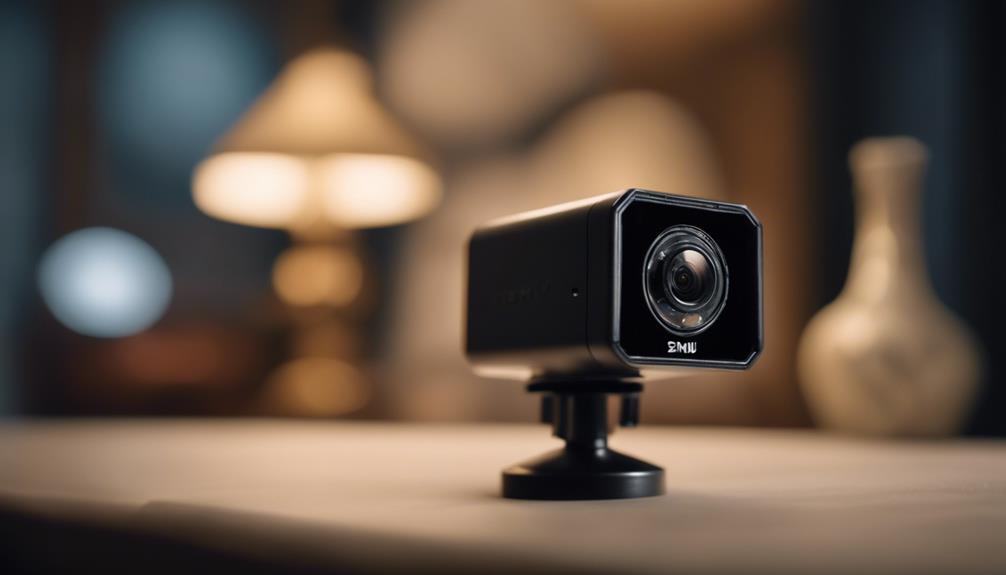

A mini WiFi camera is a compact surveillance device that connects to a wireless network for live viewing, alerts, and video recording. Its small size makes it useful in spaces where a full-size security camera would be impractical, while smartphone access allows users to check footage remotely. These cameras can support legitimate home, caregiving, pet-monitoring, and small-business security needs, provided they are installed and used with proper respect for privacy. Explore compact WiFi models within our overview of specific spy camera types for discreet surveillance options.
What is a mini WiFi camera?
Mini WiFi cameras combine a small housing with wireless video transmission. Depending on the model, they may include a pinhole or compact lens, infrared night vision, motion detection, a built-in microphone, two-way audio, and an app for viewing or managing recordings.
The main advantage is flexibility. A wireless connection reduces the need for long video cables, and a small body can fit on a shelf, near an entryway, or in another suitable position with limited space. However, most models still need a reliable power source, whether through a wall adapter, rechargeable battery, or replaceable batteries.
Common mini camera designs
Mini WiFi cameras are available in several configurations. Choosing between them involves balancing visibility, power requirements, installation options, and recording needs.
- Compact indoor cameras: Small standalone units designed for shelves, desks, rooms, or entry points.
- Pinhole-style cameras: Cameras with a very small lens opening. Their use should be limited to lawful, clearly appropriate monitoring.
- Portable battery-powered cameras: Useful when a temporary position is needed or a power outlet is unavailable, although battery life requires regular attention.
- Wired mini cameras: Better suited to continuous operation because they draw power from an adapter or another permanent connection.
- Disguised or integrated units: Cameras built into objects such as clocks or adapters. These require particular care because concealing surveillance can create serious privacy and legal concerns.
Where a mini WiFi camera can be useful
In a home, a camera may help monitor an entrance, a shared living area, or a location containing valuables. Caregivers may use one to check on children or elderly family members when appropriate notice and consent requirements have been addressed. Pet owners can check activity while away, and renters may prefer a compact model that can be moved without modifying the property.
Small businesses may use cameras to observe entrances, inventory, or narrow aisles. Any workplace installation should follow applicable rules and clearly communicate monitoring practices to employees and visitors where required.
Placement and installation tips
Start by identifying the specific area you need to monitor rather than choosing a position solely because it is hidden. Point the camera toward an entryway or other relevant location, and avoid bathrooms, changing areas, bedrooms used by others, or any place where people reasonably expect privacy.
- Test the WiFi signal at the intended position before permanently mounting the camera.
- Keep the lens clear of glare, direct sunlight, and objects that could block the view.
- Place the camera high enough to reduce accidental knocks, but not so high that important details are lost.
- Plan access to the power connection before installation.
- For battery models, establish a charging or replacement schedule.
If the wireless signal is unreliable, moving the camera closer to the router may help. A WiFi extender can also be considered, provided the network remains properly secured. For broader monitoring beyond a mini WiFi camera, explore coordinated home coverage with multiple connected viewpoints.
Features worth comparing
Resolution affects how clearly footage can be viewed, especially around entrances and other areas where identifying details matter. Night vision is useful in low-light conditions, while motion detection can reduce the need to review hours of uneventful recording. Motion alerts should be adjustable so that pets, curtains, or other routine movement do not create excessive notifications.
Storage is another important choice. Cloud recording can support remote access and backup, but it may involve an ongoing subscription. A camera with a microSD card slot can store footage locally, although the card should be checked periodically and configured for automatic overwriting if continuous recording is required. Two-way audio may be useful for communication, but it should not be enabled where recording conversations would violate applicable rules.
Secure the camera and protect recordings
Change the default password immediately and use a strong, unique password for the camera account. Enable secure authentication options offered by the device, keep its firmware and mobile app updated, and protect the phone used to access the system. Review connected accounts and disable features you do not need.
Consider whether cloud storage is appropriate for the sensitivity of the footage. If local storage is preferred, confirm that recordings are not being uploaded automatically and store memory cards securely when removed.
Privacy and legal responsibilities
Surveillance laws vary by location. Recording people without their knowledge or consent may be unlawful, particularly in private spaces or when audio is captured. Before installation, check the rules that apply to your home, workplace, rental property, or business, and notify household members, employees, or visitors when required.
Responsible use also means limiting the camera’s view to the area necessary for its stated purpose. A small camera should never be used to intrude on another person’s private activities.
Troubleshooting and maintenance
For connection problems, check the WiFi signal, restart the camera and router, and confirm that the app and firmware are up to date. Clean the lens with a suitable soft cloth if the image becomes blurry. If recordings use a microSD card, verify that it has available space and that overwrite settings are working. Finally, review motion zones and notification settings regularly so the camera remains useful without generating unnecessary alerts.