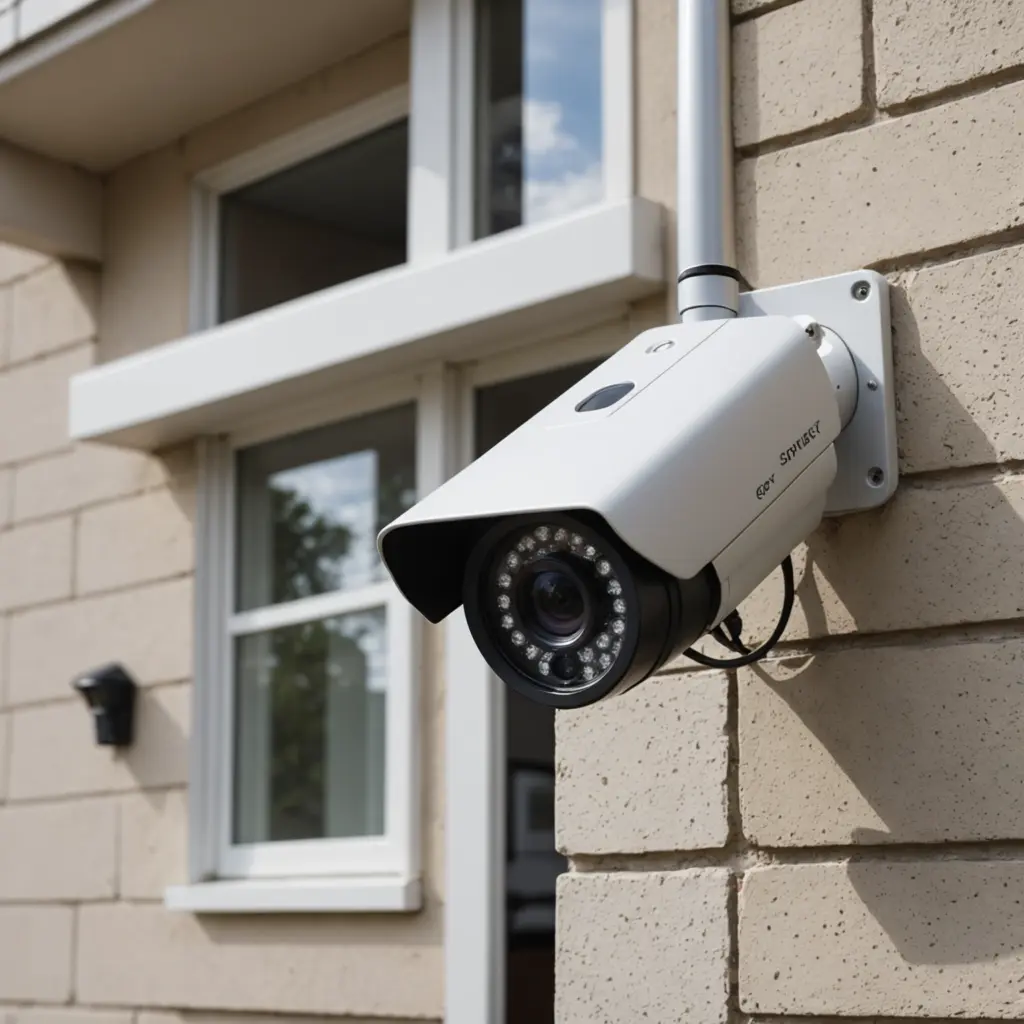

Mobile surveillance cameras provide security monitoring where a permanent installation is impractical, unnecessary, or too slow to deploy. These portable systems can be moved between locations, mounted on vehicles or temporary structures, and used in areas without mains power or fixed internet access. Depending on the model, they may combine battery power, solar charging, cellular connectivity, local recording, and motion-based alerts in one compact unit. Explore how mobile surveillance cameras incorporate portable surveillance tech to enable covert monitoring and advanced connectivity.
What is a mobile surveillance camera?
A mobile surveillance camera is a portable camera system designed for temporary, remote, or frequently changing monitoring needs. Unlike a conventional fixed camera connected to a building network, a mobile unit is often self-contained. It may include its own battery, cellular modem, storage, and wireless connection.
The main advantage is flexibility. A camera can be installed at a construction site today, moved to a storage yard tomorrow, or mounted on a vehicle for route monitoring. This makes mobile systems useful when installing cabling, network equipment, or permanent poles would be costly or unsuitable.
Key features to evaluate
Power and operating time
Battery capacity is one of the most important specifications for an off-grid camera. Some systems support solar panels to extend operating time, while others use replaceable or rechargeable battery packs. Actual endurance depends on factors such as recording frequency, night vision, temperature, signal strength, and how often footage is uploaded.
For a temporary deployment, choose a power arrangement that can be checked and serviced easily. A system that records only when activity is detected may use less energy than one that streams continuously.
Connectivity
When Wi-Fi is unavailable, cellular connectivity can send alerts or footage to a remote user. A suitable data plan is essential, particularly if the camera uploads high-resolution video or provides live viewing. In areas with weak coverage, local recording can provide a useful fallback.
Some installations use a hybrid approach: footage is stored on the camera and selected clips or alerts are transmitted remotely. This can reduce data usage while preserving access to important events.
Image quality and night visibility
Resolution should match the viewing distance and the detail required. A wide scene may need a broader lens, while identifying activity at a gate or entrance may require a narrower field of view. Infrared illumination or low-light capability can help cameras capture activity after dark, but placement remains important. Glare, obstructions, rain, and poorly positioned lighting can reduce usable image quality.
Motion detection and analytics
Motion detection can trigger recording or send an alert when activity occurs. More advanced systems may distinguish between people, vehicles, and general movement. These functions can reduce unnecessary notifications caused by weather, vegetation, or animals, although they should be tested and adjusted for the specific environment. For broader monitoring choices, compare digital imaging options that balance portability, clarity, and dependable remote observation.
Useful controls may include detection zones, schedules, sensitivity settings, and alerts based on a selected type of activity. Automated features should support human review rather than be treated as infallible.
Common applications
- Construction and renovation: Monitor equipment, materials, access points, and temporary work areas.
- Vehicle and fleet monitoring: Record activity around delivery vehicles, service vans, or other mobile assets.
- Events and temporary sites: Add flexible coverage where permanent security infrastructure is unavailable.
- Remote properties: Watch cabins, storage areas, agricultural land, and equipment yards.
- Wildlife and environmental observation: Capture activity in locations without reliable power or network service.
- Short-term property protection: Provide oversight during vacancies, repairs, or changes in site access.
Planning the installation
Start by identifying what must be seen, when activity is most likely, and how frequently the system can be serviced. Mount the camera securely and position it to avoid direct glare, unnecessary background movement, and blocked views. On a vehicle, confirm that the mounting method can withstand vibration and that the camera does not obstruct the driver’s visibility.
Before relying on the system, test cellular reception, remote access, motion zones, night images, and alert delivery. Check whether the camera continues recording when the connection is interrupted and determine how stored footage can be retrieved.
Storage, security, and maintenance
Mobile cameras may store footage on an internal memory card, upload it to a cloud service, or use both methods. Local storage can provide continuity during network outages, while remote storage makes footage easier to access if the camera is damaged or removed. Review retention settings so recordings are kept only as long as needed.
Protect accounts with strong, unique credentials and limit access to authorised users. Where supported, use encryption, multi-factor authentication, and role-based permissions. Routine maintenance should include cleaning the lens, checking mounts and weather seals, inspecting battery performance, reviewing storage capacity, and applying trusted firmware updates.
Privacy and legal responsibilities
Surveillance rules vary by location and may address video recording, audio capture, employee monitoring, vehicle tracking, and the retention or sharing of footage. Avoid pointing cameras into areas where people reasonably expect privacy. Depending on the setting, signs or notices may be required, and audio recording may have additional restrictions.
Before deploying a camera for investigative, workplace, or public-area monitoring, obtain appropriate legal guidance. A well-planned mobile surveillance system should provide useful security coverage without collecting more information than the situation requires.