
A small camera with smartphone connectivity can provide convenient monitoring, recording, and remote access without the bulk of a traditional camera system. Depending on the design, it may be suitable for checking an entryway, watching over a room, recording hands-free video, or monitoring a temporary location. When evaluating covert devices, examine phone-connected models to match features with different spy camera types.
The best choice depends less on size alone than on how you plan to use the camera. Battery life, wireless range, video quality, app support, storage, and privacy protections can make a significant difference in everyday use.
How phone-connected mini cameras work
Most compact cameras connect to a smartphone through Wi-Fi, Bluetooth, or both. Wi-Fi models generally use a companion mobile app to display a live feed, send motion notifications, and manage recordings. Some can connect to a home network for remote viewing, while others create a local wireless connection for short-range access.
Bluetooth is often used during initial setup or for nearby controls rather than continuous video streaming. Certain cameras may also use a cellular hotspot or another proprietary wireless connection. Before buying, confirm that the camera’s app supports your phone’s operating system and that the required network connection is available where the camera will be used.
Types of small cameras that connect to phones
Compact cameras are designed for different situations, and each format involves trade-offs between discretion, endurance, image quality, and ease of installation.
- Mini indoor cameras: Designed for rooms, entrances, and other fixed locations. They commonly offer live viewing, motion detection, and app-based alerts.
- Wearable cameras: Intended for hands-free recording while moving. They can be useful for fieldwork, documentation, or personal video capture.
- Button-style or pinhole cameras: Very small designs intended for situations where a low-profile camera is important. Their size may limit battery capacity and other features.
- Portable security cameras: Useful for temporary placements, travel, or areas without a permanent camera system. Power options and network availability are especially important for these models.
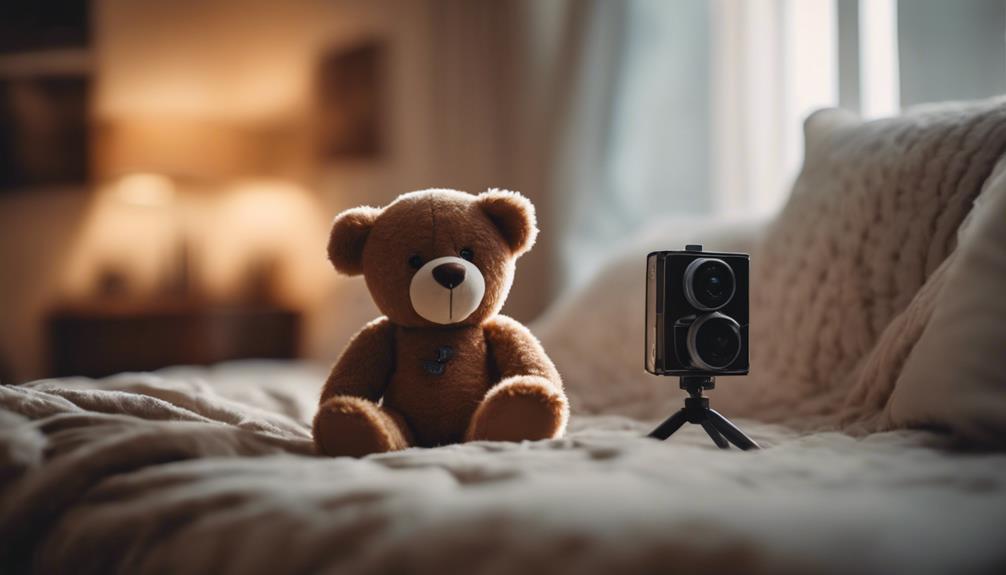
- Special-purpose cameras: Some compact units are built into objects or designed for particular locations. Use them only where recording is lawful and everyone who should know about the recording has been informed.
Features worth comparing
Power and placement
A very small camera may be easy to position but have limited battery life. If the camera must operate for long periods, look for a continuous power option or a design that supports convenient recharging. Consider whether the mounting position will provide access to a power outlet and whether the camera will remain connected to the wireless network.
Video and night performance
Choose video quality according to the detail you need. General room awareness may require less detail than identifying a person or reading a distant object. If the camera will operate in dim conditions, check its low-light performance rather than relying on resolution alone.
Alerts and recording
Motion alerts can notify you when activity is detected, but useful results depend on adjustable sensitivity and placement. Storage may be handled through a microSD card, a phone, or a cloud service. Cloud recording can make footage available away from the camera, but it may involve subscription costs and additional privacy considerations. For discreet experimentation, compact monitoring options can connect with phones while supporting simple amateur hidden-camera setups.
App quality and compatibility
The mobile app is central to the experience. Look for clear setup instructions, reliable live viewing, notification controls, and straightforward access to recordings. Check whether the app supports multiple users if other people need access, and review the manufacturer’s support and firmware-update policies.
Basic setup steps
Although the exact process varies, setting up a camera-to-phone connection commonly involves these steps:
- Charge or power the camera and install its official mobile app.
- Create or sign in to an account if the app requires one.
- Pair the camera using Bluetooth, a local wireless connection, or your Wi-Fi network.
- Choose motion, notification, and recording settings.
- Select local or cloud storage where available.
- Test the live feed and alerts from the intended camera position.
After setup, change any default password, use two-factor authentication when available, and install firmware updates. A strong, unique account password also helps reduce the risk of unauthorized access.
Privacy, consent, and responsible use
Small cameras can be useful for legitimate safety, security, and documentation purposes, but their discreet nature creates additional responsibilities. Laws differ by location, and recording people in private spaces without their knowledge or consent may be unlawful. Do not place a camera where people reasonably expect privacy, and make sure any recording complies with applicable consent and workplace or household rules.
Making the final choice
Start with the main purpose: indoor monitoring, portable security, or hands-free recording. Then prioritize the features that support that purpose. Long-term monitoring calls for dependable power and storage; travel use may require portability and simple setup; detailed identification calls for suitable image and low-light performance.
A small camera that connects to your phone is most useful when its wireless connection, app, power supply, and recording method fit the real conditions of use. Comparing those practical details will help you choose a compact device that is convenient without overlooking reliability, security, or consent.